Unpack
macOSOpen anything.
Archives, unpacked. Nothing overwritten.
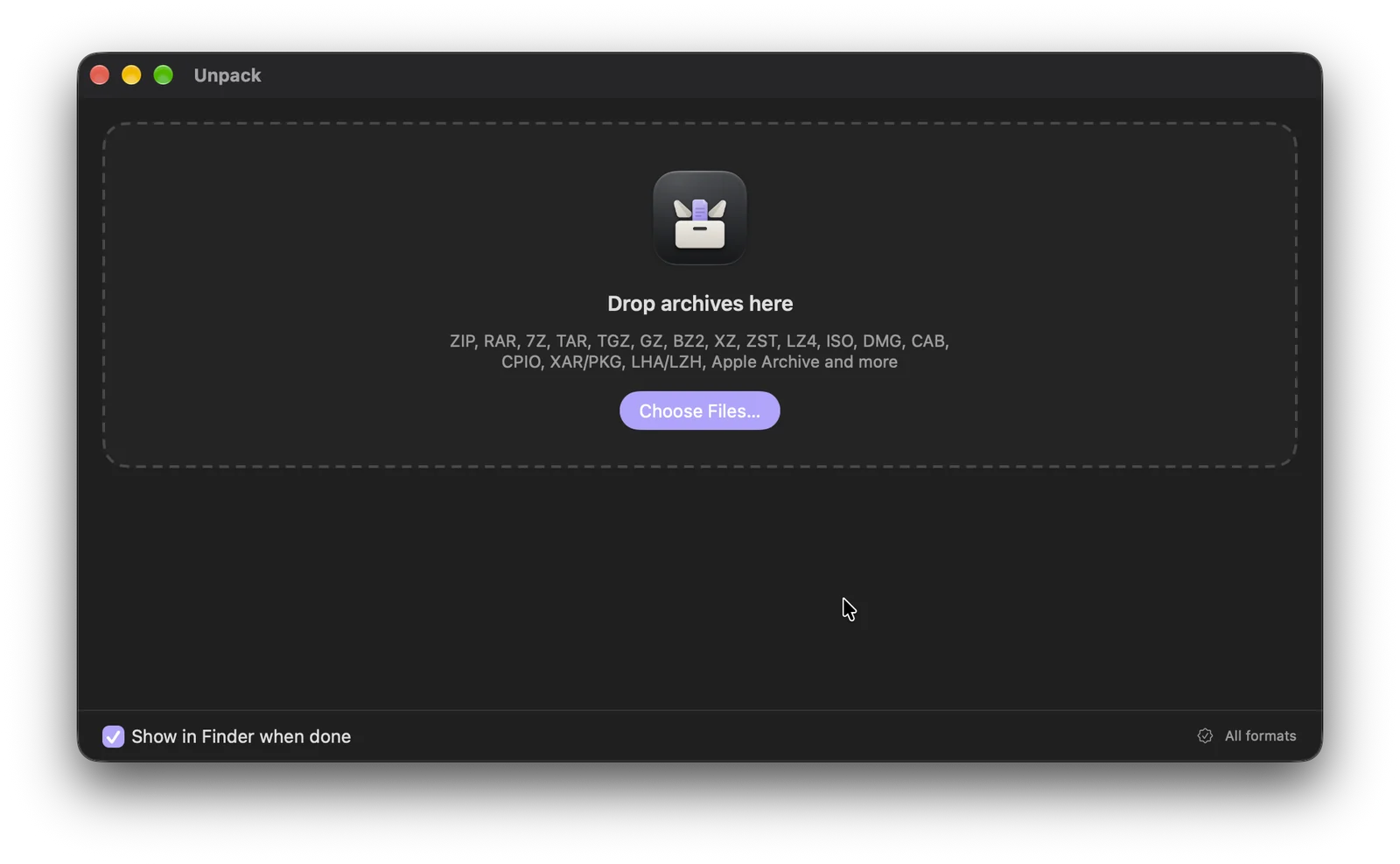
Unpack is a native Mac app that extracts archives and compressed files: ZIP, RAR, 7Z, TAR, GZ, BZ2, XZ, ZST, LZ4, ISO, DMG, CAB, CPIO, XAR/PKG, LHA/LZH, Apple Archive and more.
Version 1.0 is free. No purchase required.
01 / Drop it in
Drop it. It’s unpacked.
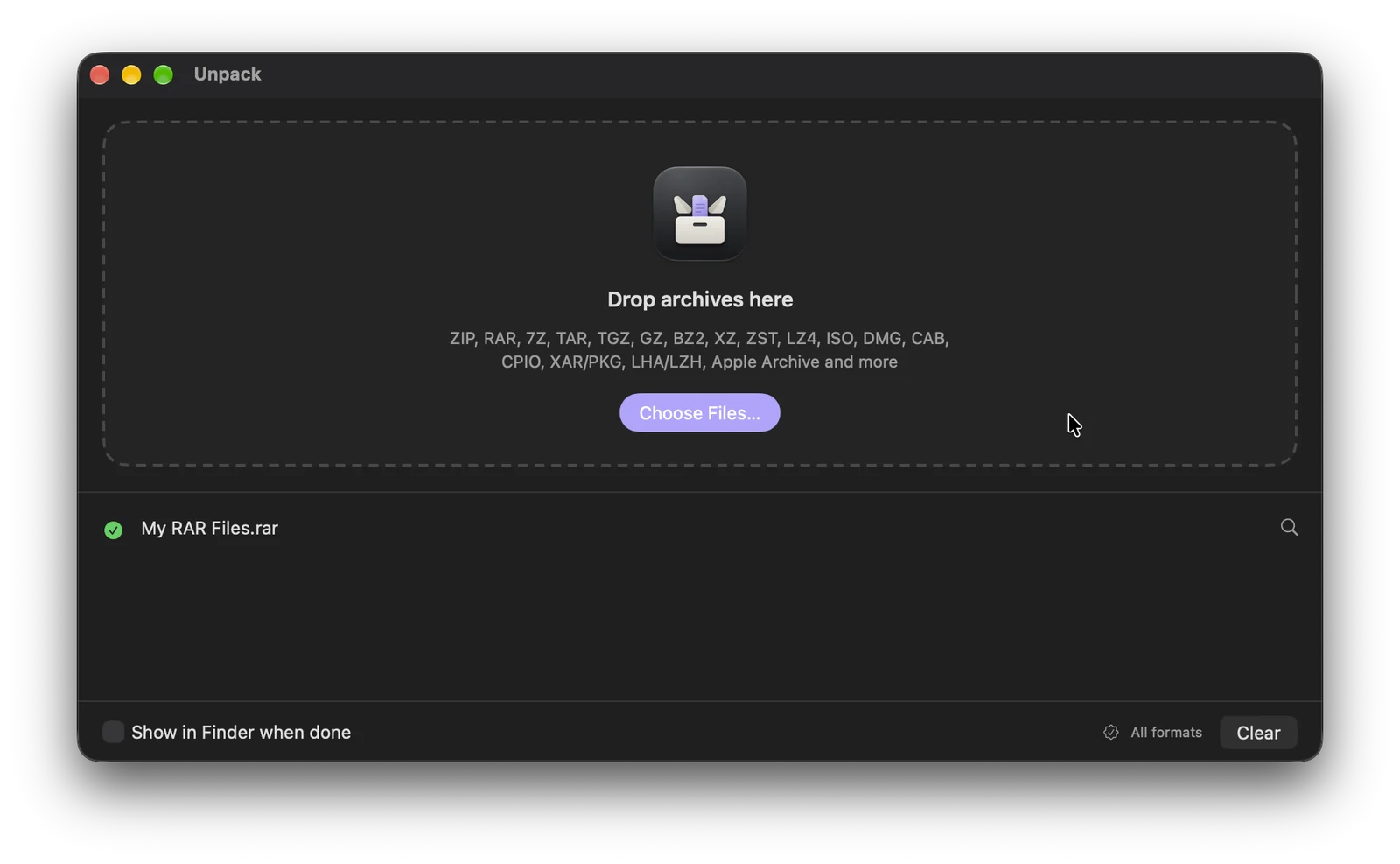
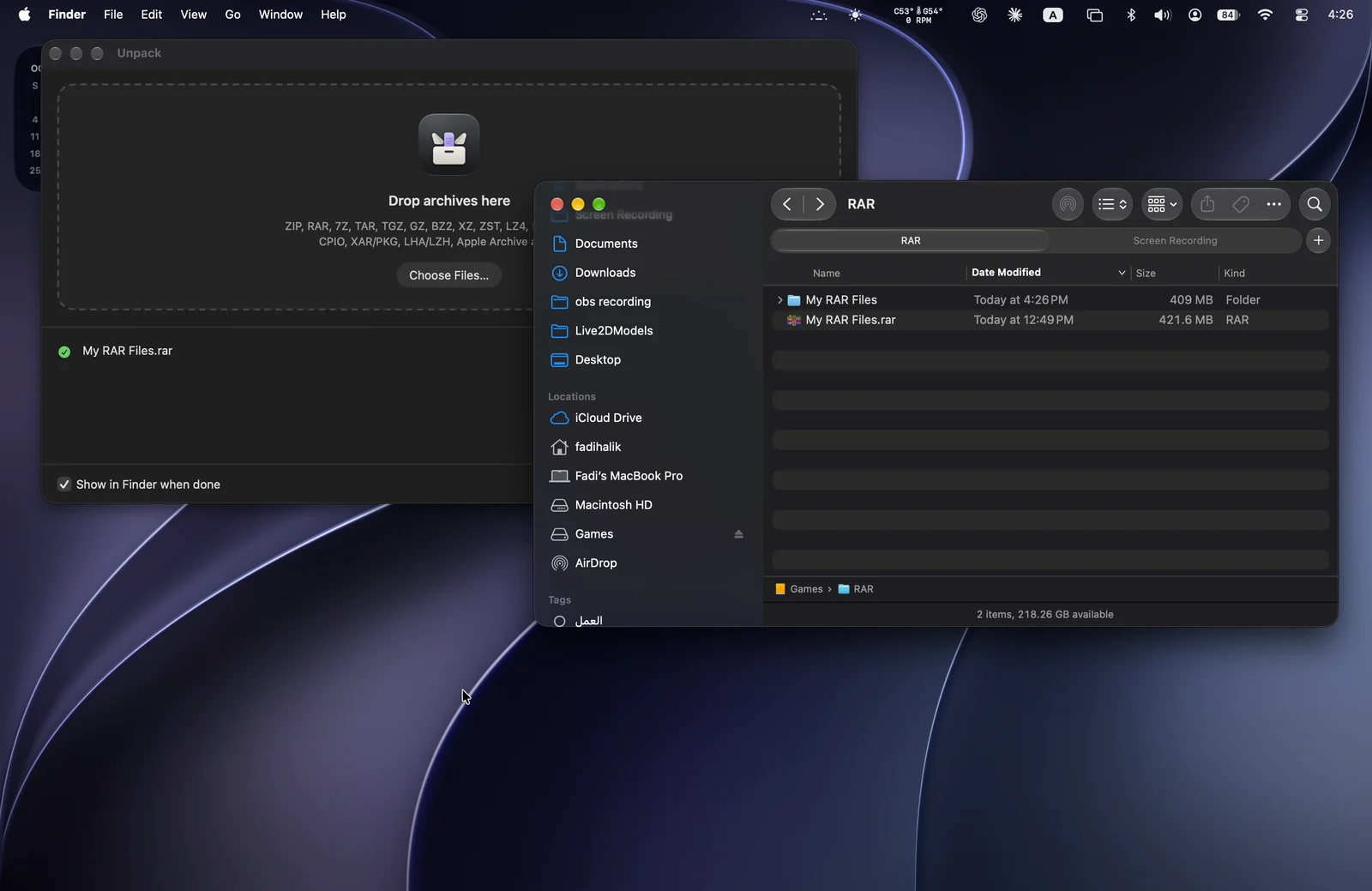
Drag archives onto the window or the Dock icon, or choose them. Unpack works through them one by one and puts the results right next to the archive.
- Right-click an archive in Finder and choose Open With › Unpack, or make it the default
- Extract with Unpack from the Services menu
- Split archives: drop any part and Unpack starts from the first
02 / Formats
Every format you’re likely to meet.
Everyday formats use tools built into macOS, with a fallback if one fails, and ZIP files keep their Mac details.
- ZIP, RAR, 7Z, TAR and its variants, GZ, BZ2, XZ, ZST and LZ4
- Disk images and installers: DMG, ISO, PKG/XAR, CAB and CPIO
- Apple Archive and older formats such as LHA/LZH
03 / Careful
Tidy results. Nothing overwritten.
A single item is placed as it is. Several items get a folder named after the archive. Existing files are never replaced.
- Disk images are mounted read-only, copied out, then ejected
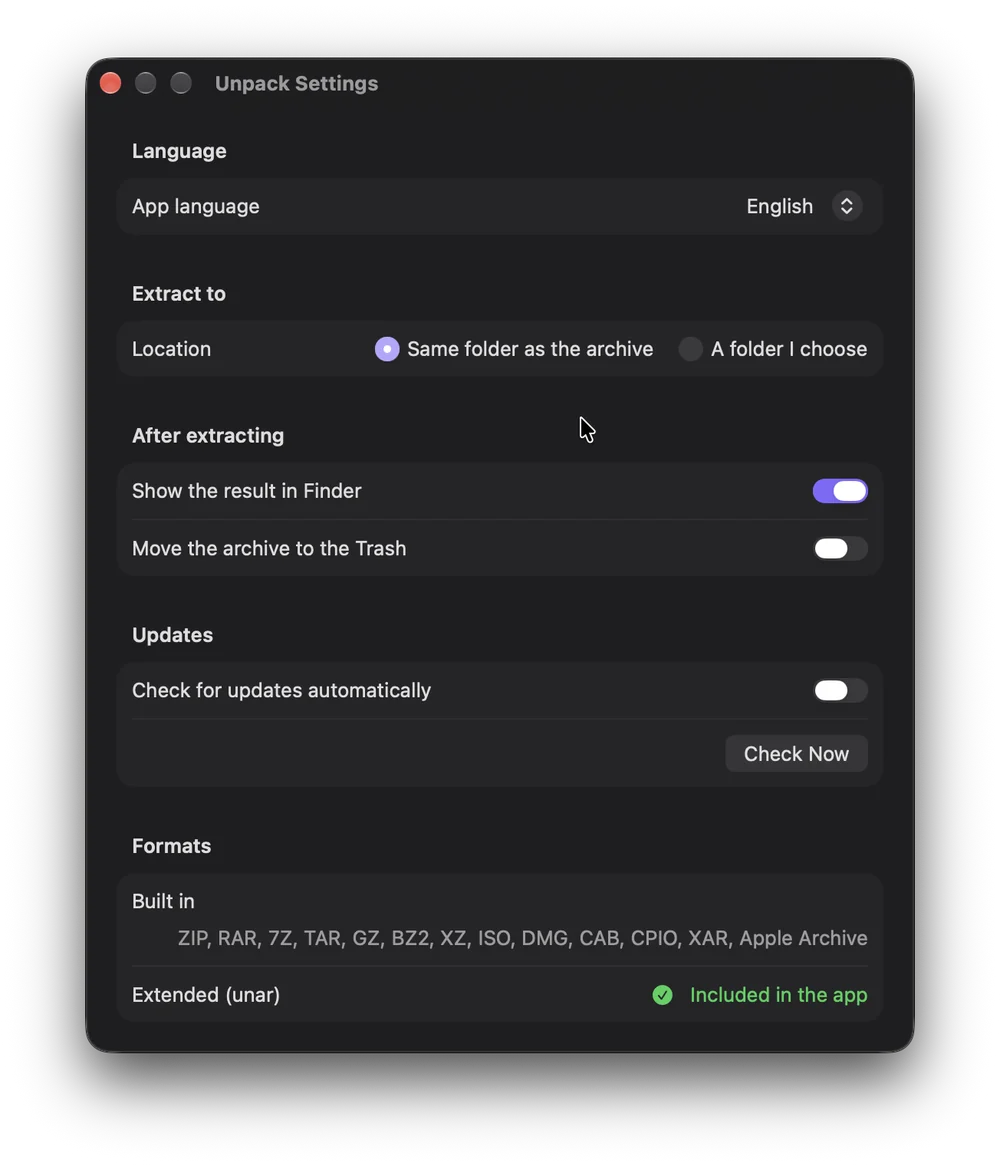
- Results go next to the archive or to a folder you choose
- Optionally show results in Finder and move finished archives to the Trash
04 / Even more formats
Passwords, parts and old formats.
Unpack includes unar, from The Unarchiver project, so it also opens password-protected RAR and 7z, split archives, StuffIt, ARJ, ACE and dozens of older formats, and asks for a password when one is needed.
05 / Private
Stays on your Mac.
Unpack works on your Mac, without accounts, analytics or tracking. It only connects to siliconmac.com to check for updates, automatically or when you choose Check Now, and asks before installing one.
Requirements
Free, direct from SiliconMac.
- Mac
- macOS 14 Sonoma or later, Apple silicon
- App language
- English, Arabic
- Price
- Free
- Updates
- Signed updates, installed only when you agree