
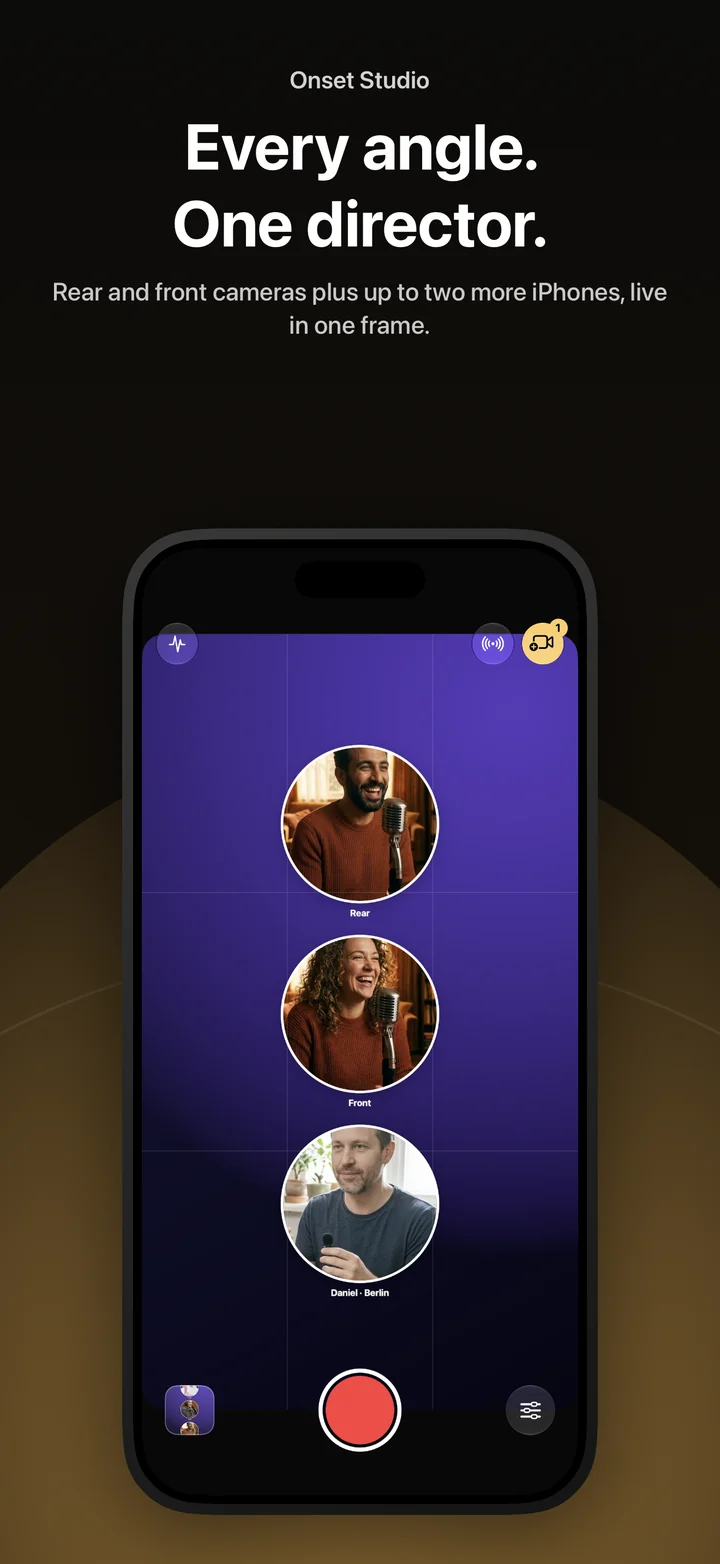
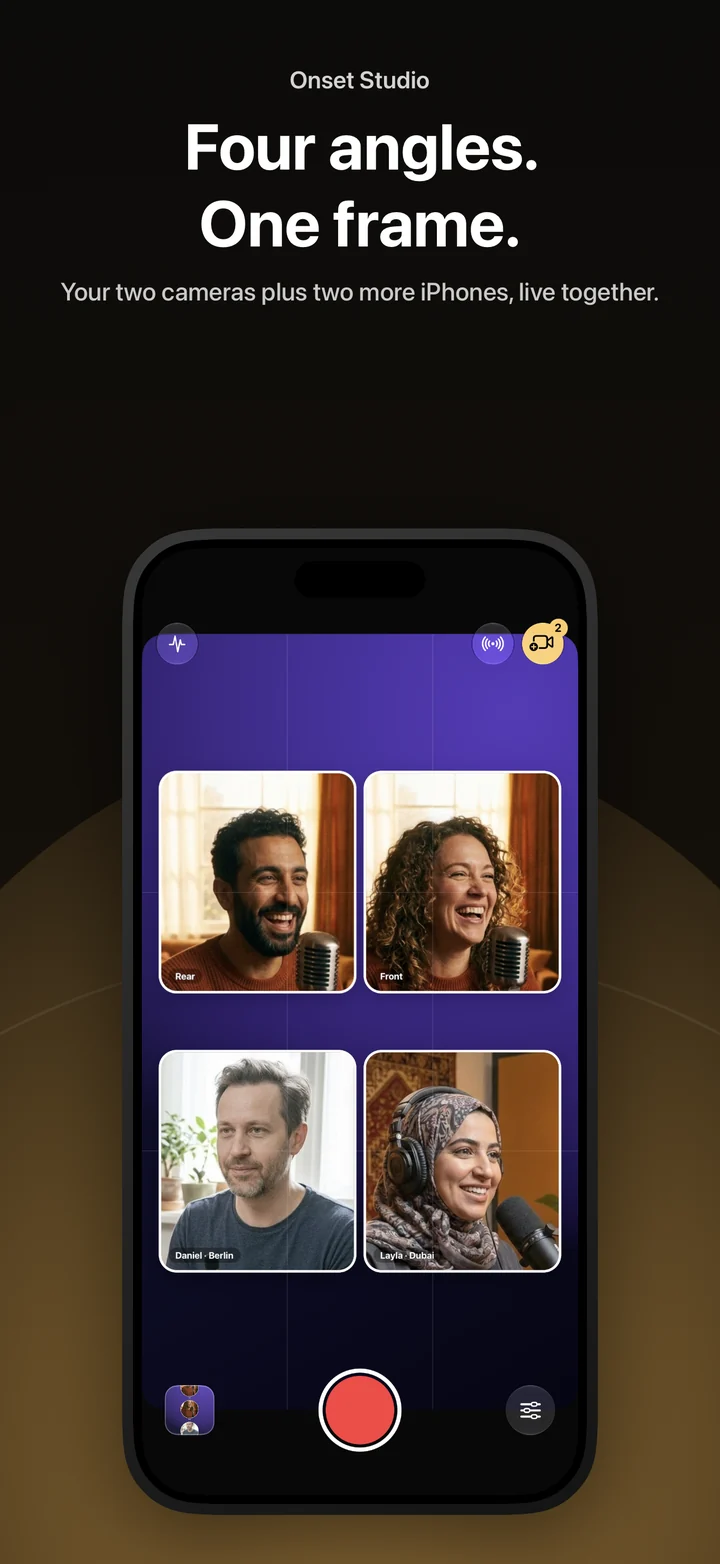
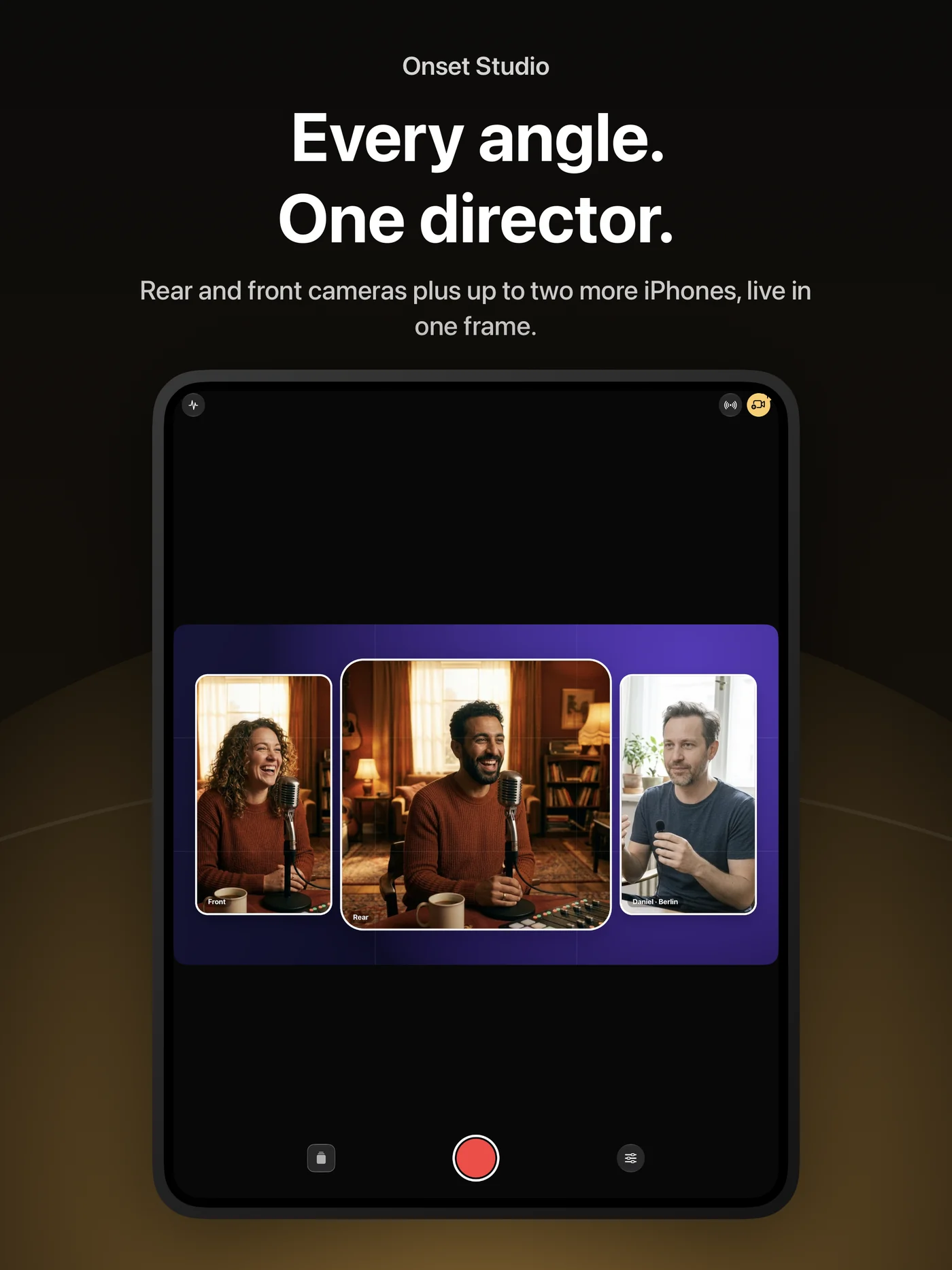
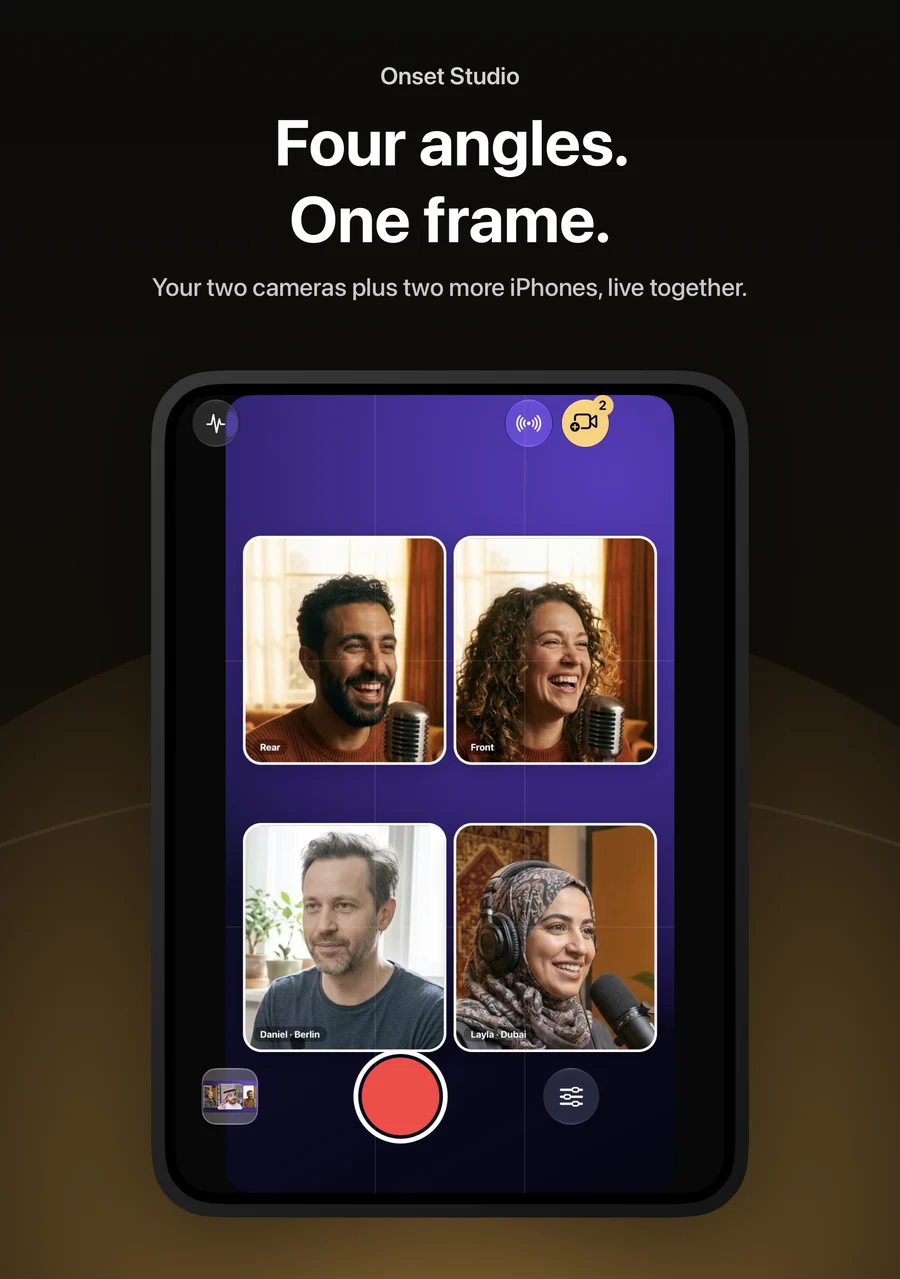
Onset Studio turns your iPhone into a director’s monitor. Record the front and rear cameras together, bring in other iPhones as extra angles — in the same room or from another country — switch between them live, then cut the multicam edit with the picture and sound of any camera. It works on iPhone and iPad, adapts to the iPhone Duo’s fold, and speaks English and Arabic.
Front and rear, together
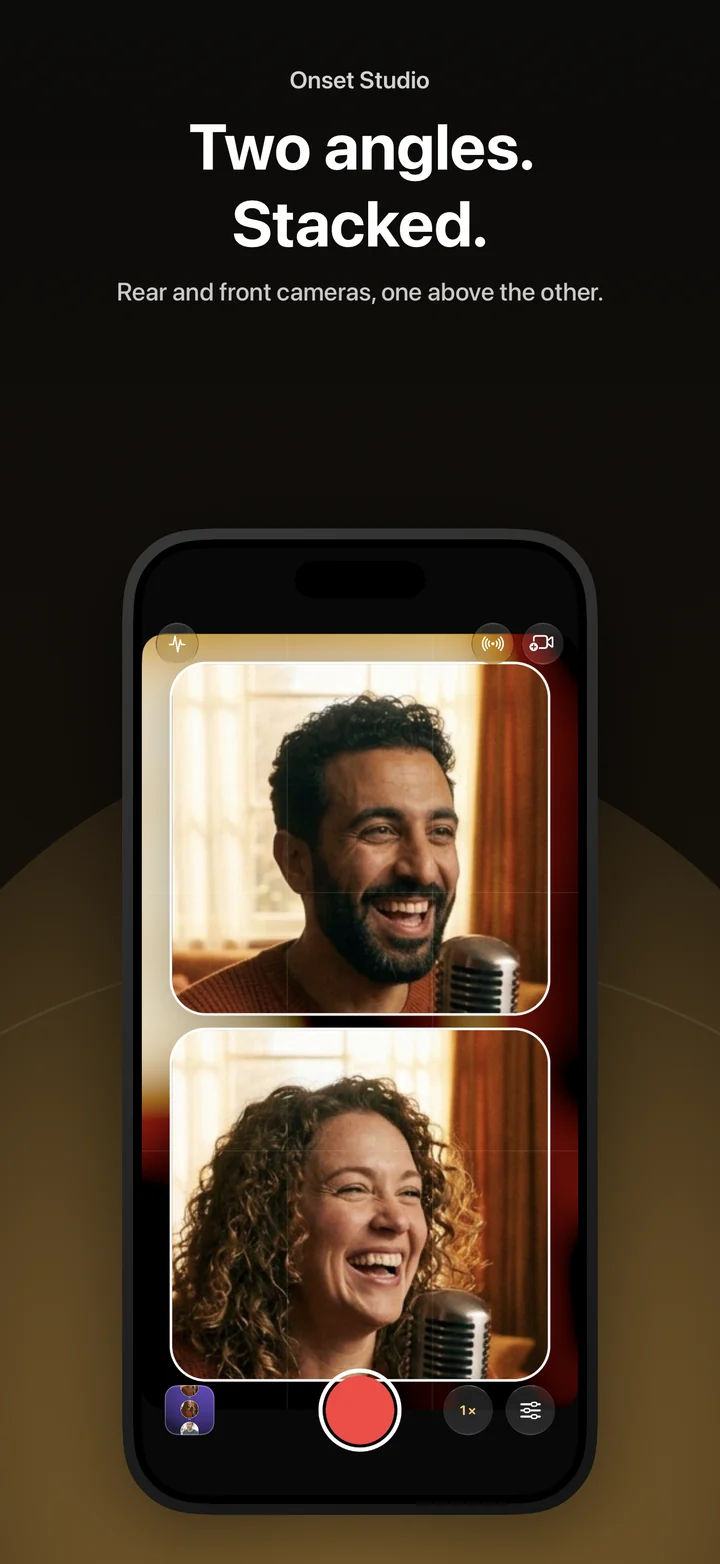
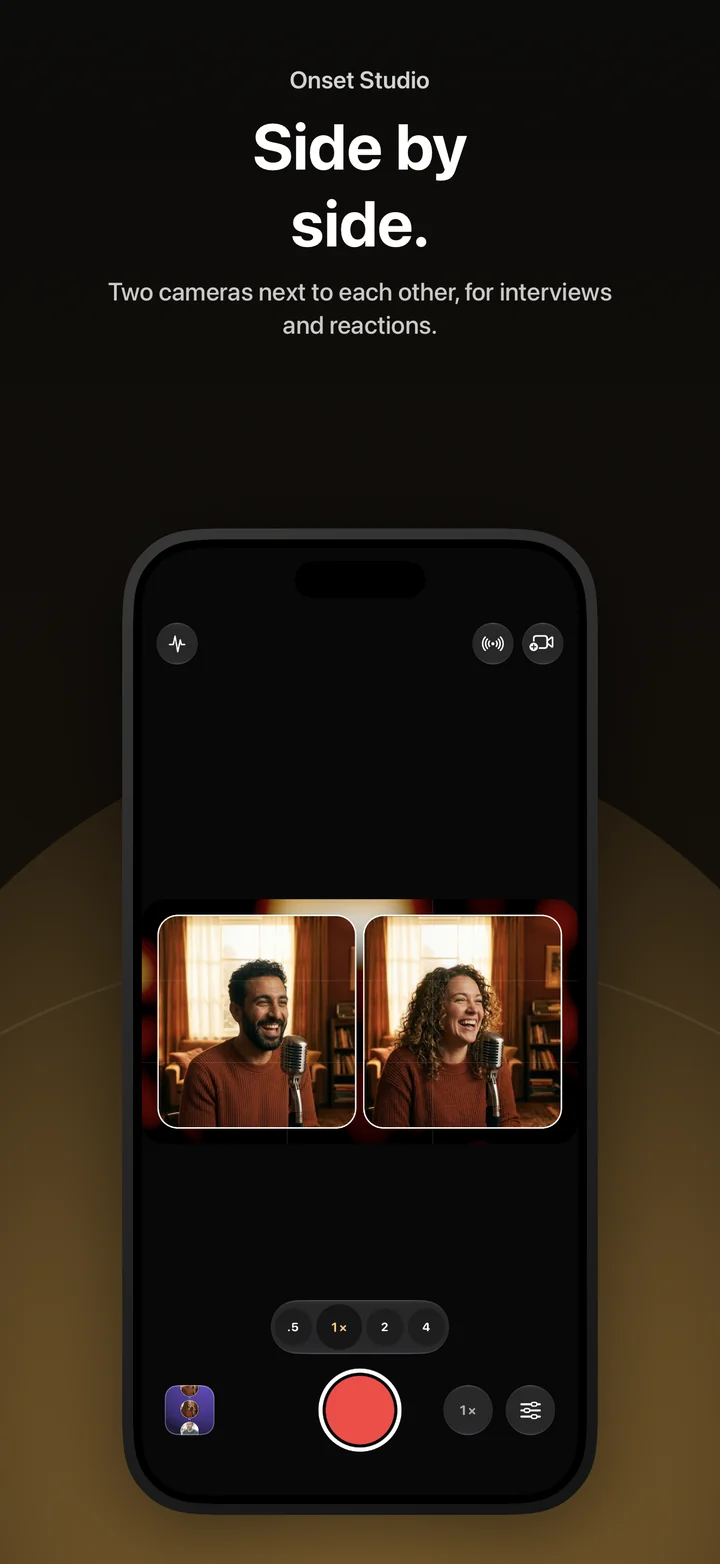
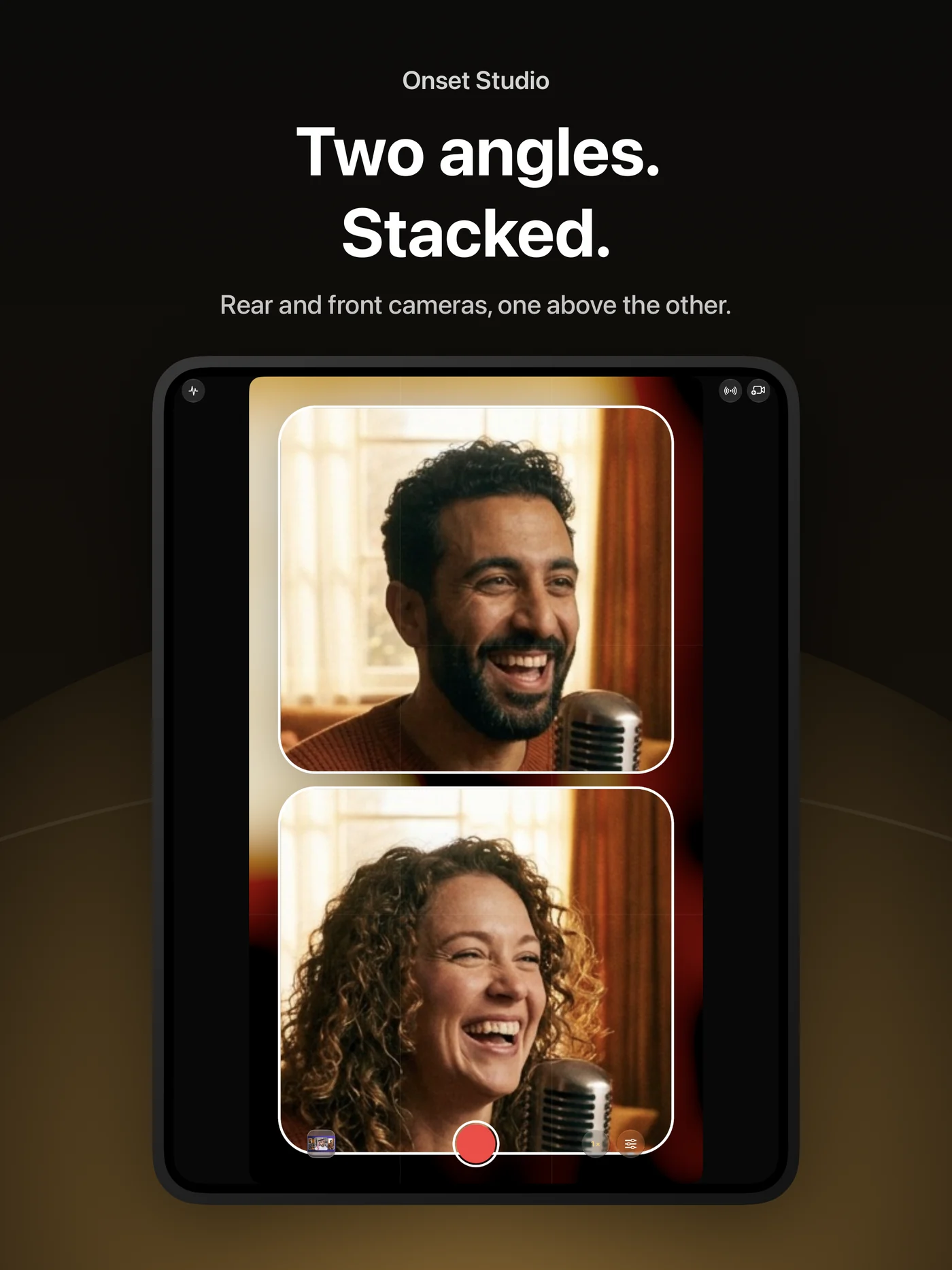
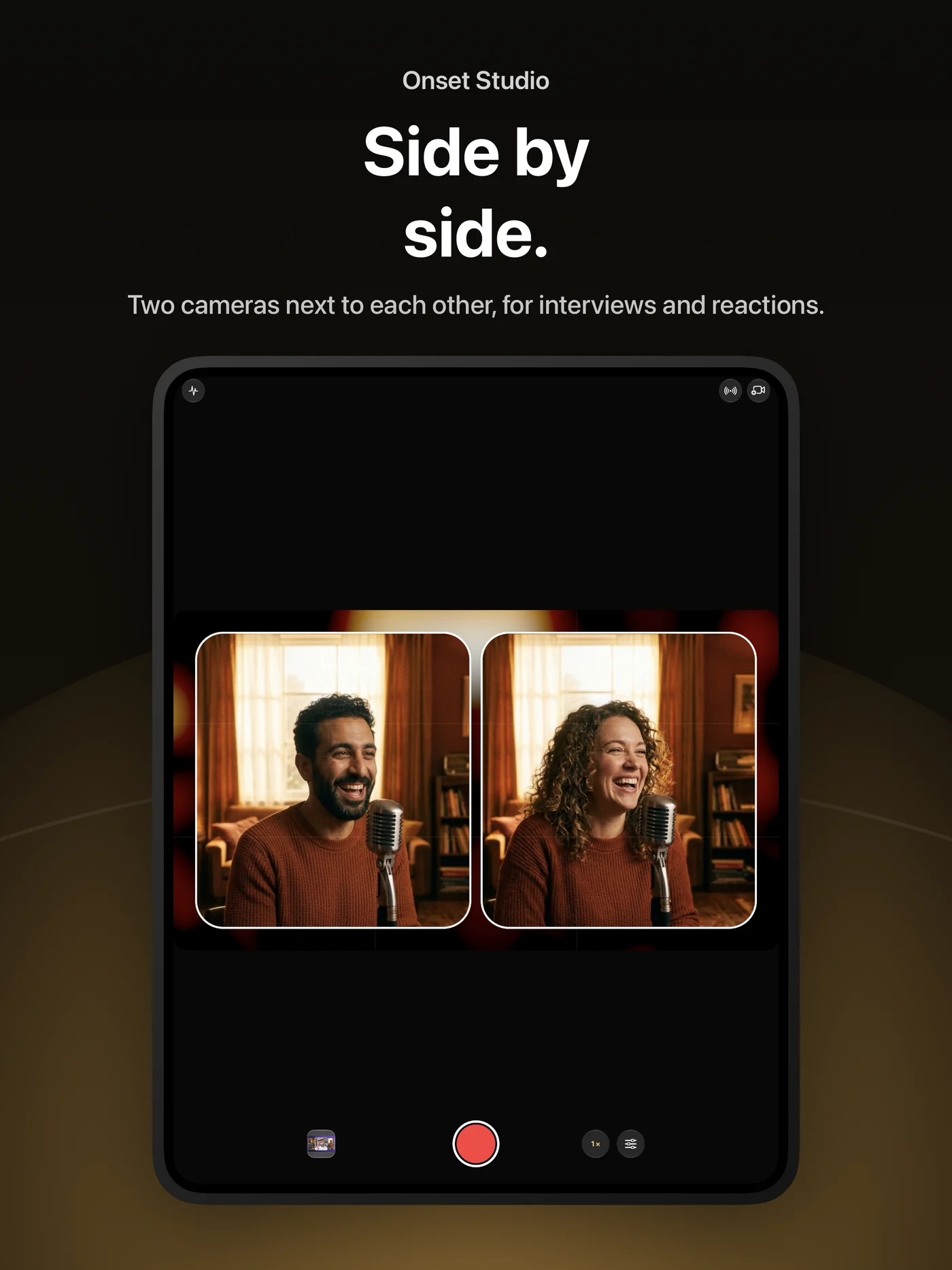
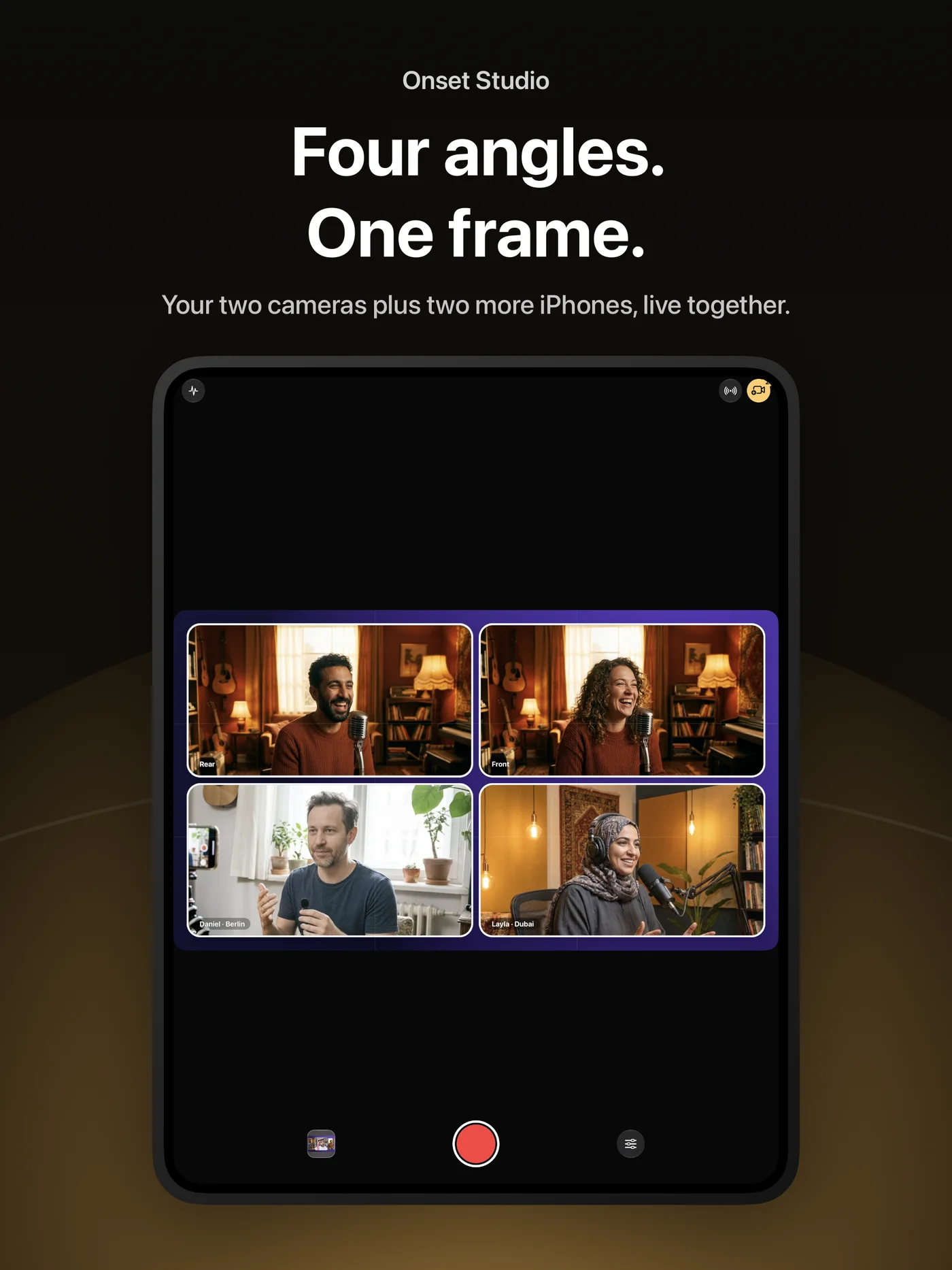
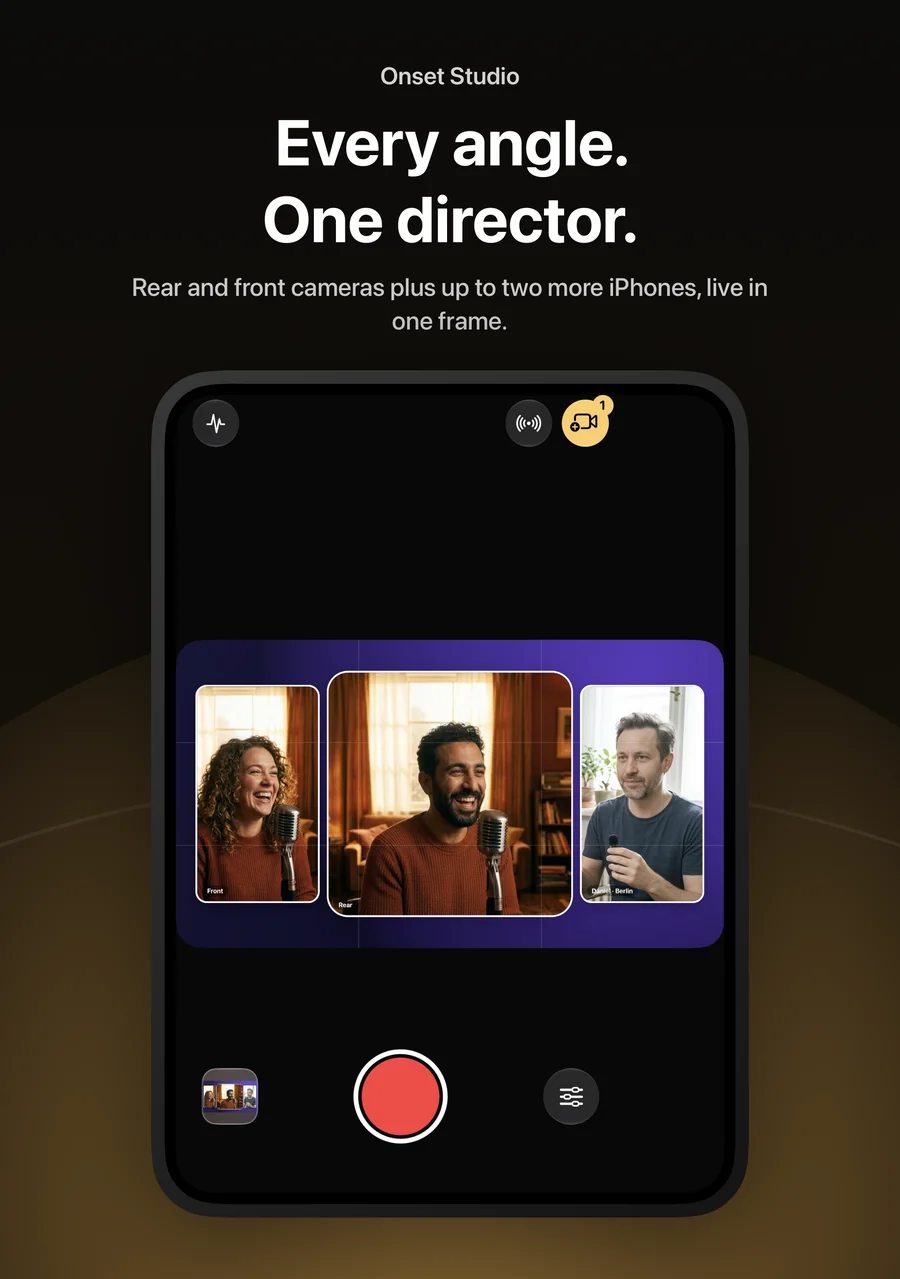
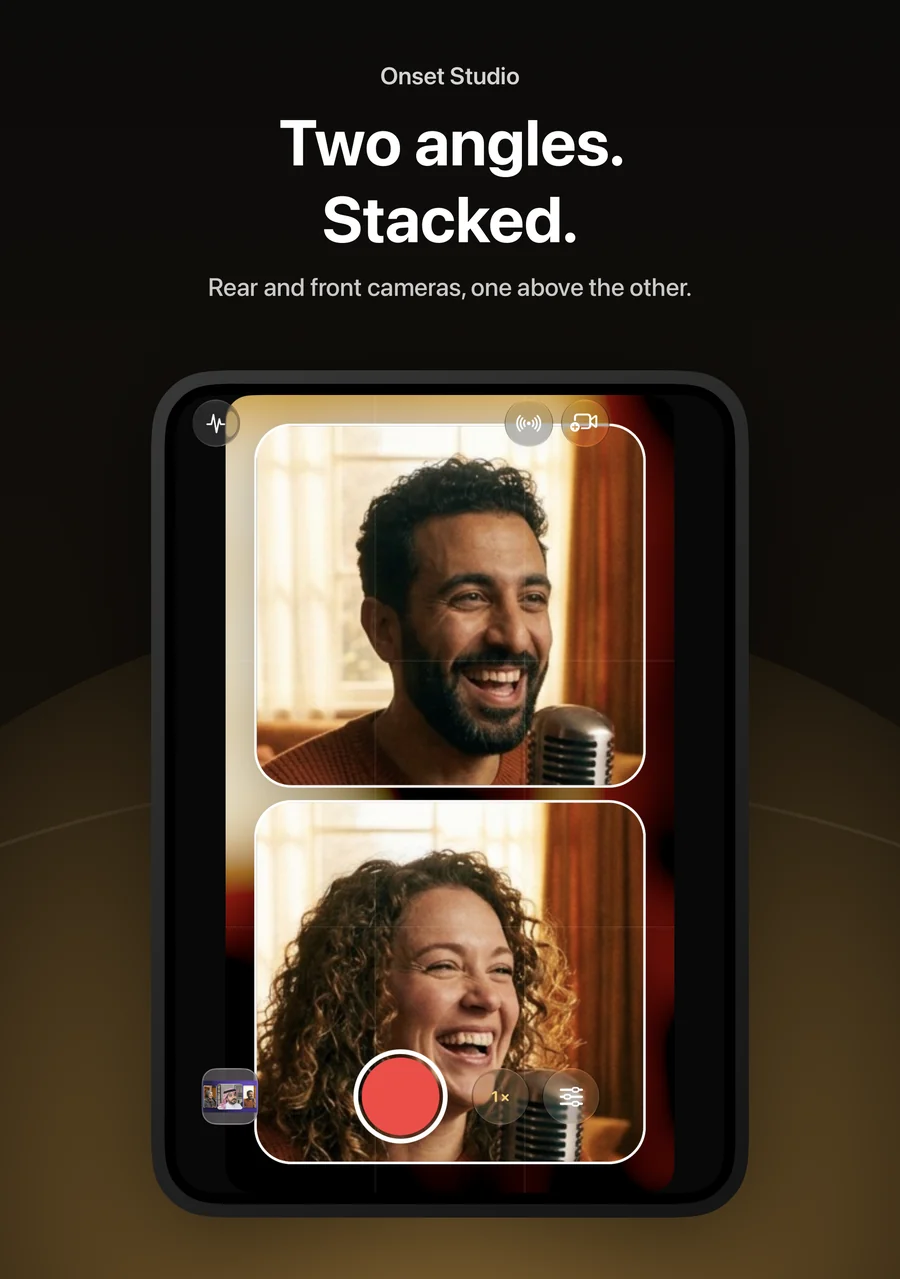
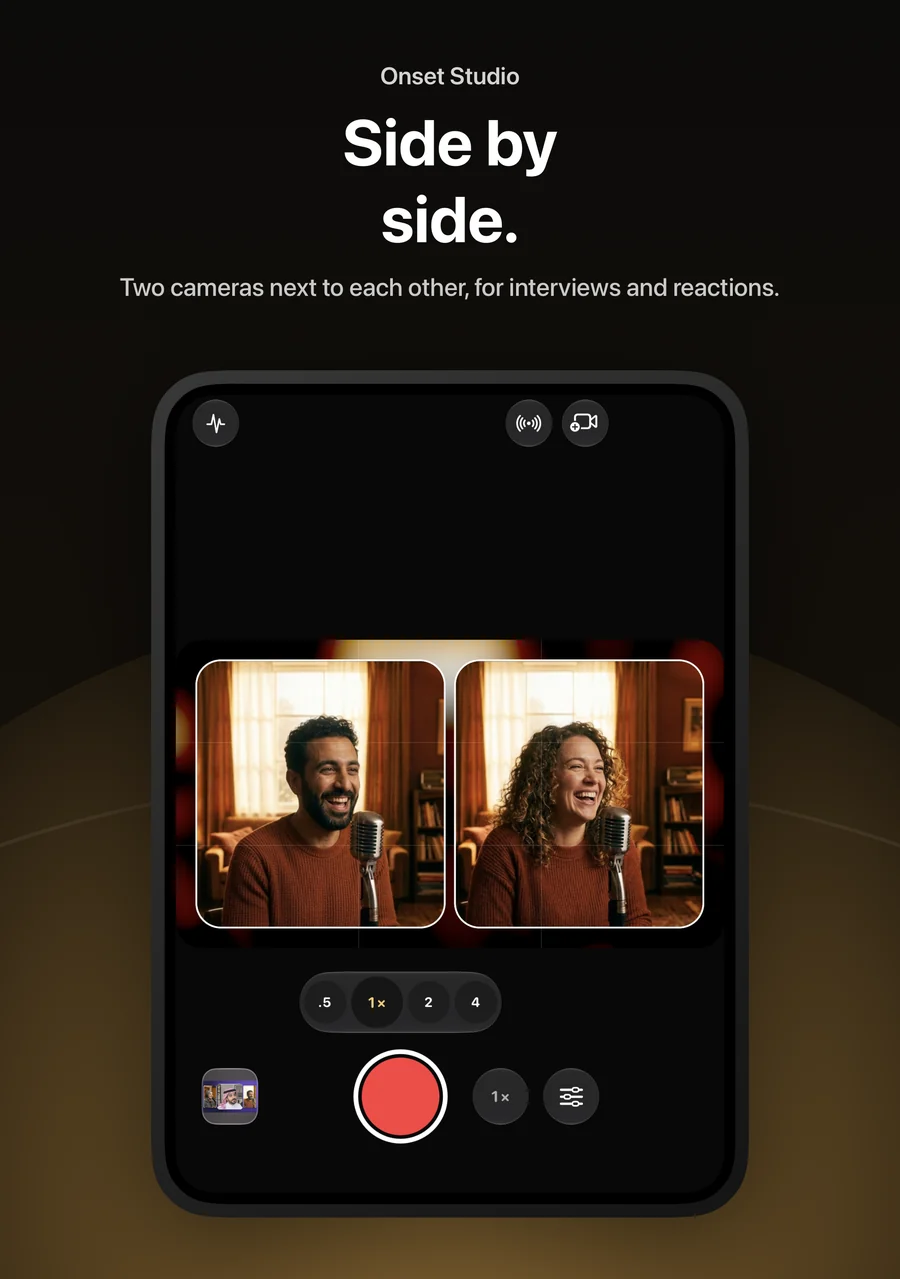
Record the front and rear cameras at the same time on iPhones that support it, and arrange them the way your story needs: picture-in-picture, split, stacked, side by side, or studio layouts with backdrops and name labels.
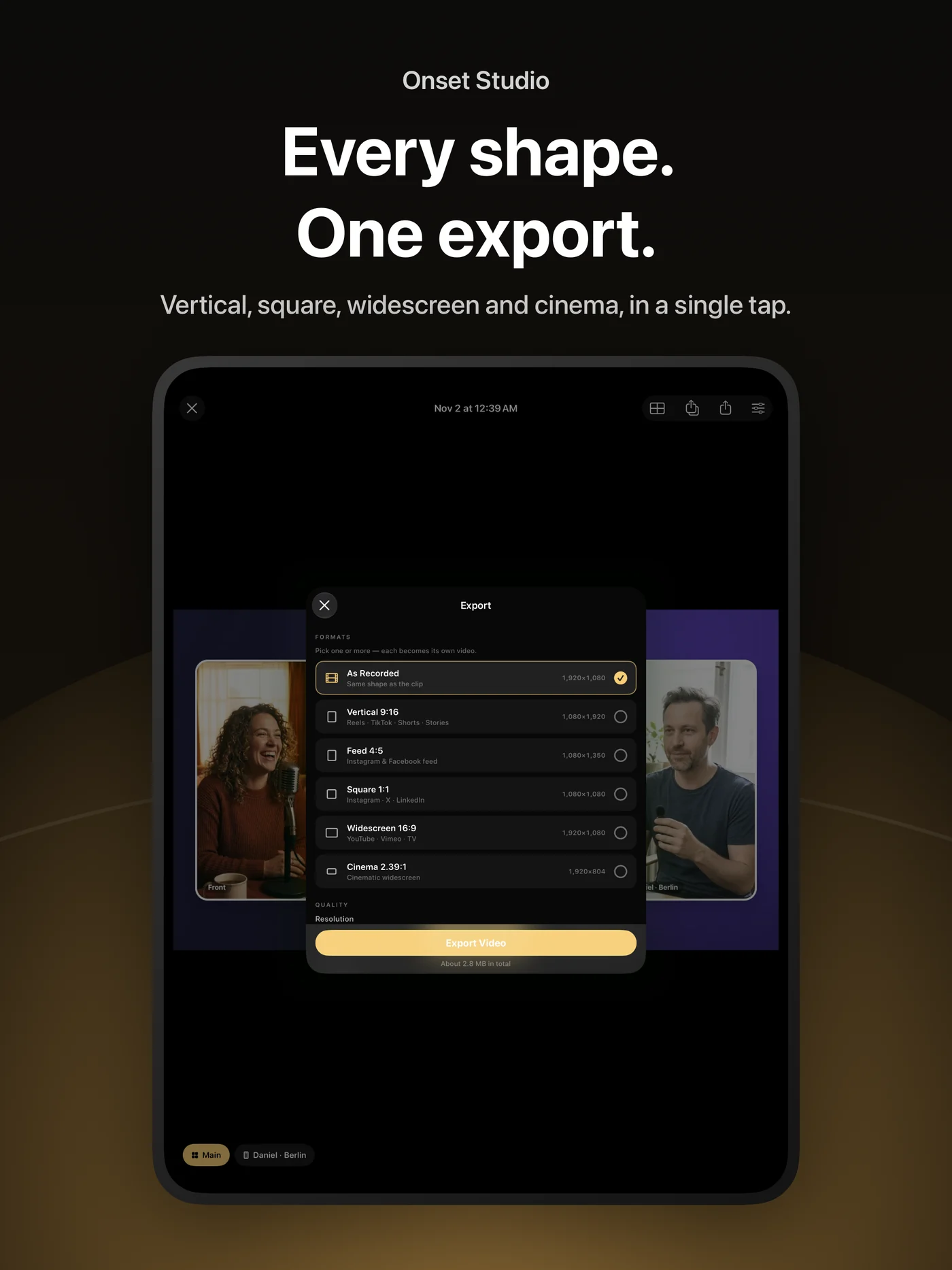
Choose the shape before you shoot — vertical 9:16, widescreen 16:9, feed 4:5, square or cinema 2.39:1 — and record in HEVC, H.264 or, on supported models, Apple ProRes. Resolution, frame rate, lenses and controls follow what each device can actually do.
More iPhones, more angles
Nearby iPhones running Onset Studio join the shoot as extra cameras. You see every angle live, switch each one between front and rear, zoom, and choose its microphone — all from your iPhone.
Each iPhone records its own full-quality clip and sends it to you after the take. A shared clock lines the angles up automatically, so they are ready to edit together.
Join from anywhere
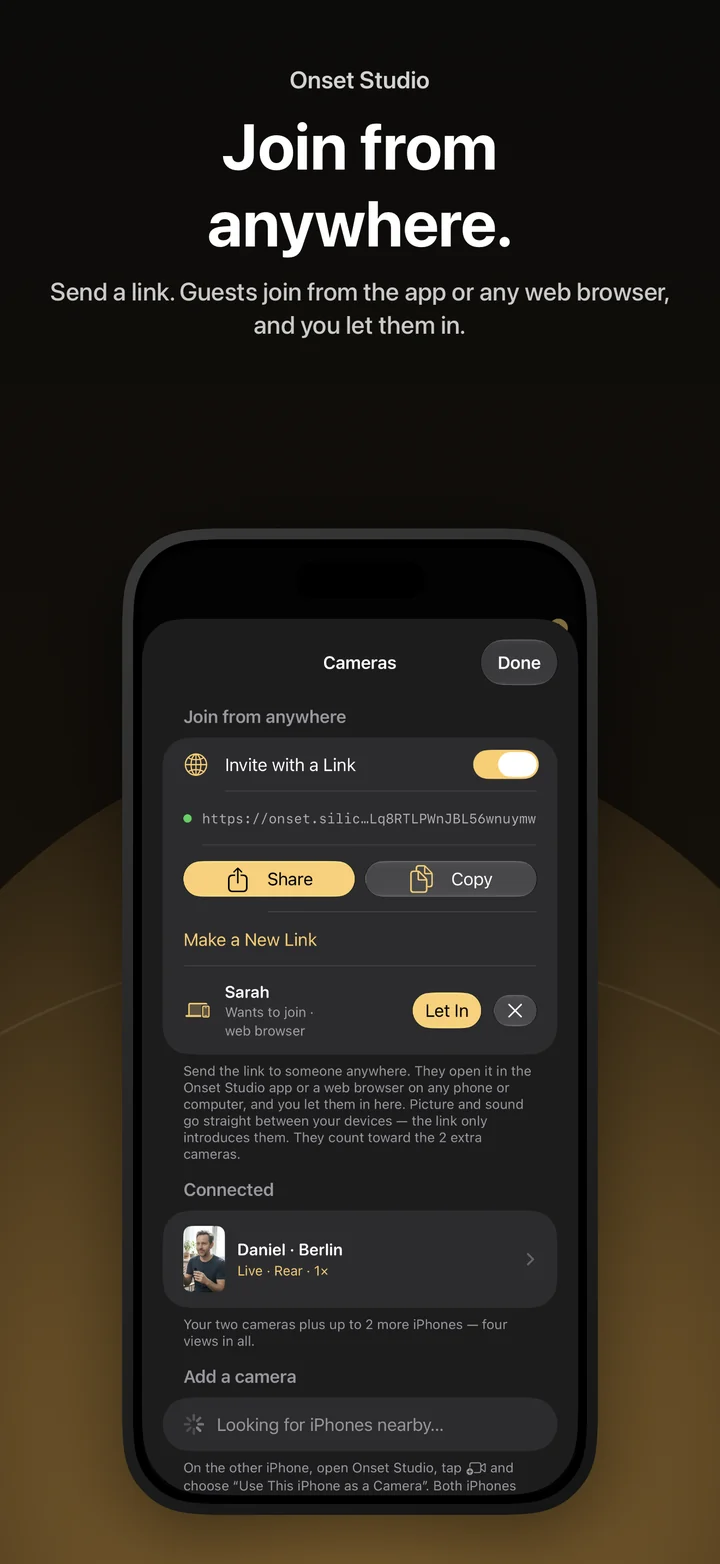
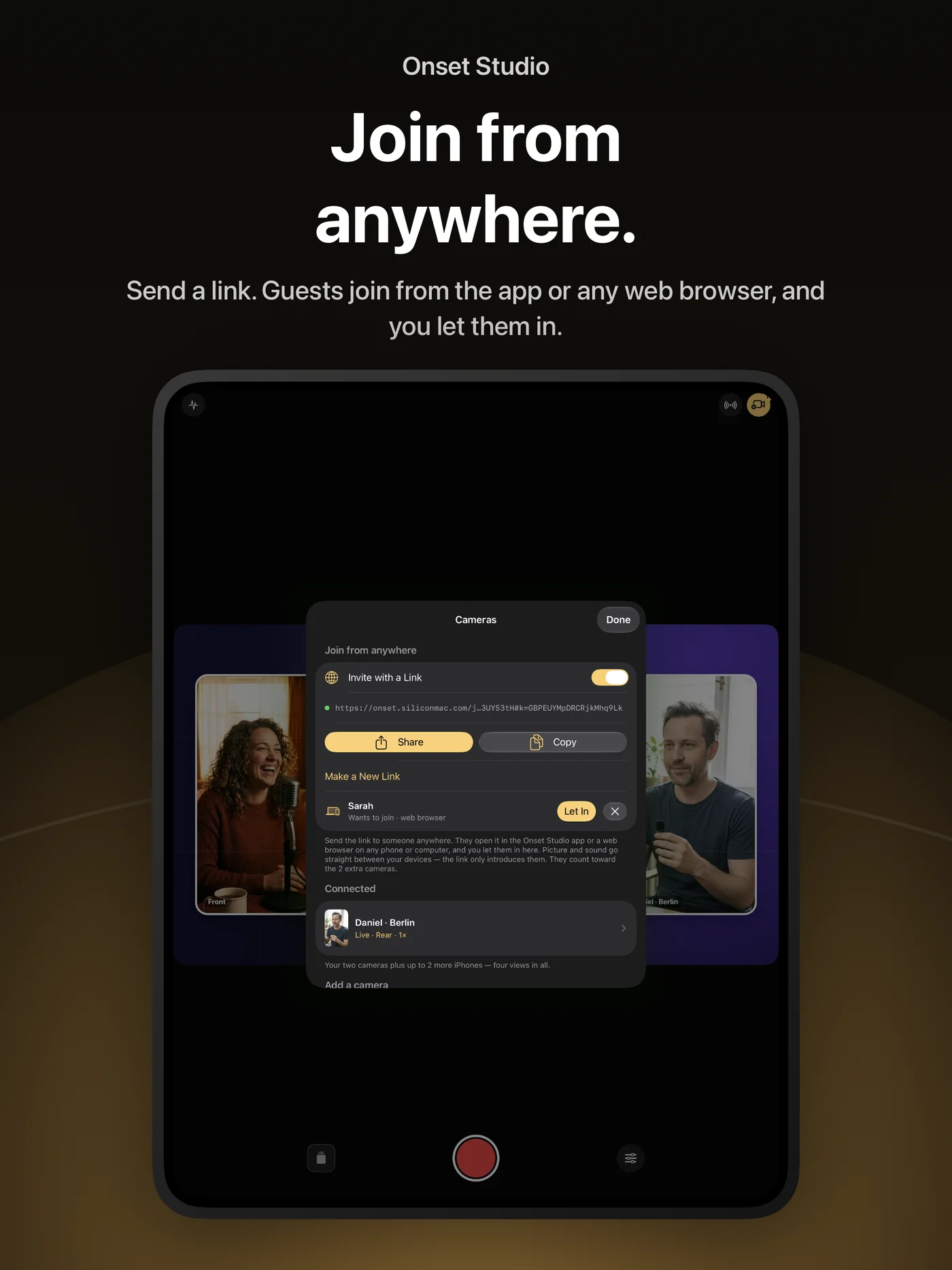
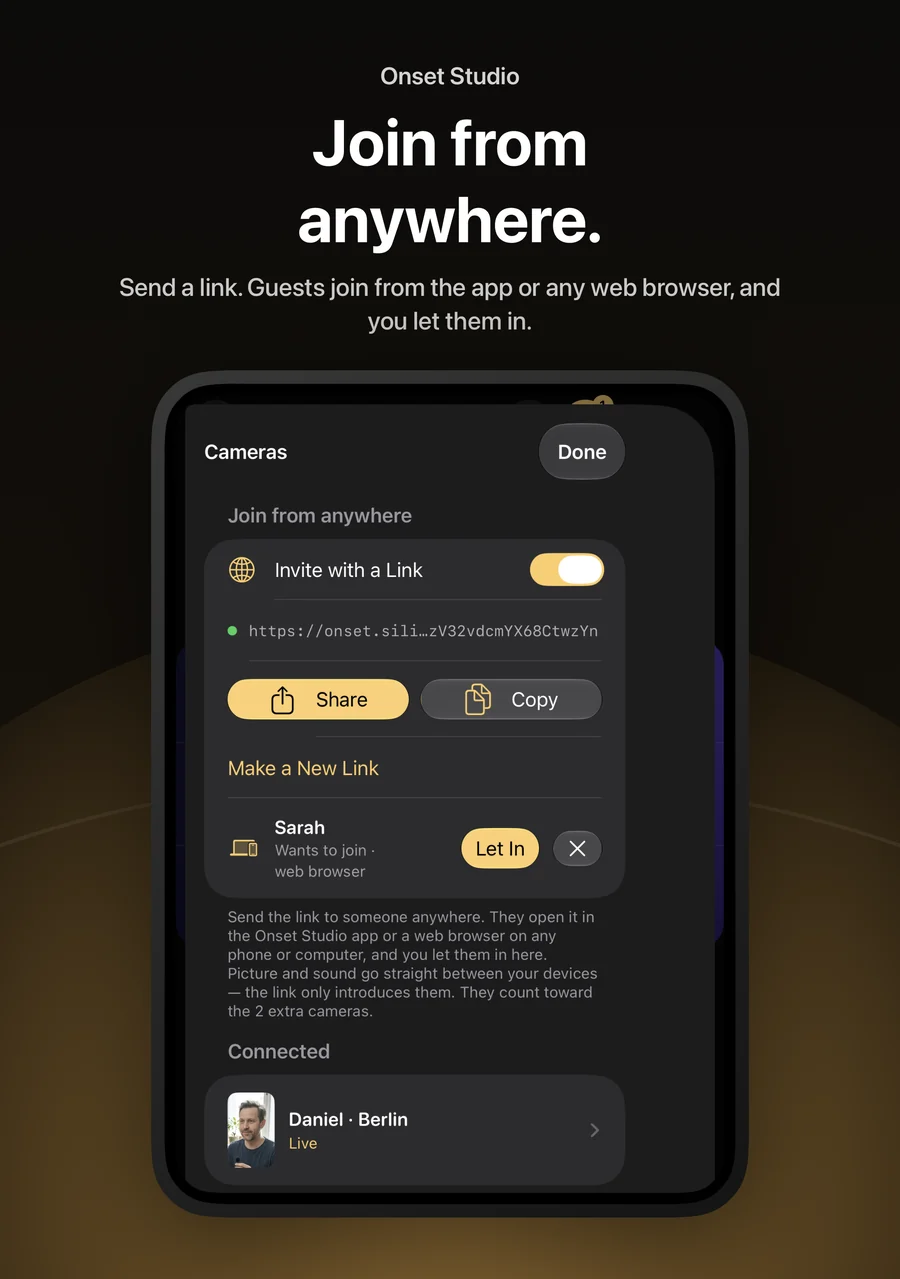
Share an invite link and people can join as a camera from anywhere — from the Onset Studio app, or from a web browser on any phone or computer. You let each person in.
Picture and sound travel directly between the devices. The link only introduces them; when a direct path isn’t possible, the connection is relayed in encrypted form.
Sound that follows the shot
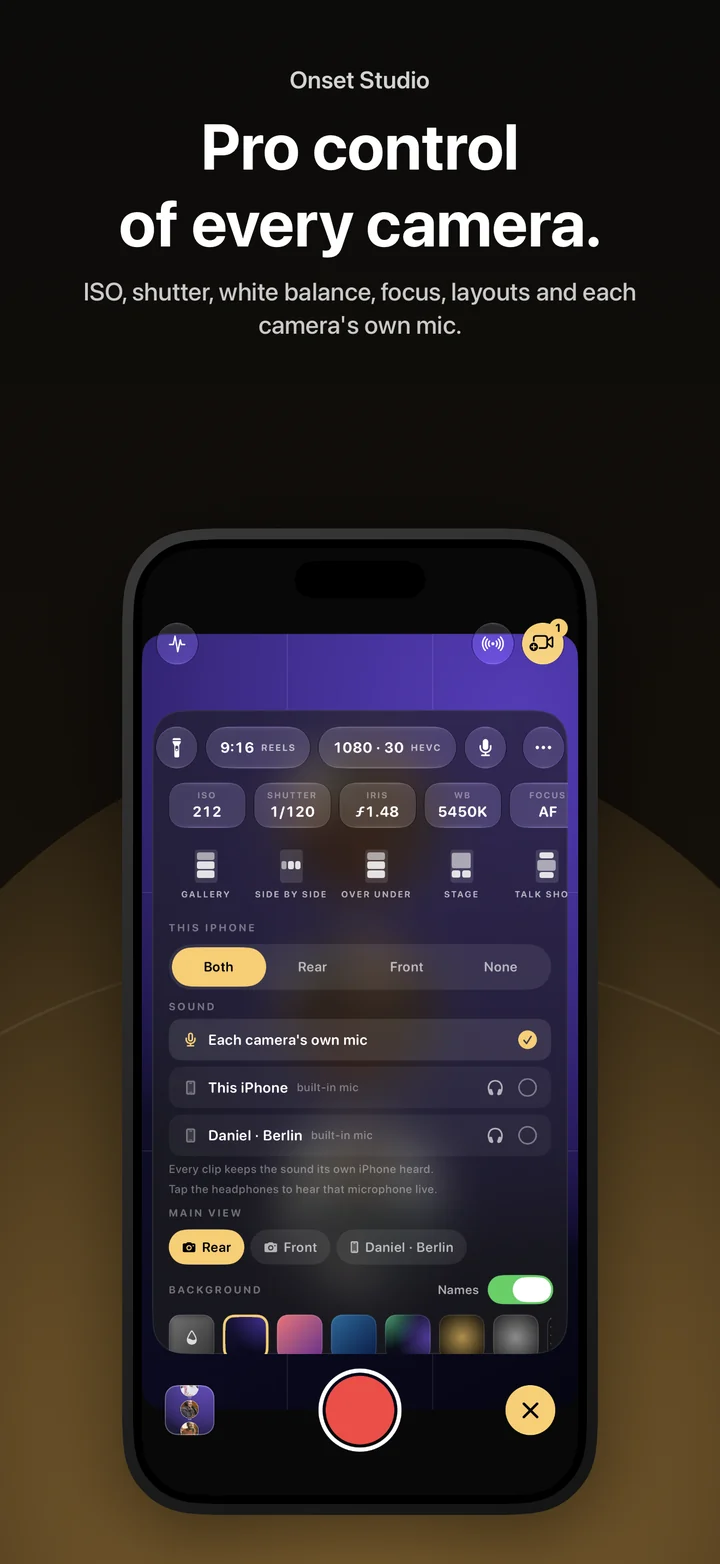
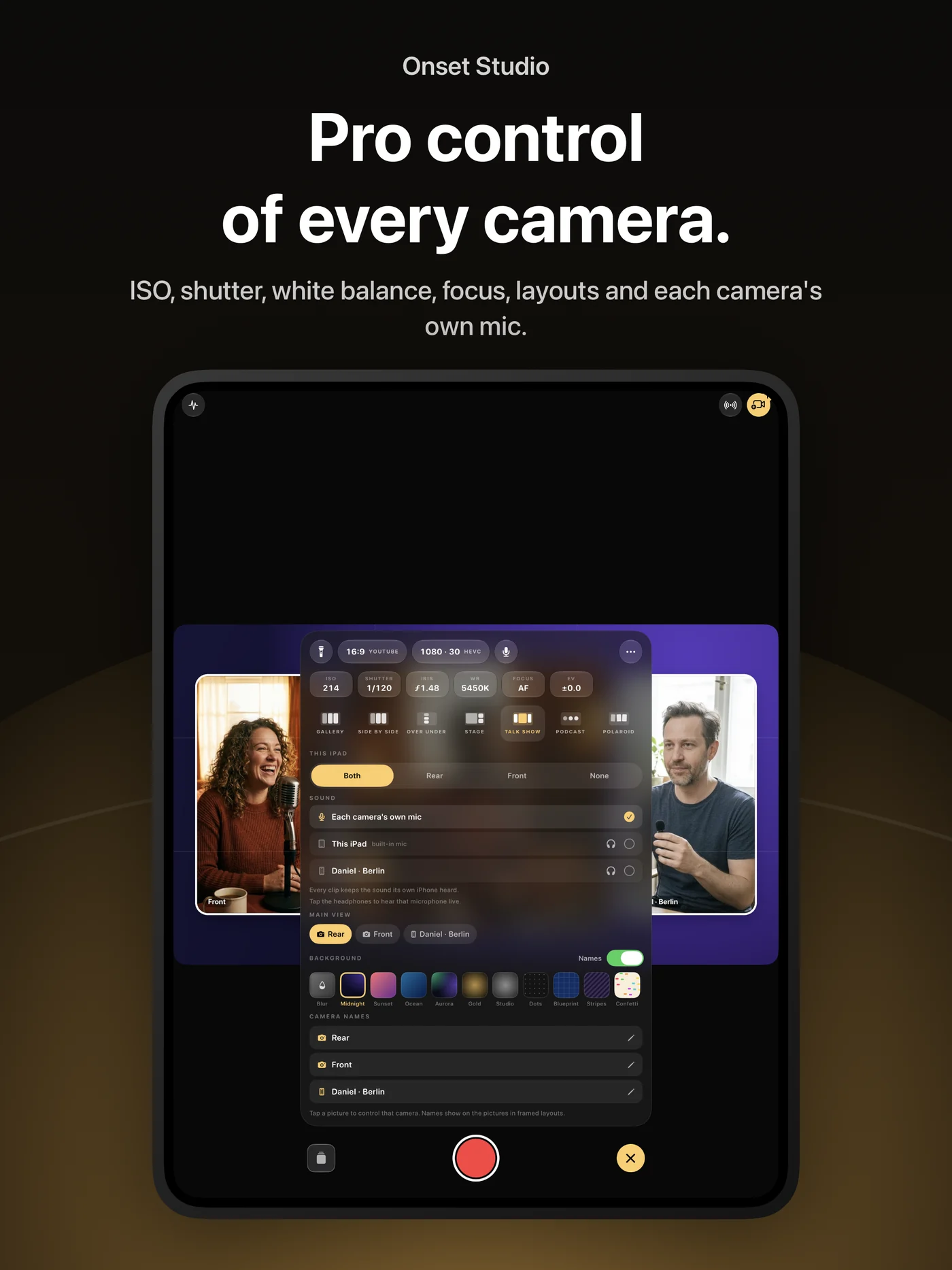
Decide where each take’s sound comes from: every camera’s own microphone, or one microphone for everything — for example a wireless receiver plugged into another iPhone — added to every clip and lined up to the frame. The original sound is kept as well.
Listen to any camera’s microphone live on headphones, reduce wind noise, and record in stereo where the microphone supports it.
Cut the multicam edit
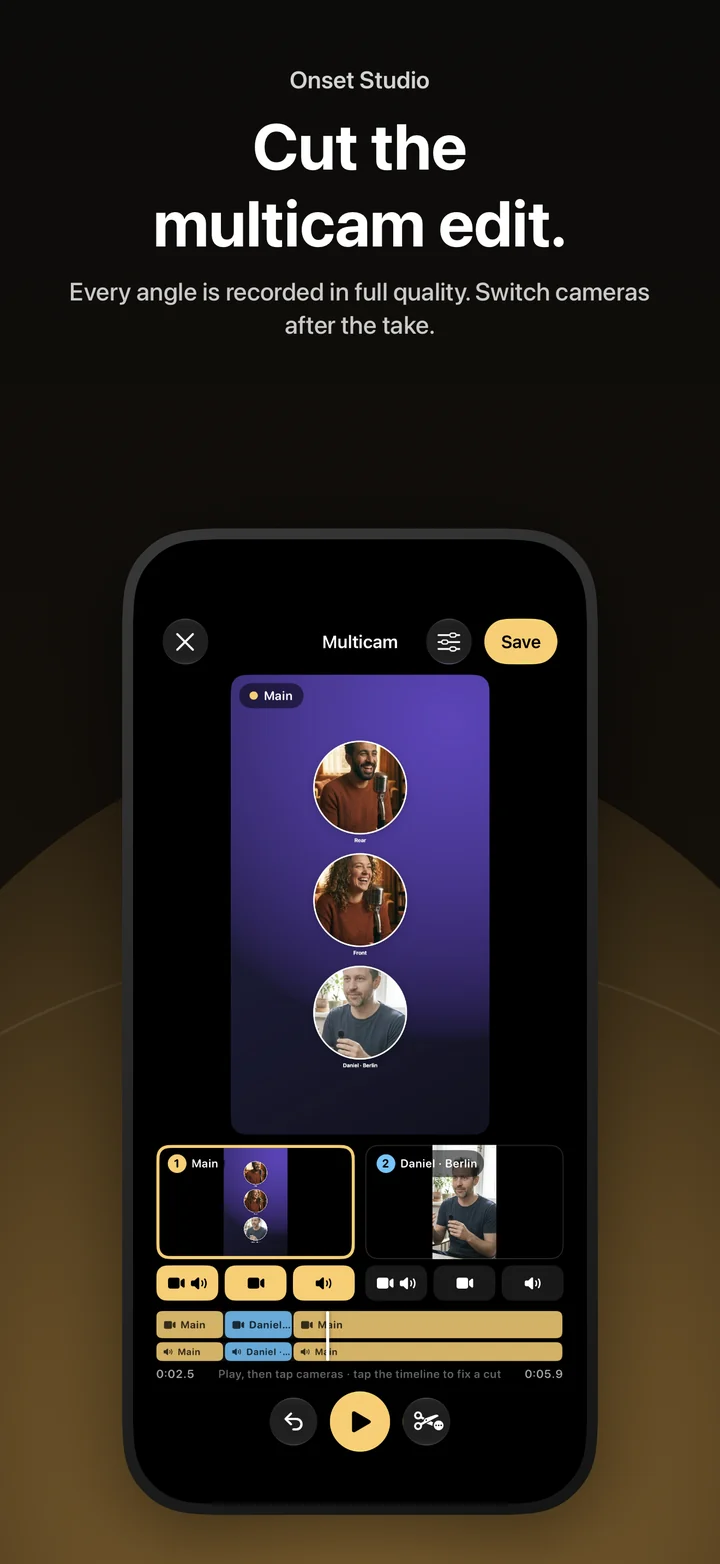
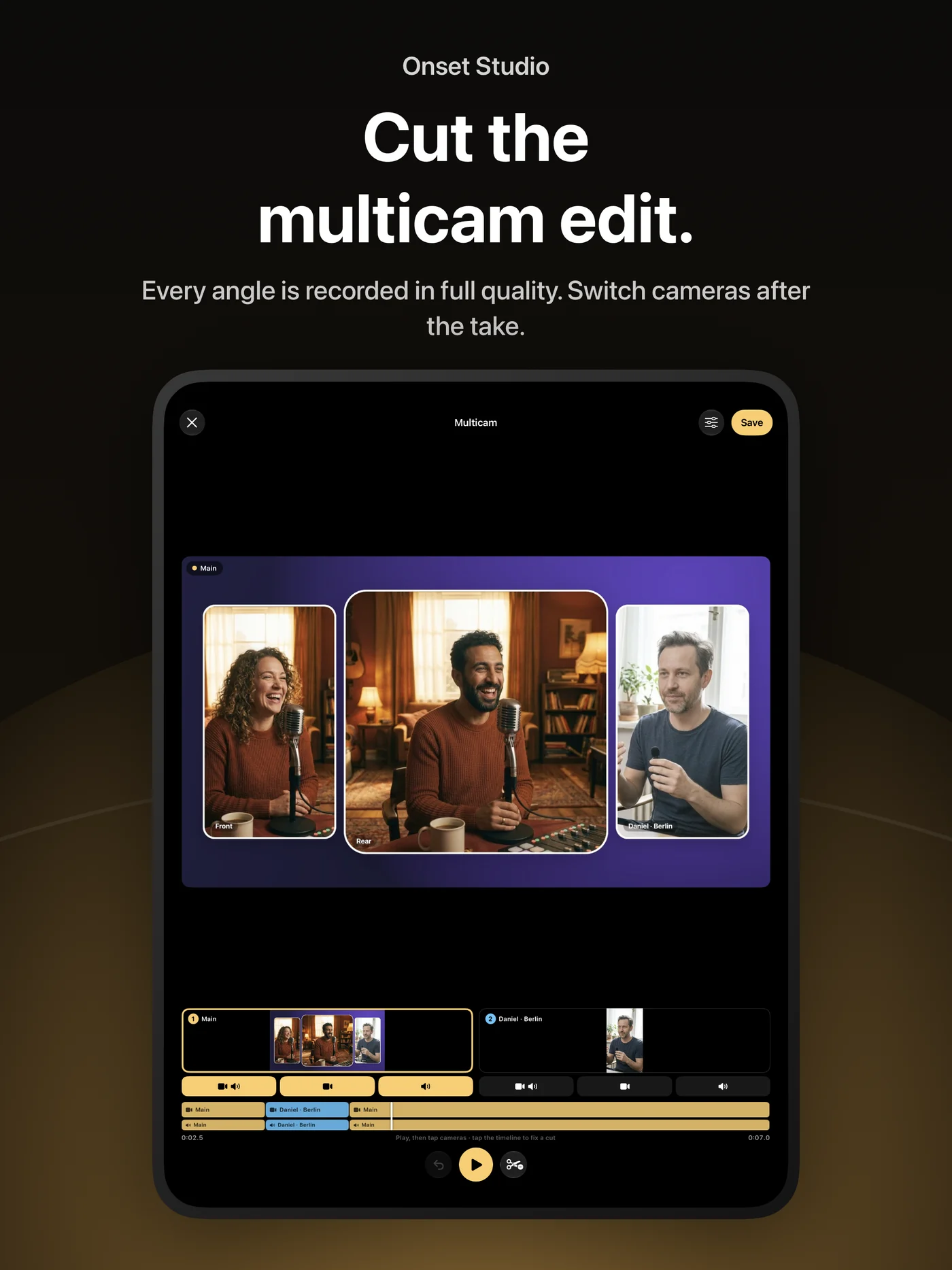
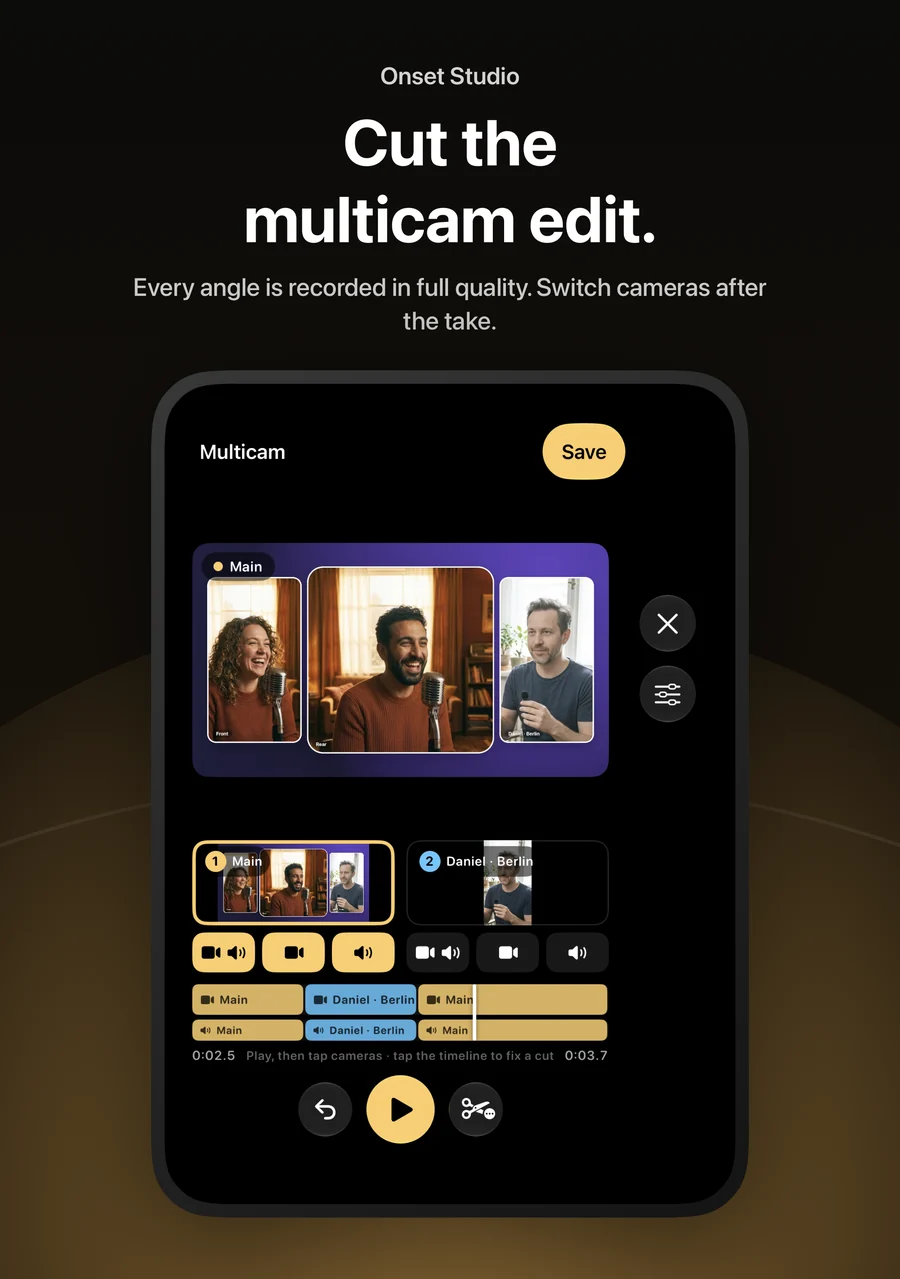
Play the take and tap a camera to cut to it. Each camera has three buttons — picture and sound, picture only, or sound only — so you can show one person while hearing another.
Tap a cut to fix it, nudge it frame by frame, pinch the timeline to zoom, or choose one microphone for the whole video.
Edit, caption and decorate
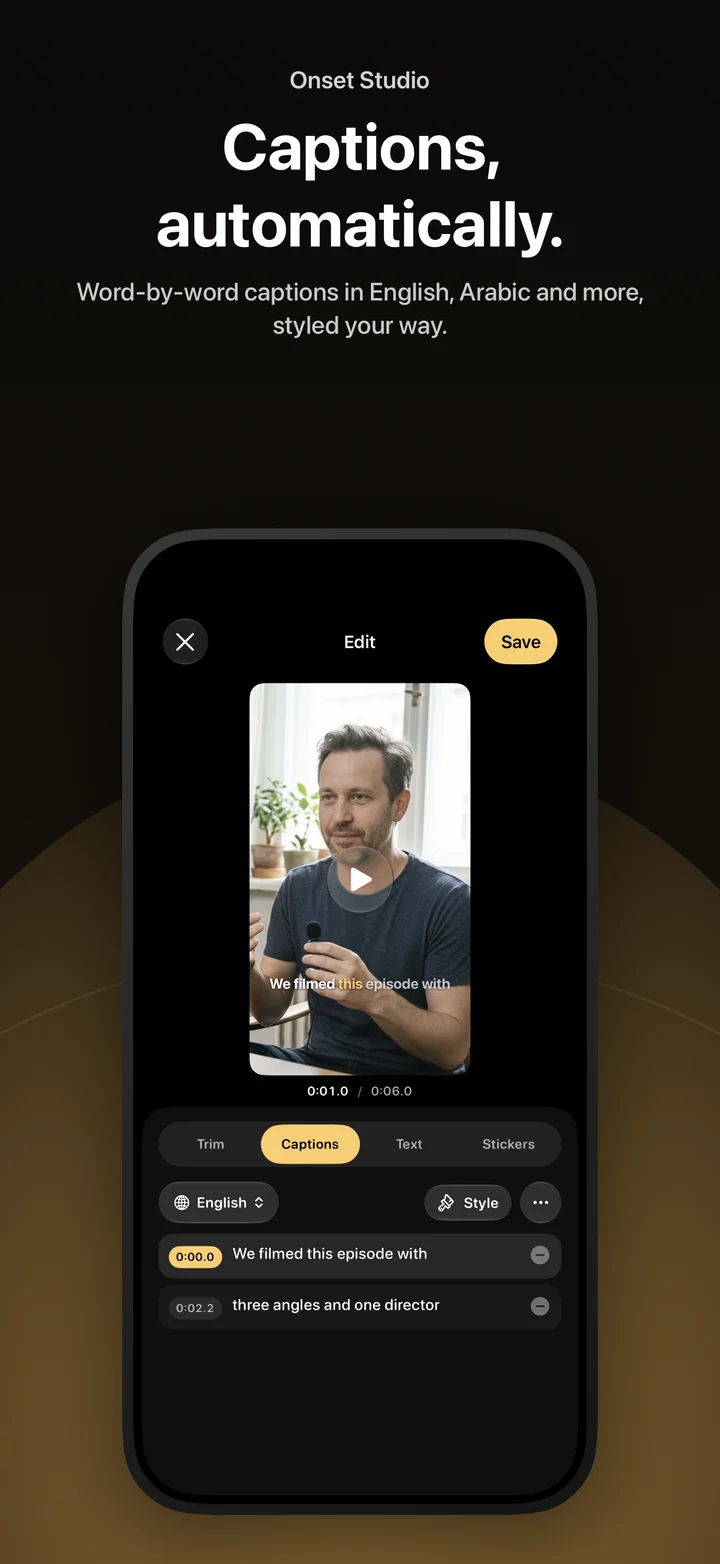
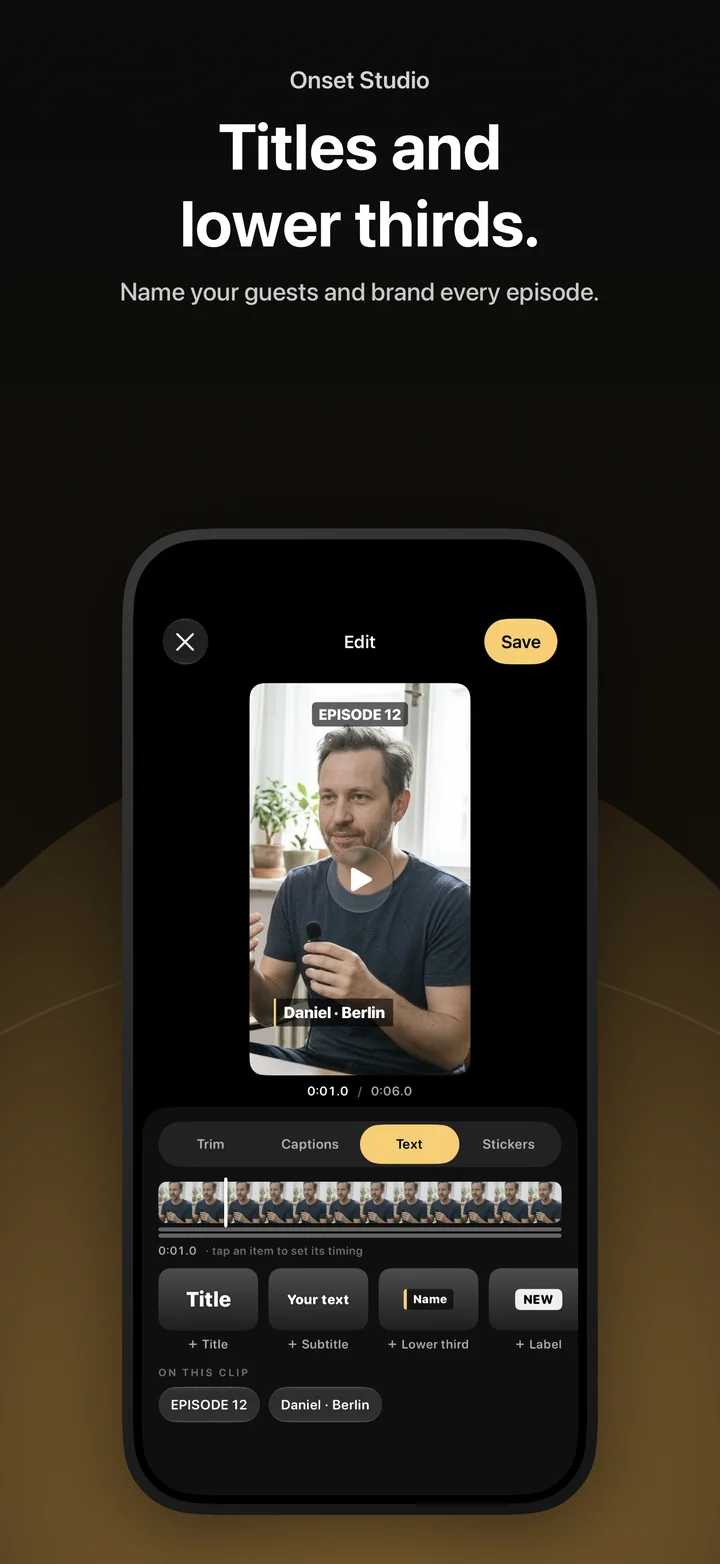
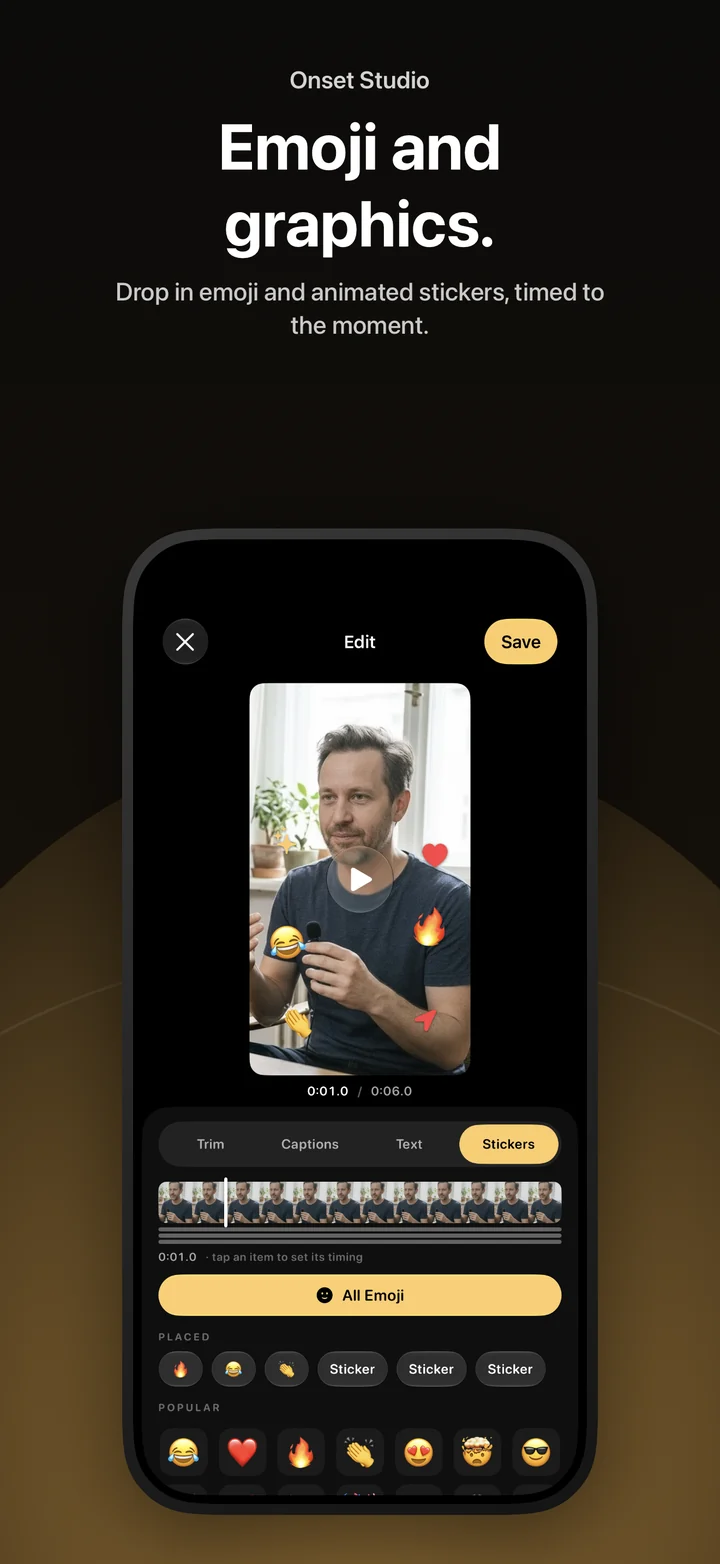
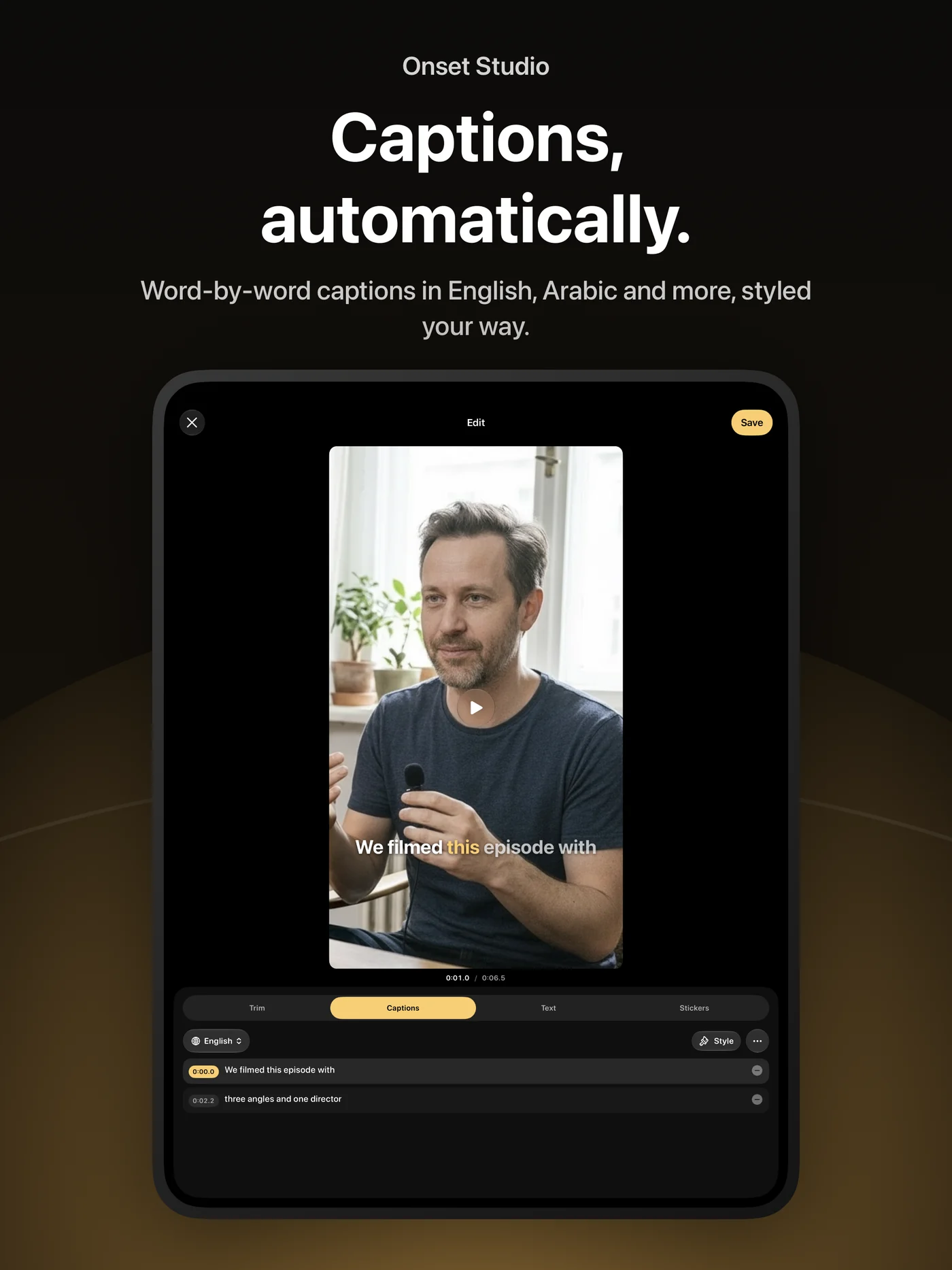
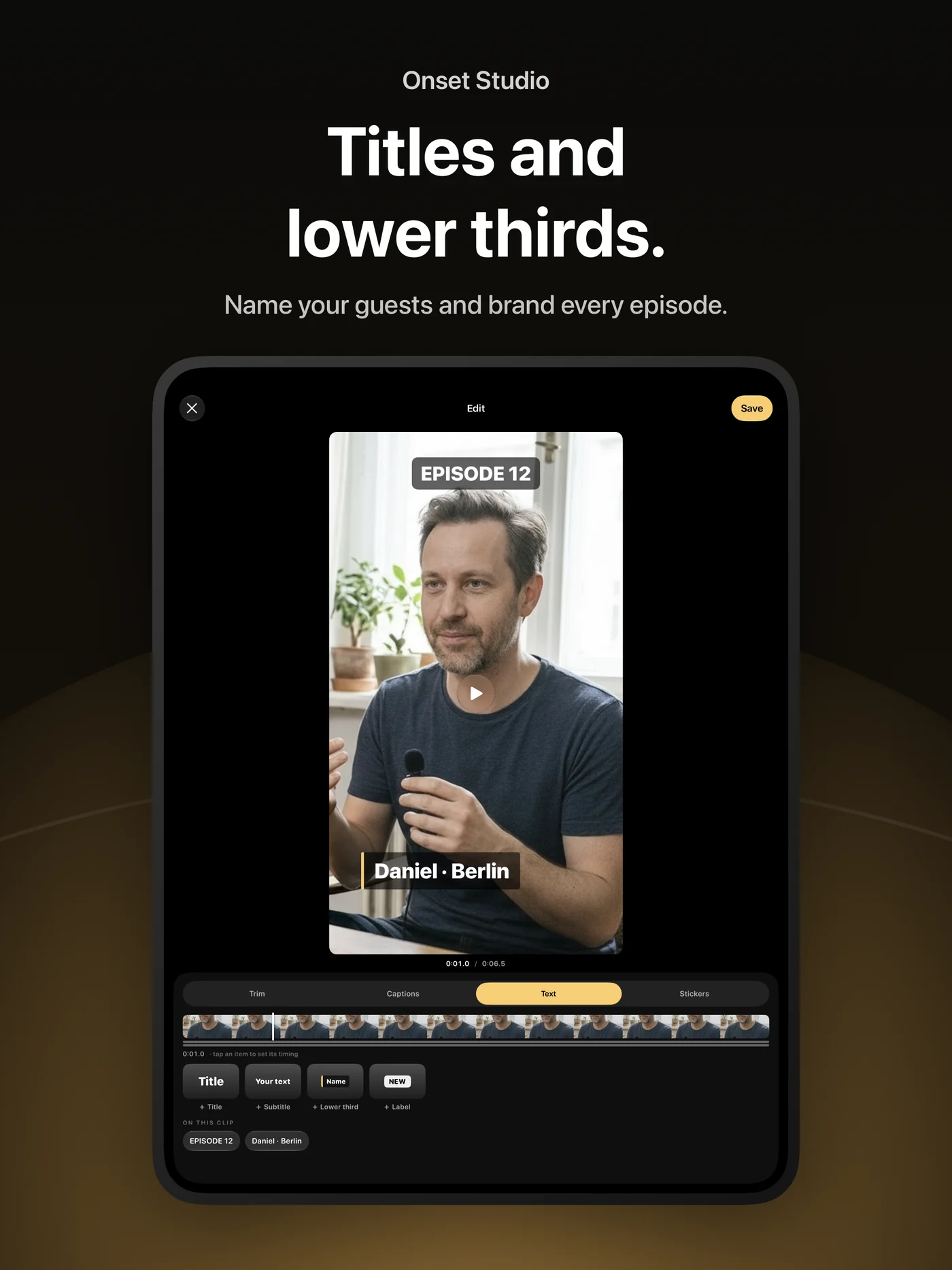
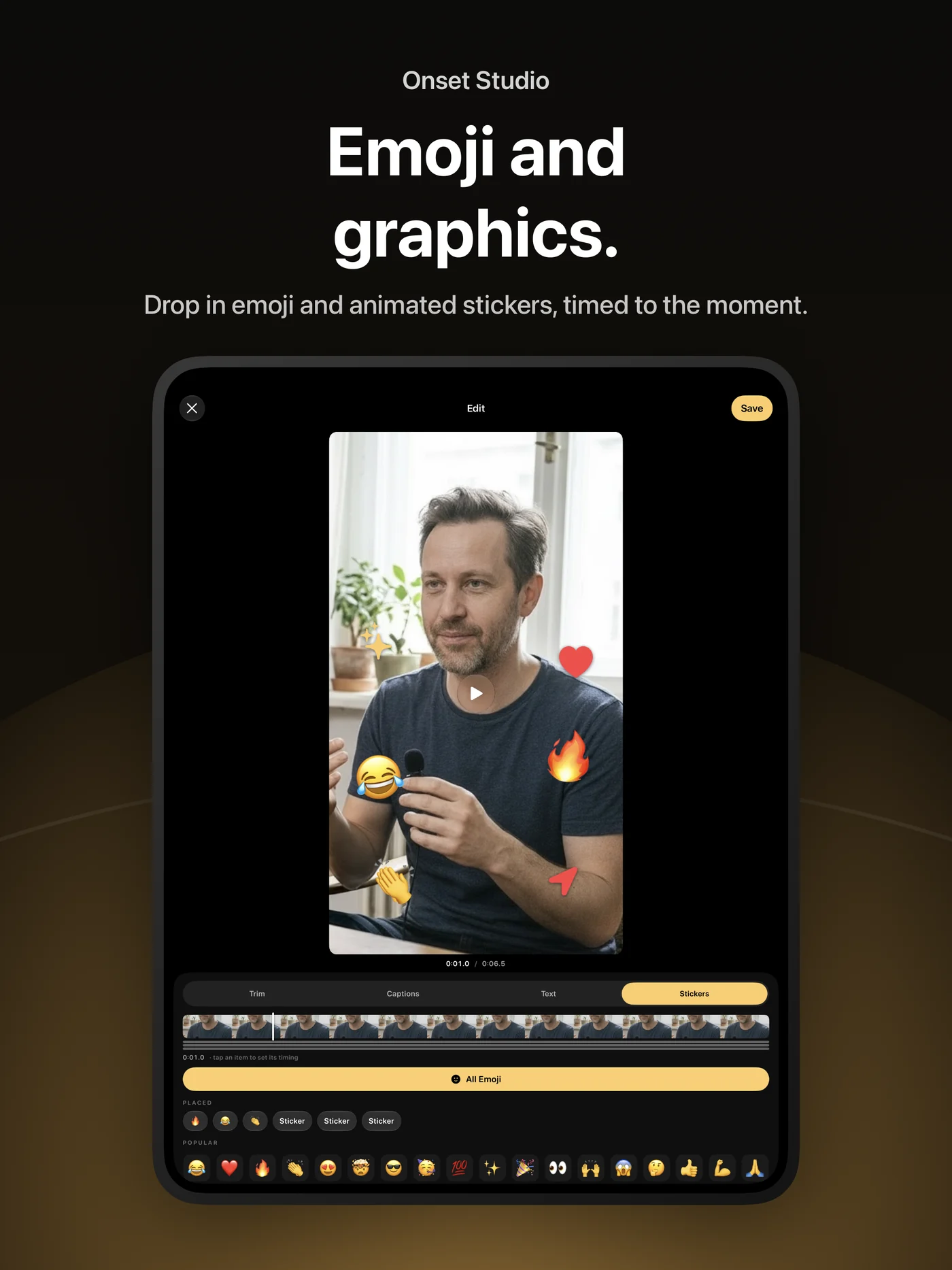
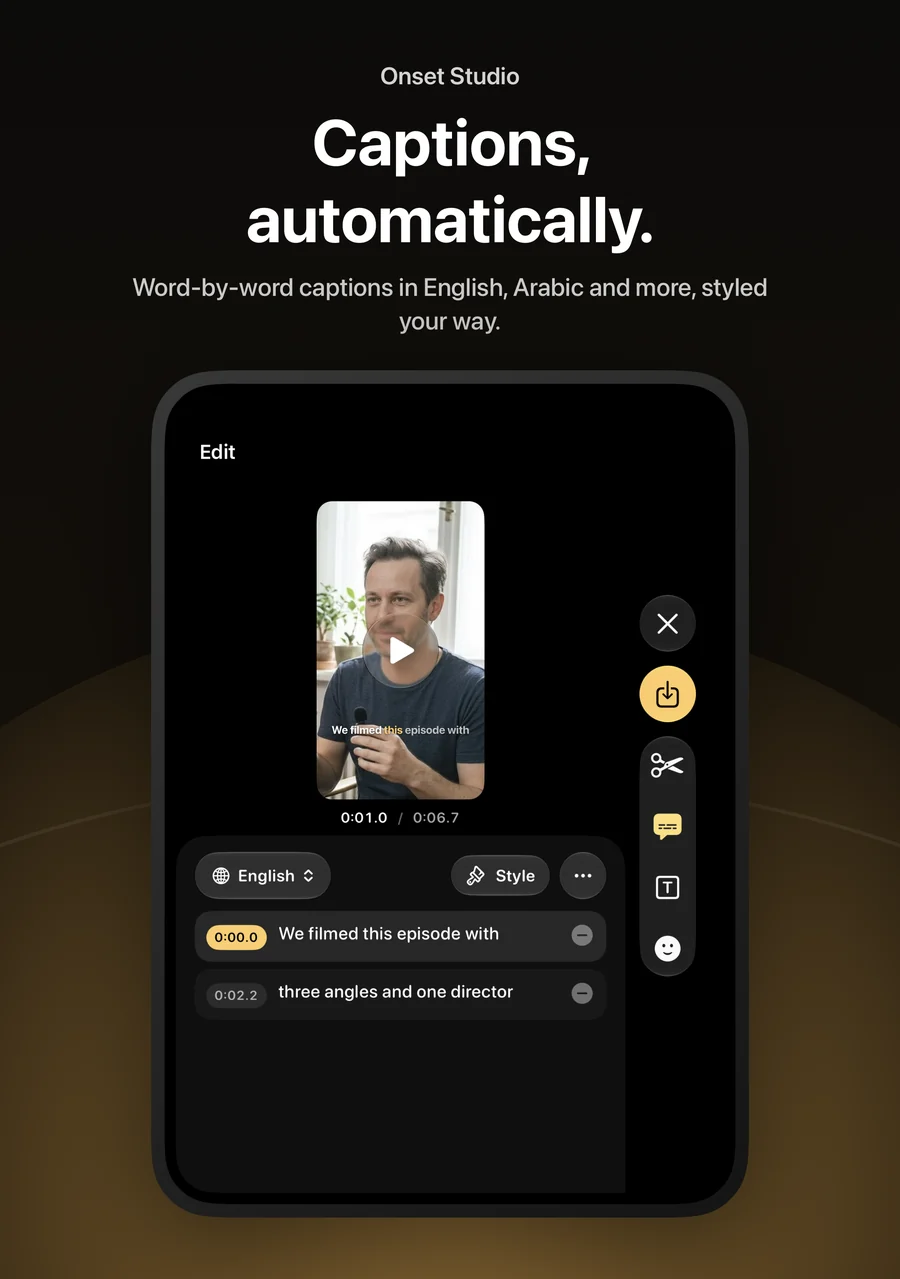
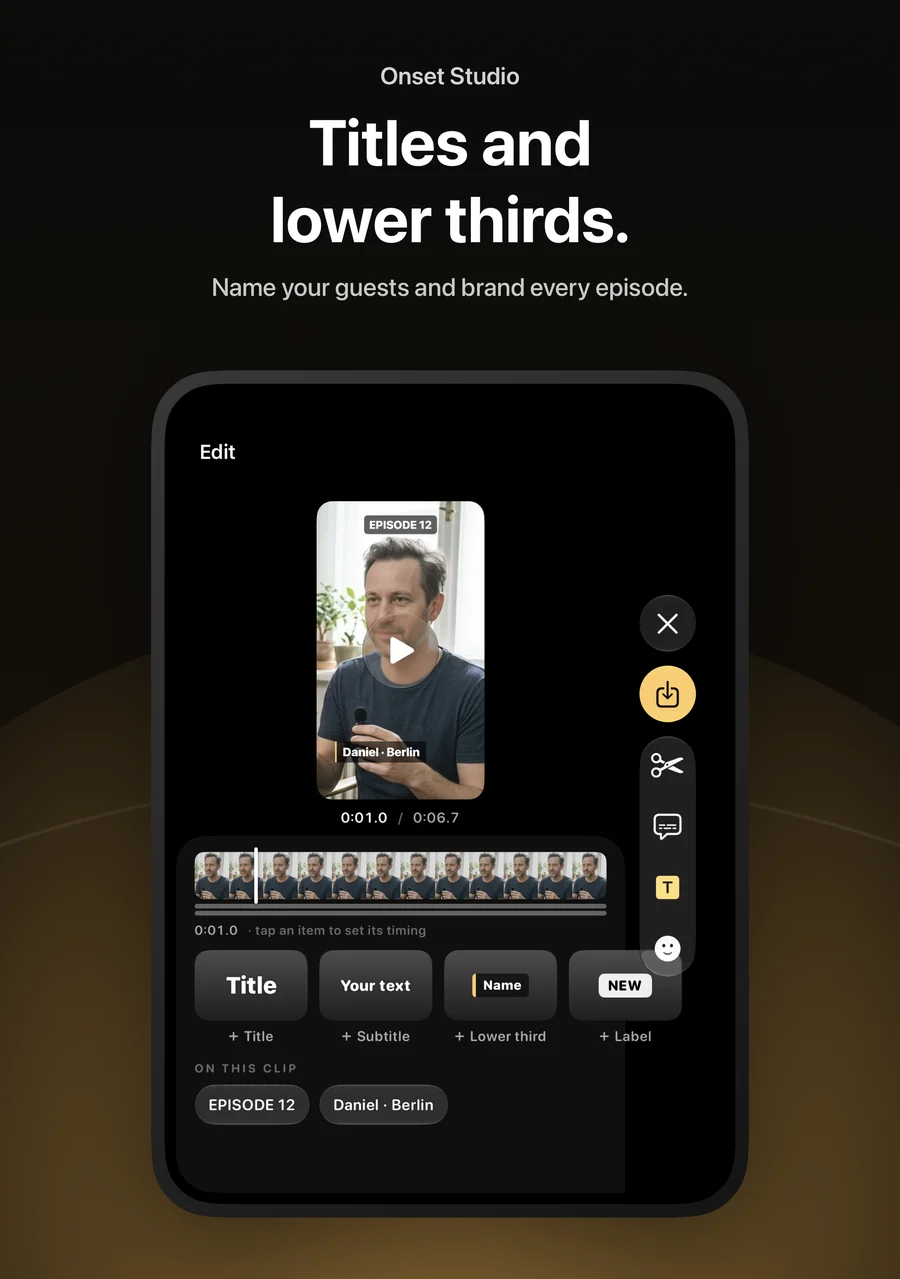
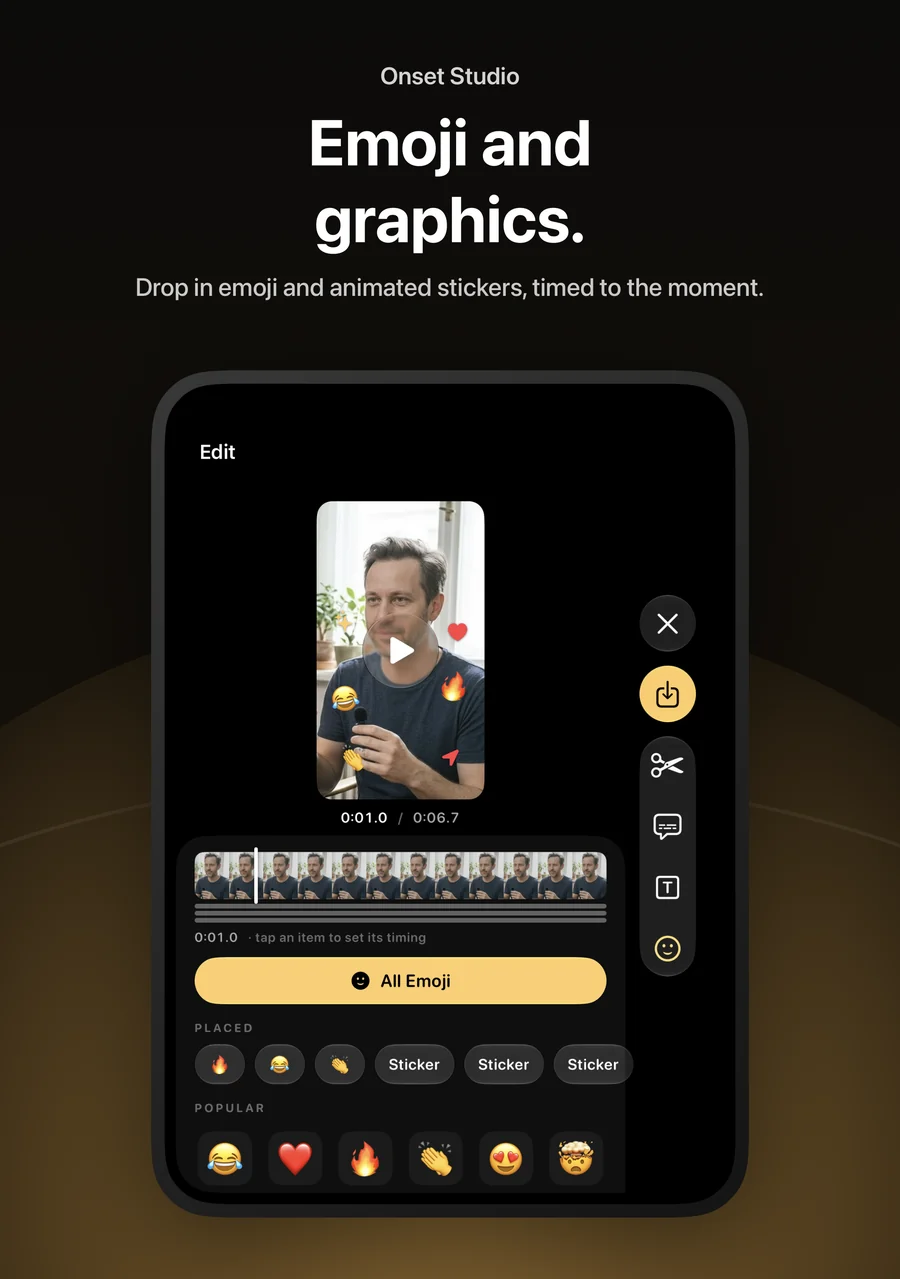
Trim clips, generate captions from speech in many languages, including Arabic, and style them. Add titles, lower thirds, stickers and motion, each with its own timing.
Export for every platform
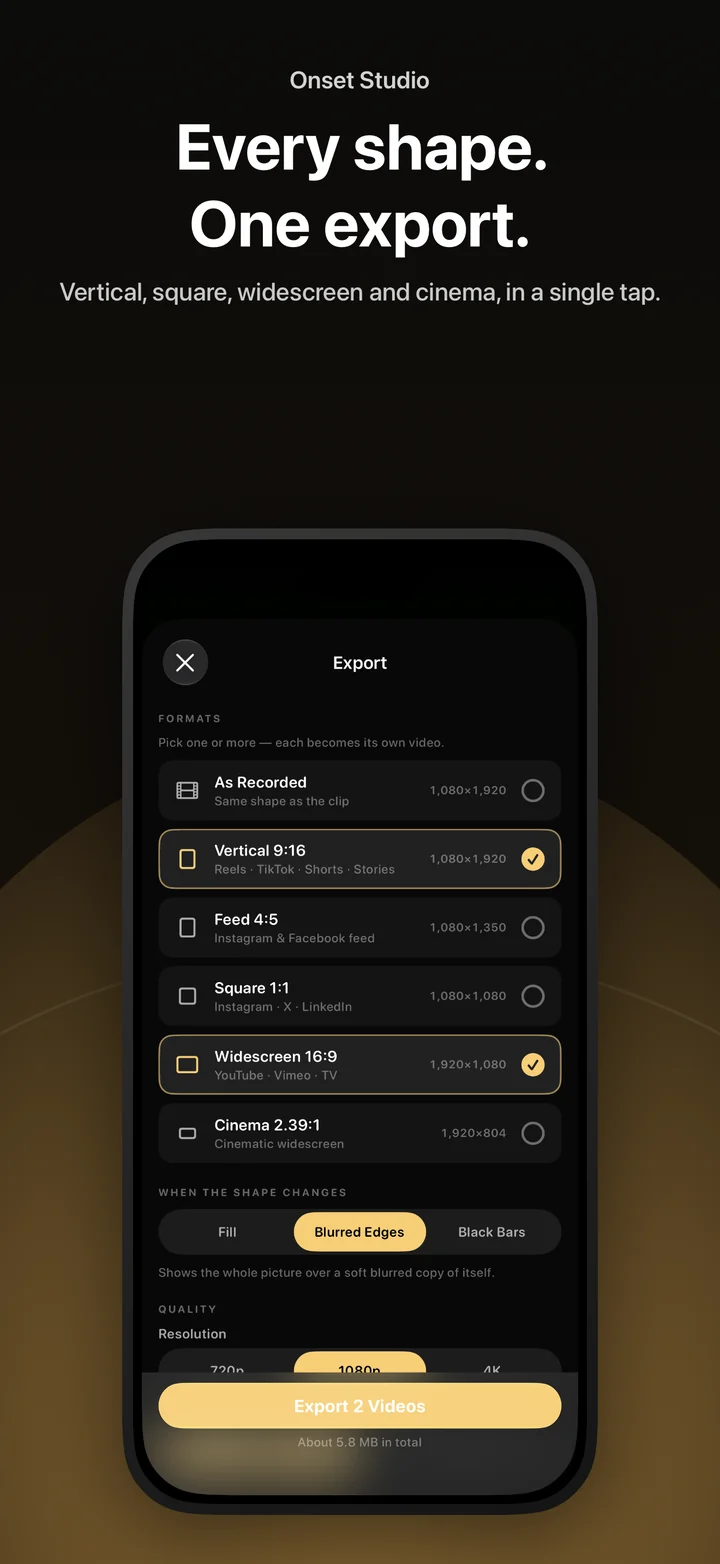
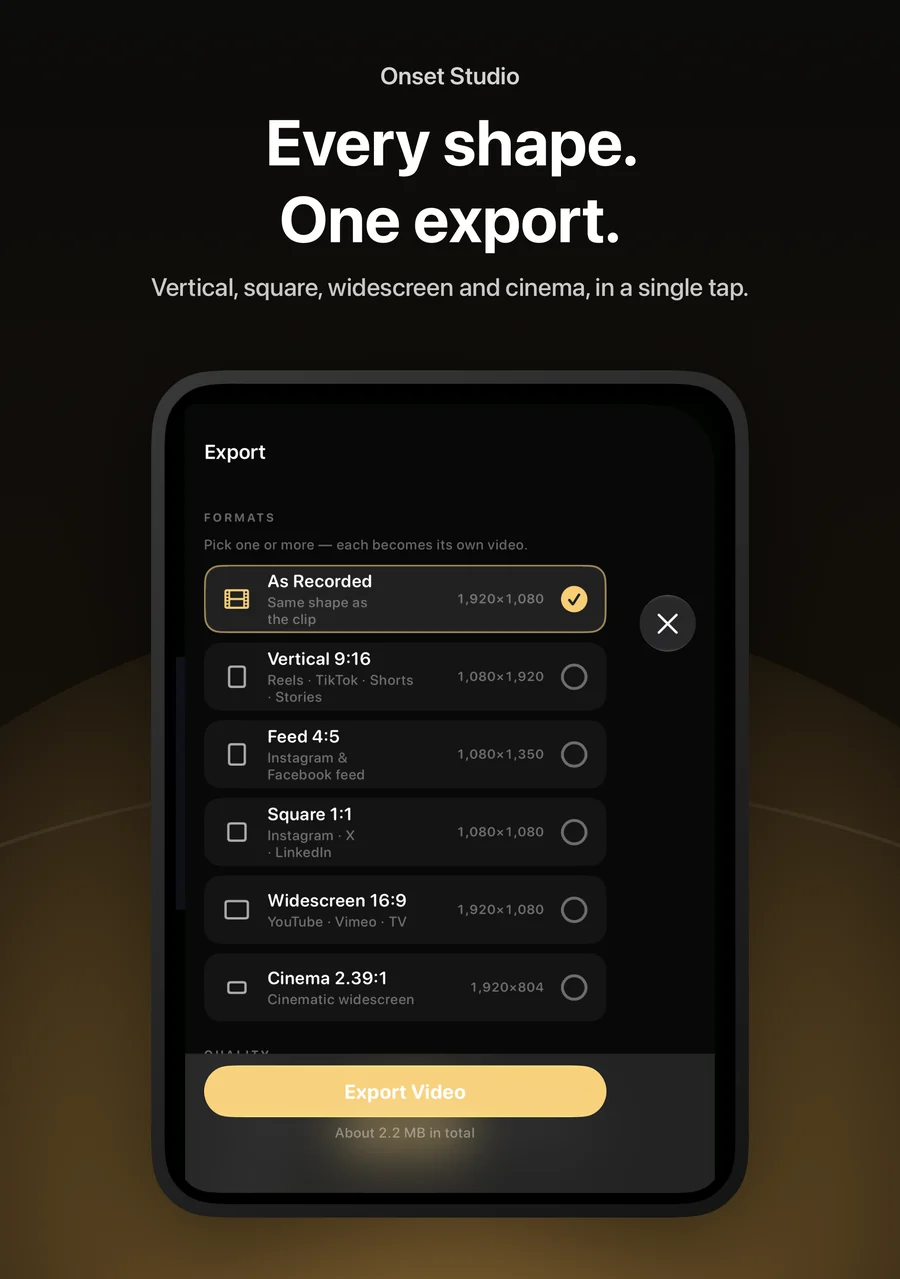
Export one video in several shapes at once — vertical, feed, square, widescreen or cinema — with fill, blurred edges or black bars. Choose resolution up to 4K, frame rate, size and codec, then save to Photos or share.
Go live
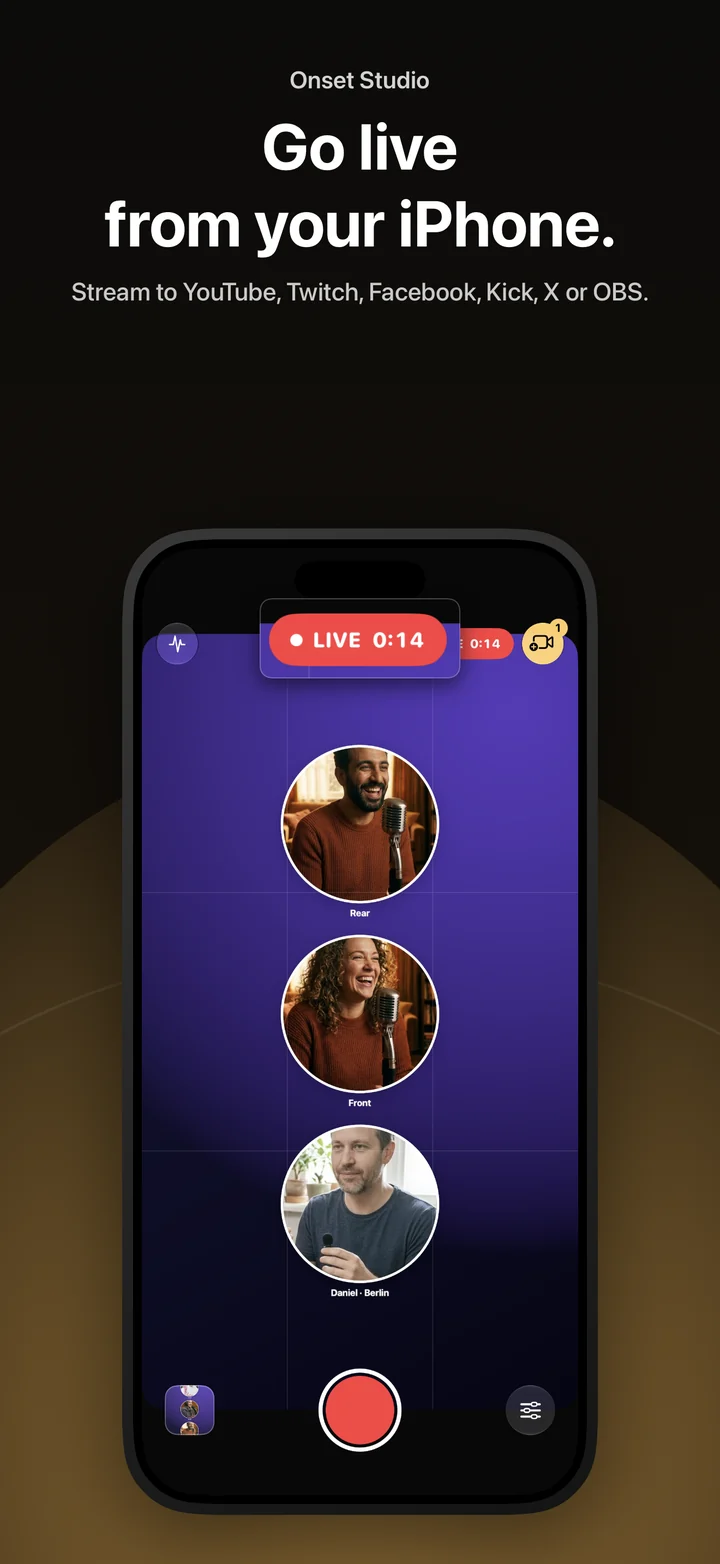
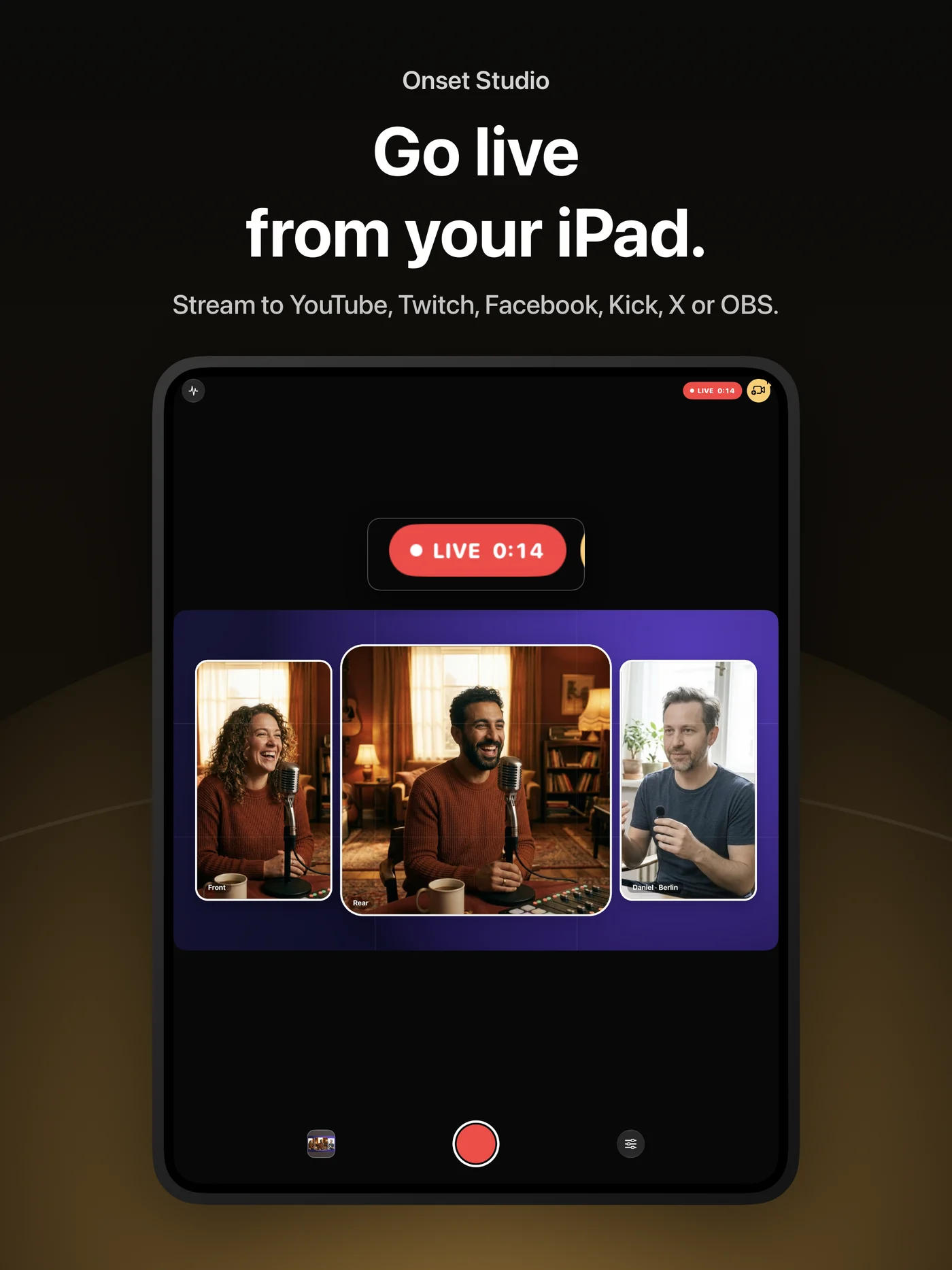
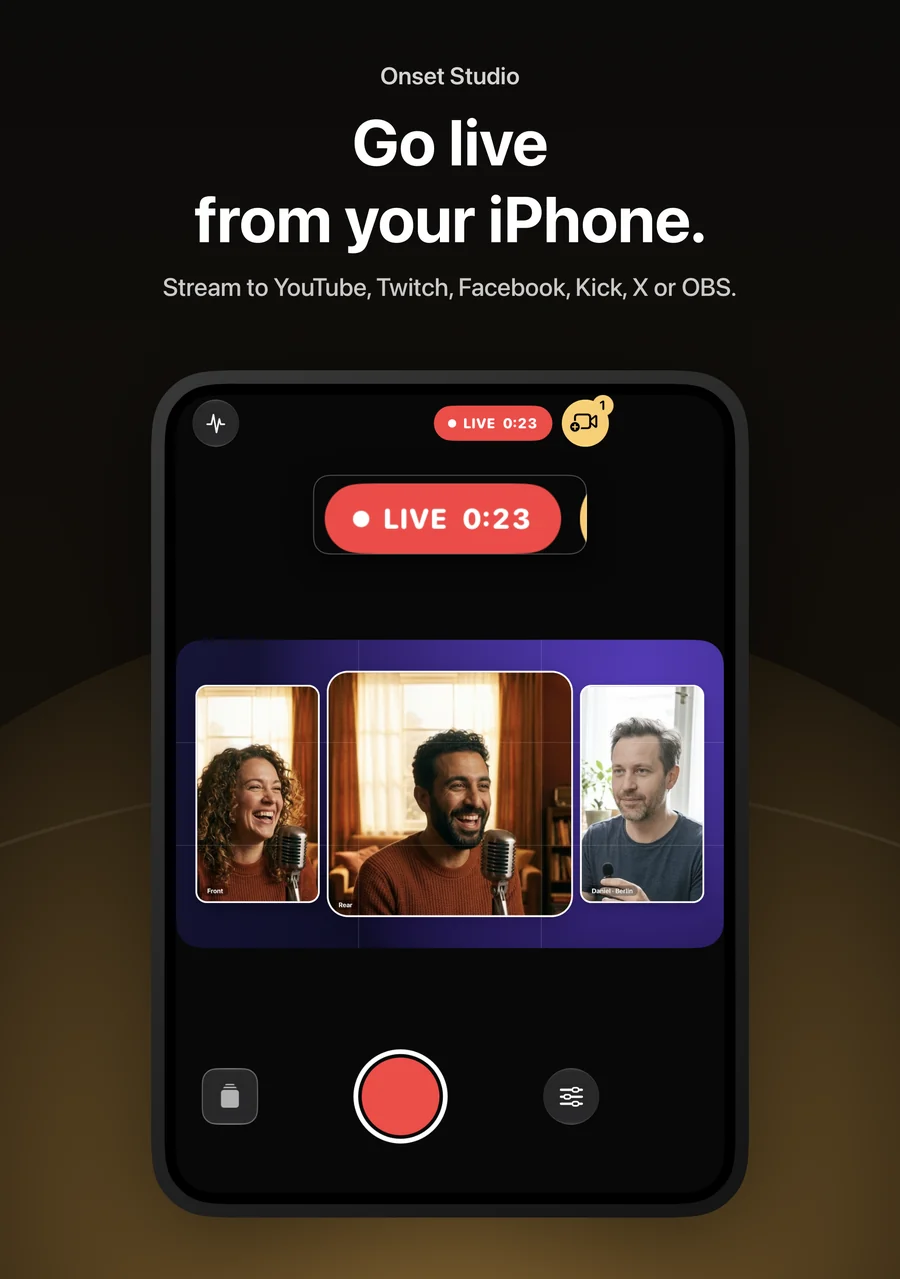
Stream your canvas to YouTube, Twitch, Facebook, Kick, X or any RTMP server with your own stream key, or send it to OBS on a Mac or PC on the same Wi-Fi without plugins. Every iPhone’s microphone can be mixed into the stream, and you can record while live.
Platform names are used only to describe compatibility. Onset Studio is not affiliated with or endorsed by these services.
Pro controls when you want them
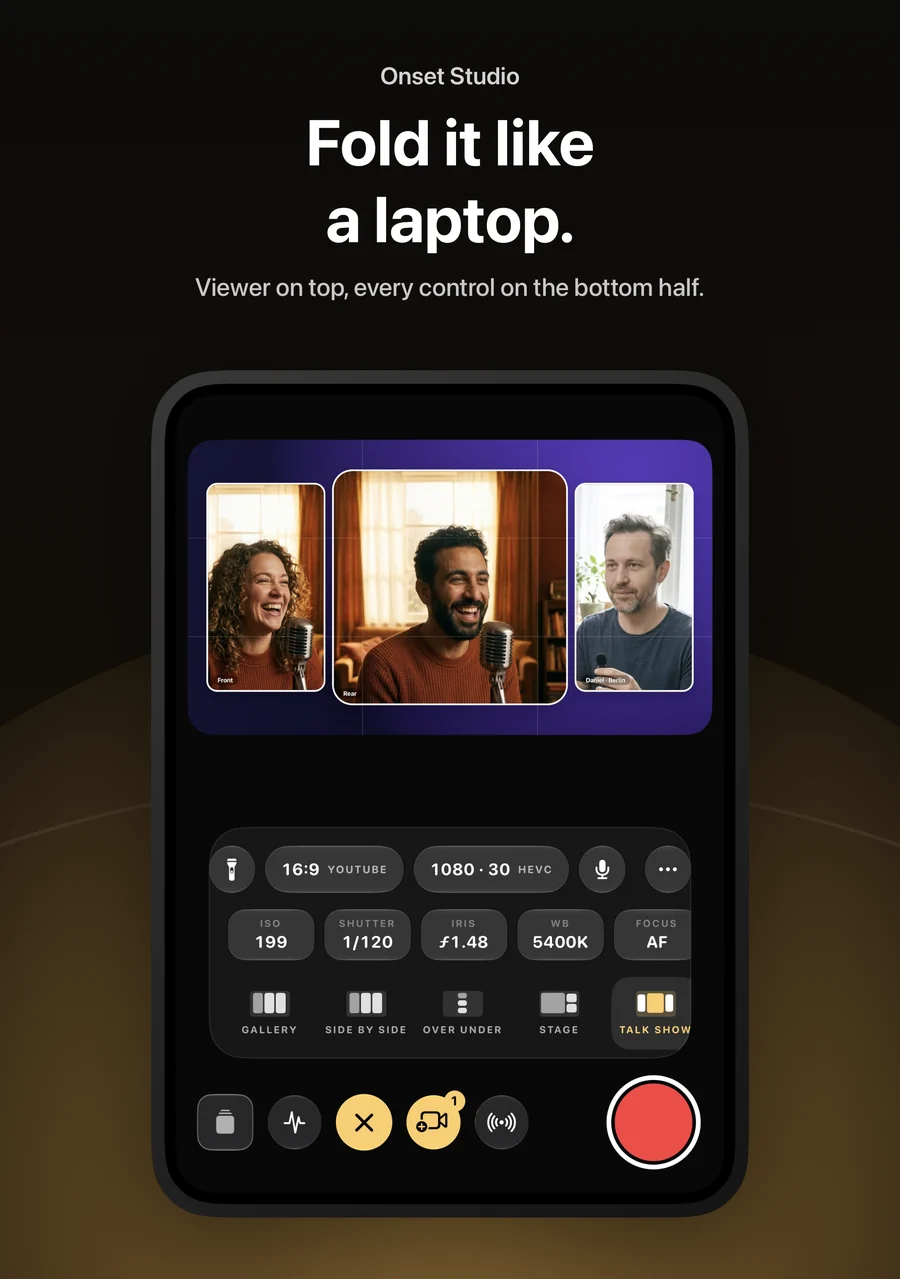
Take control of ISO, shutter, white balance, focus and exposure, switch lenses or use the zoom wheel, choose stabilization and looks, and keep an eye on the monitor while you shoot. Controls appear only when your device supports them.
Made for every screen
Onset Studio fits iPhone, iPad and the iPhone Duo — closed, open or folded like a laptop with the viewer above and the controls below. The interface is available in English and Arabic, with right-to-left layouts.
Privacy built in
There is no Onset Studio account, no advertising and no analytics. Your recordings stay on your devices unless you choose to share, export or stream them. Read the Privacy policy for the details.
Get Onset Studio and get help
Onset Studio is coming to the App Store for iPhone and iPad. It is developed by Fadi Halik. For help, write to support@siliconmac.com in English or Arabic, or visit Support.