
Understand the space.
The planned storage view explains large and less obvious files, their owners and their purpose.
In development
SteadyMac
macOSSteadyMac 1.0.9 is a free download for macOS, focused on understanding storage and reviewing cleanup decisions.
Version 1.0.9 is free. No purchase required.
01 / Application windows
A closer look at storage, from the first check to the details behind it.
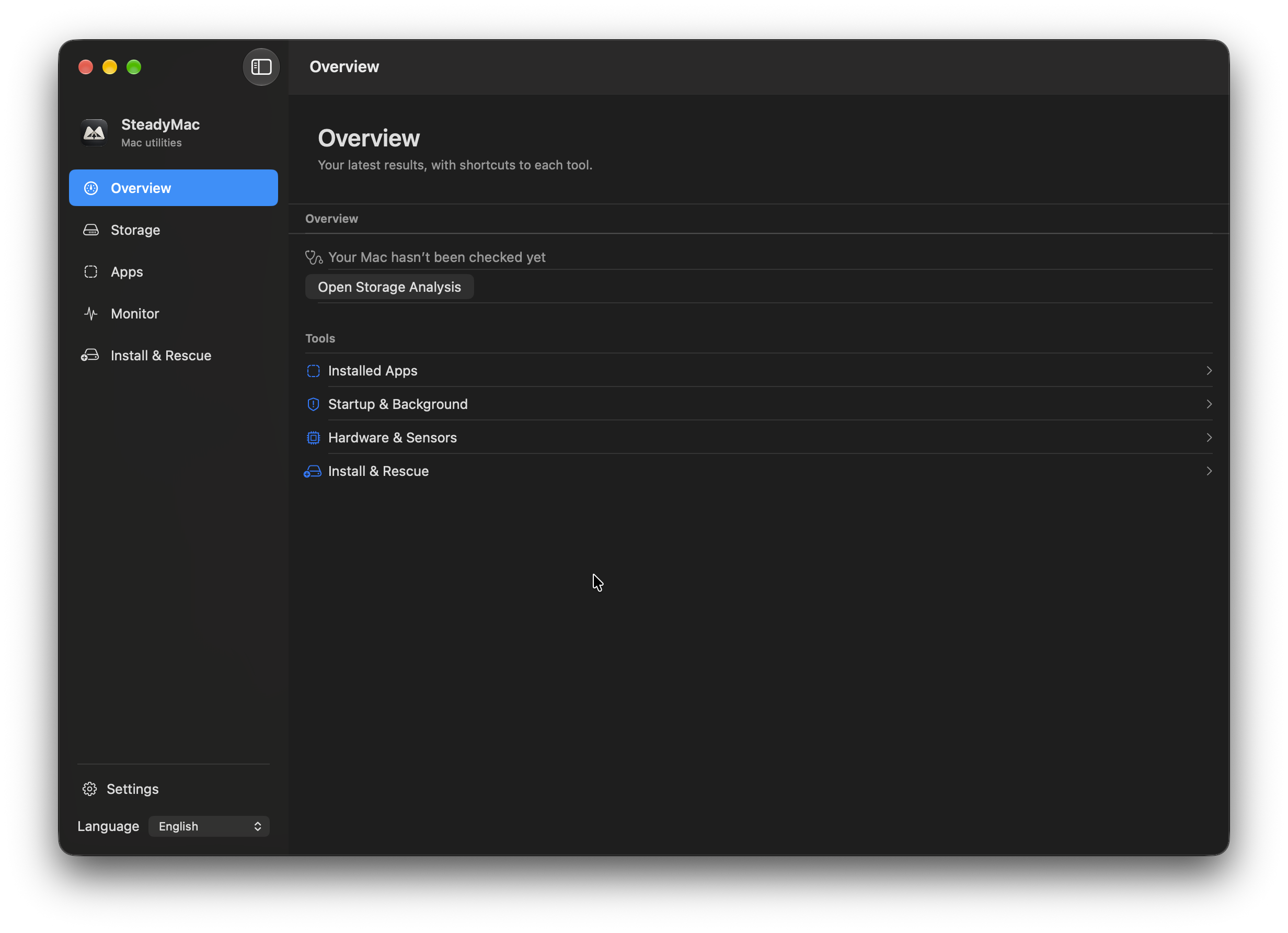
Your starting point, with shortcuts to each tool. This capture is before a storage check.
View full size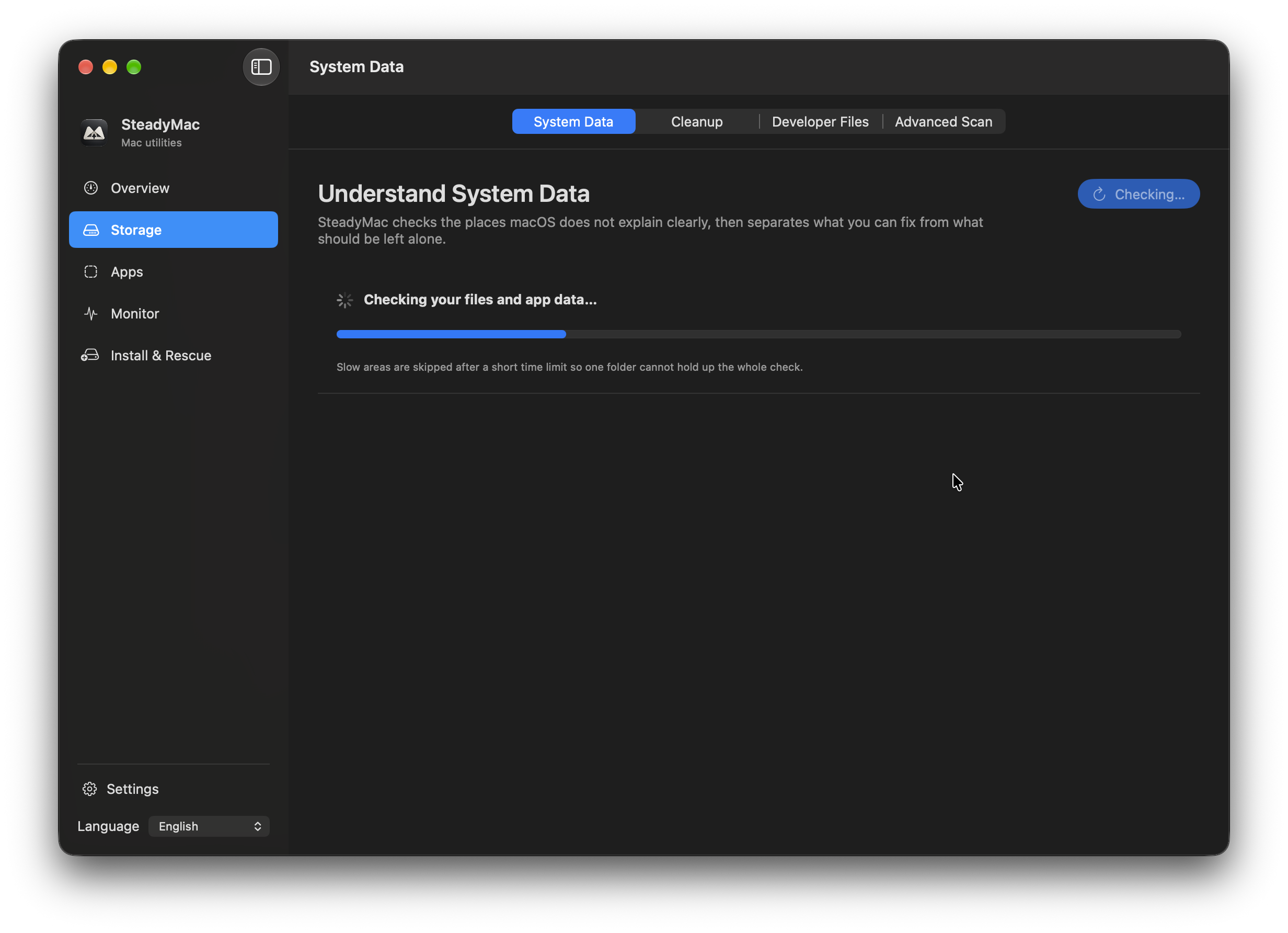
A System Data check in progress.
View full size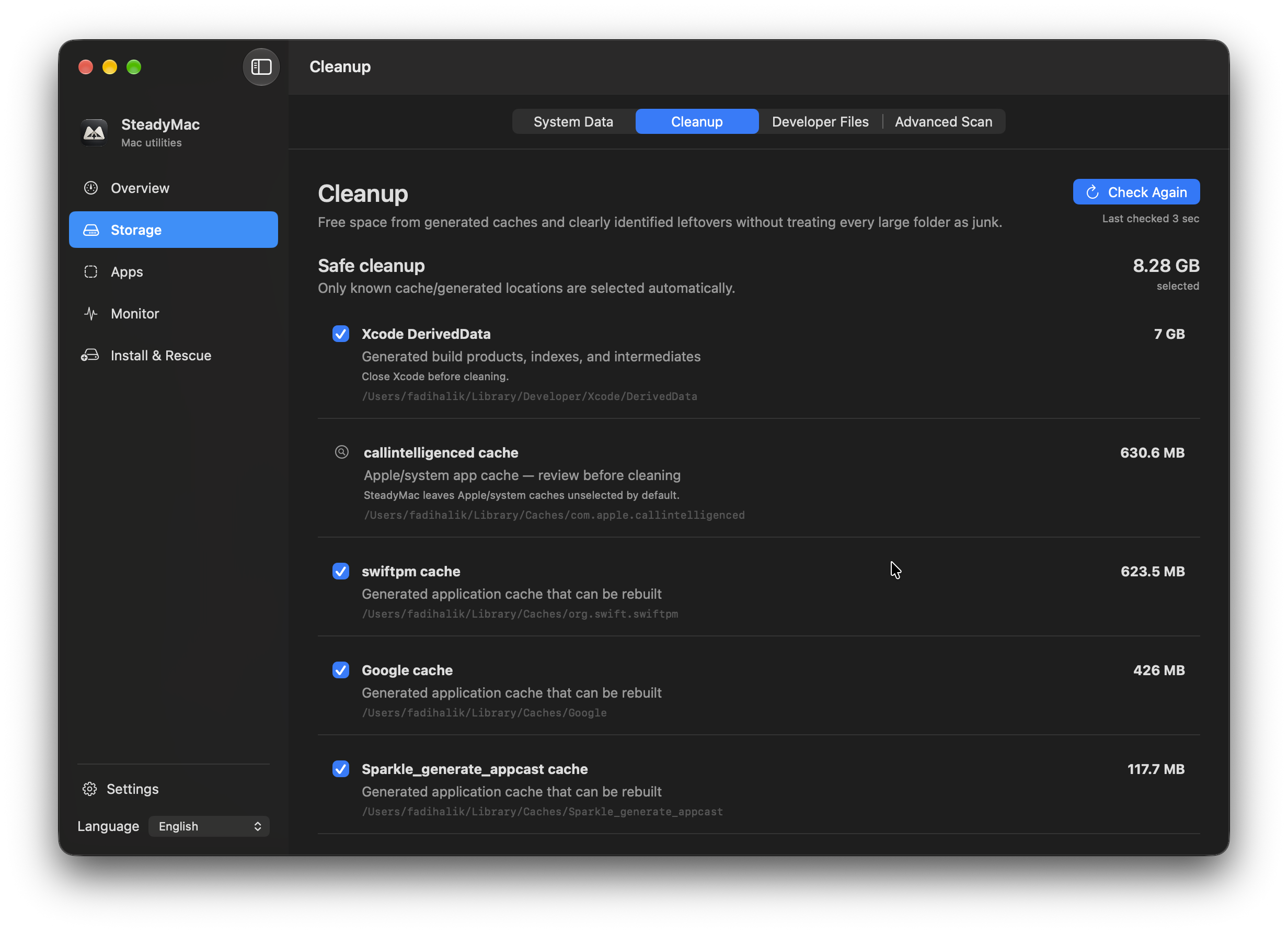
Review generated caches and the items selected for cleanup.
View full size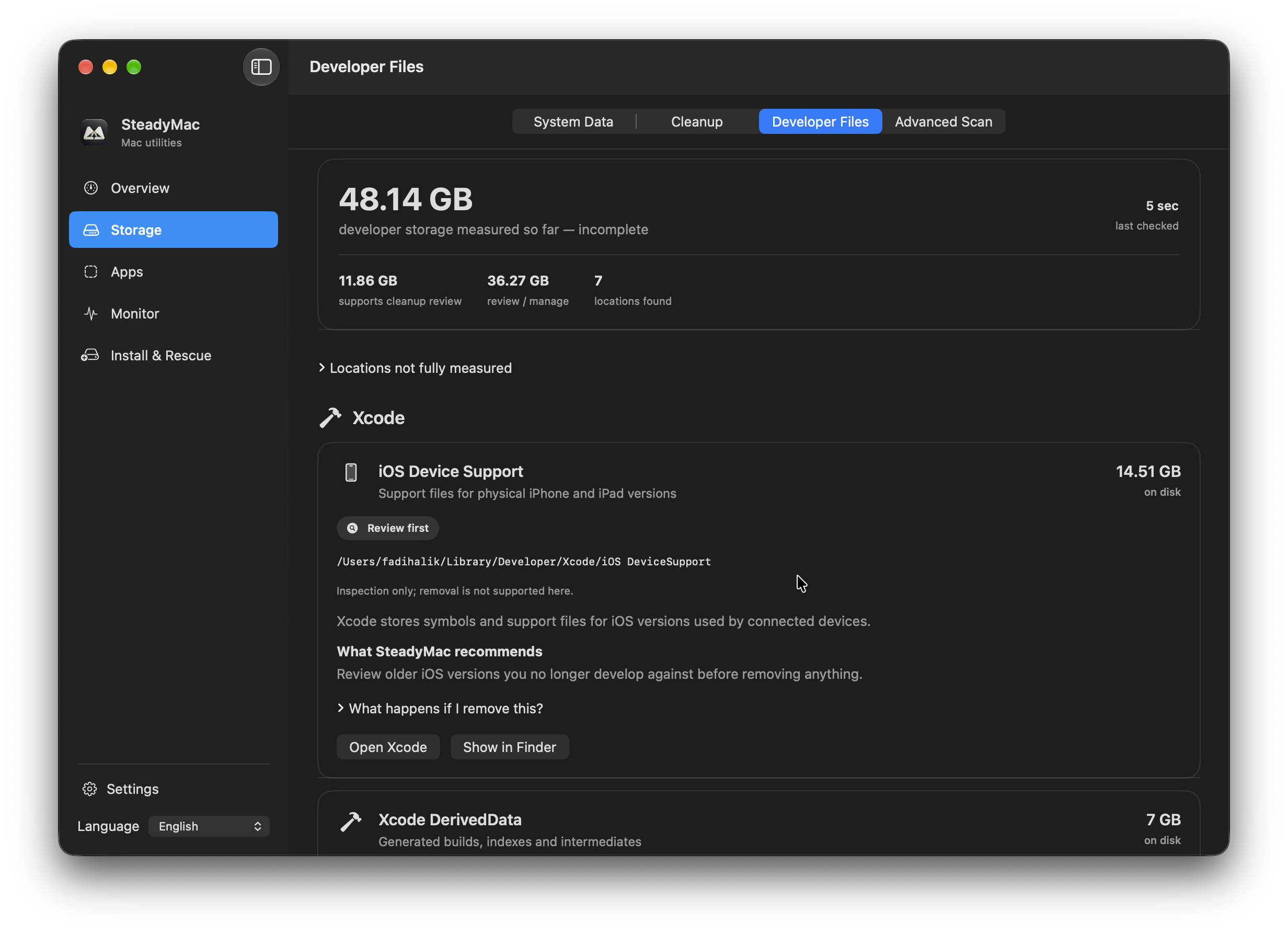
Xcode storage, with explanations and review options. The measurement shown is incomplete.
View full size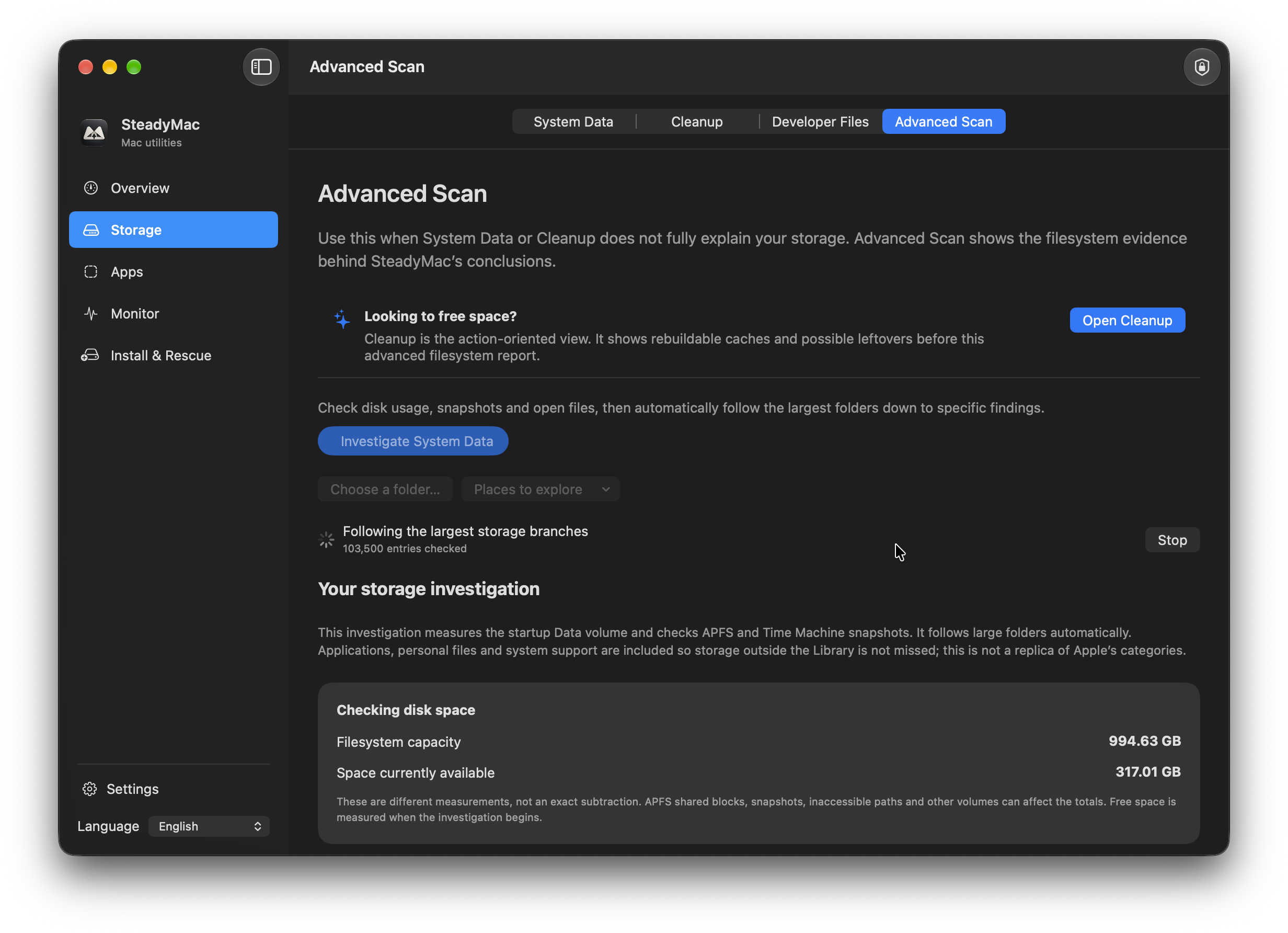
Follow the storage investigation as it checks the largest branches.
View full sizeSwipe to explore
A clearer picture
The details. Within reach.
02 / Application windows
Explore installed apps, background items, resource samples and macOS installers.
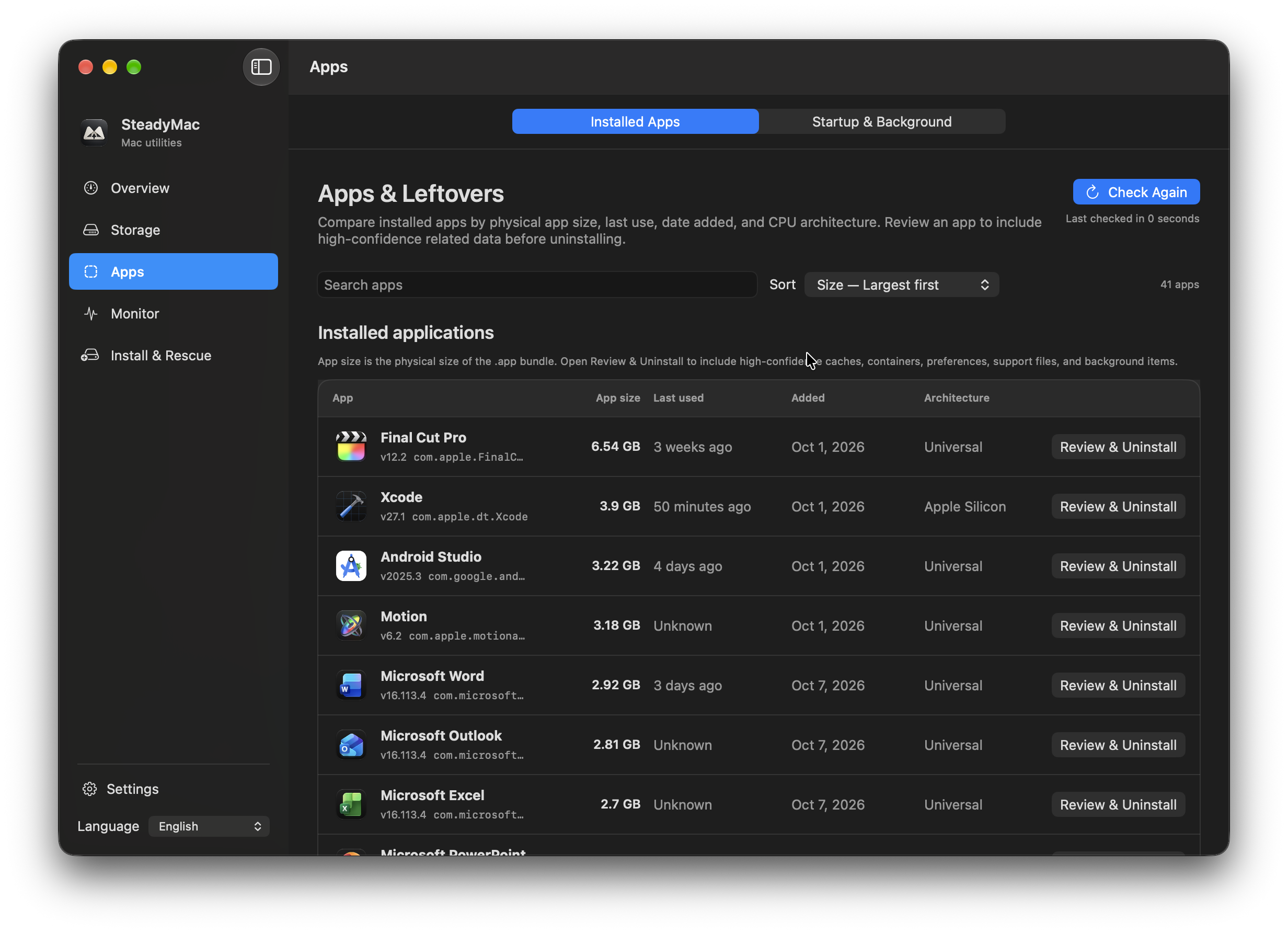
Installed apps, their size, architecture and review controls.
View full size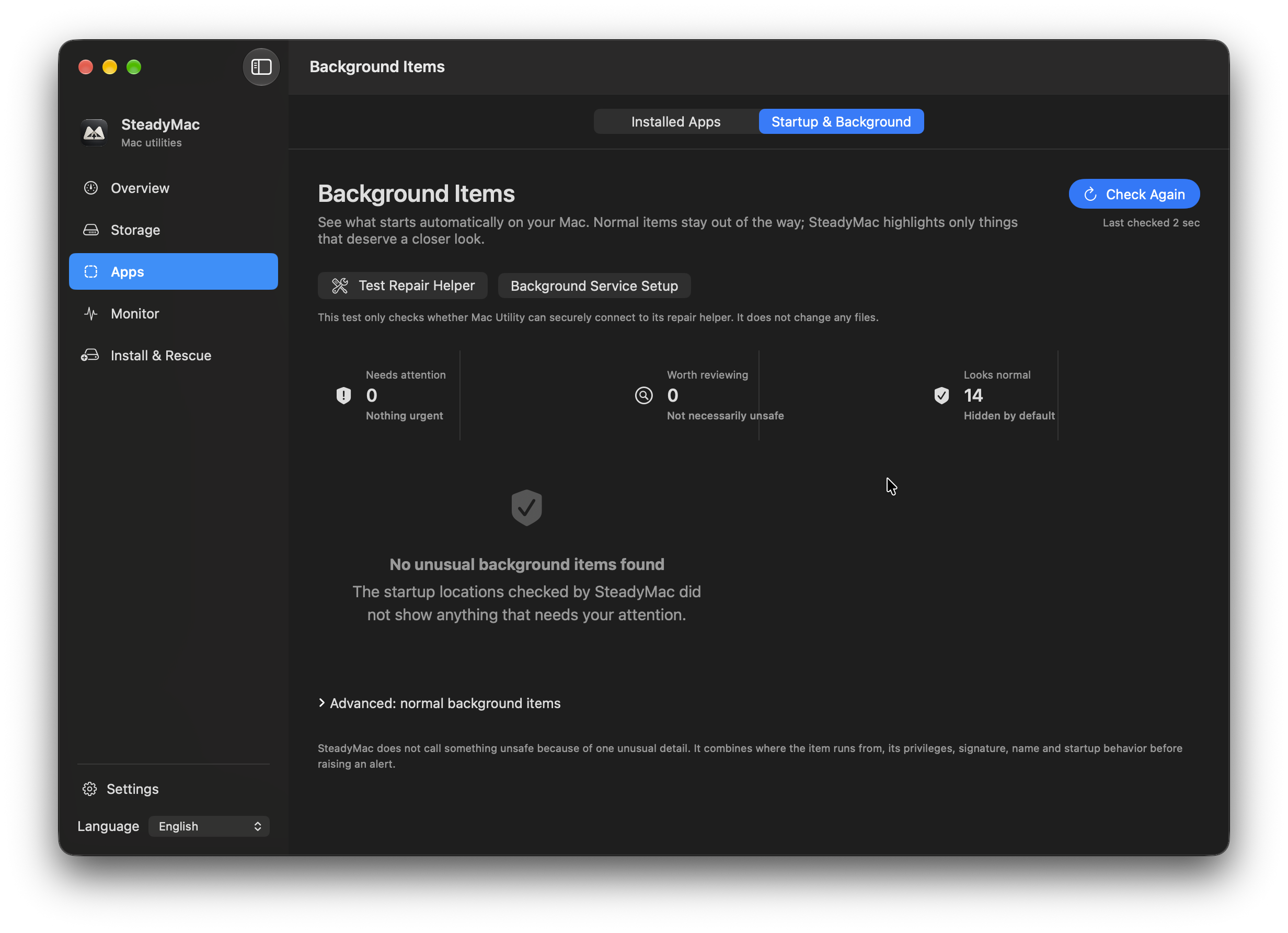
Review items that start automatically on your Mac.
View full size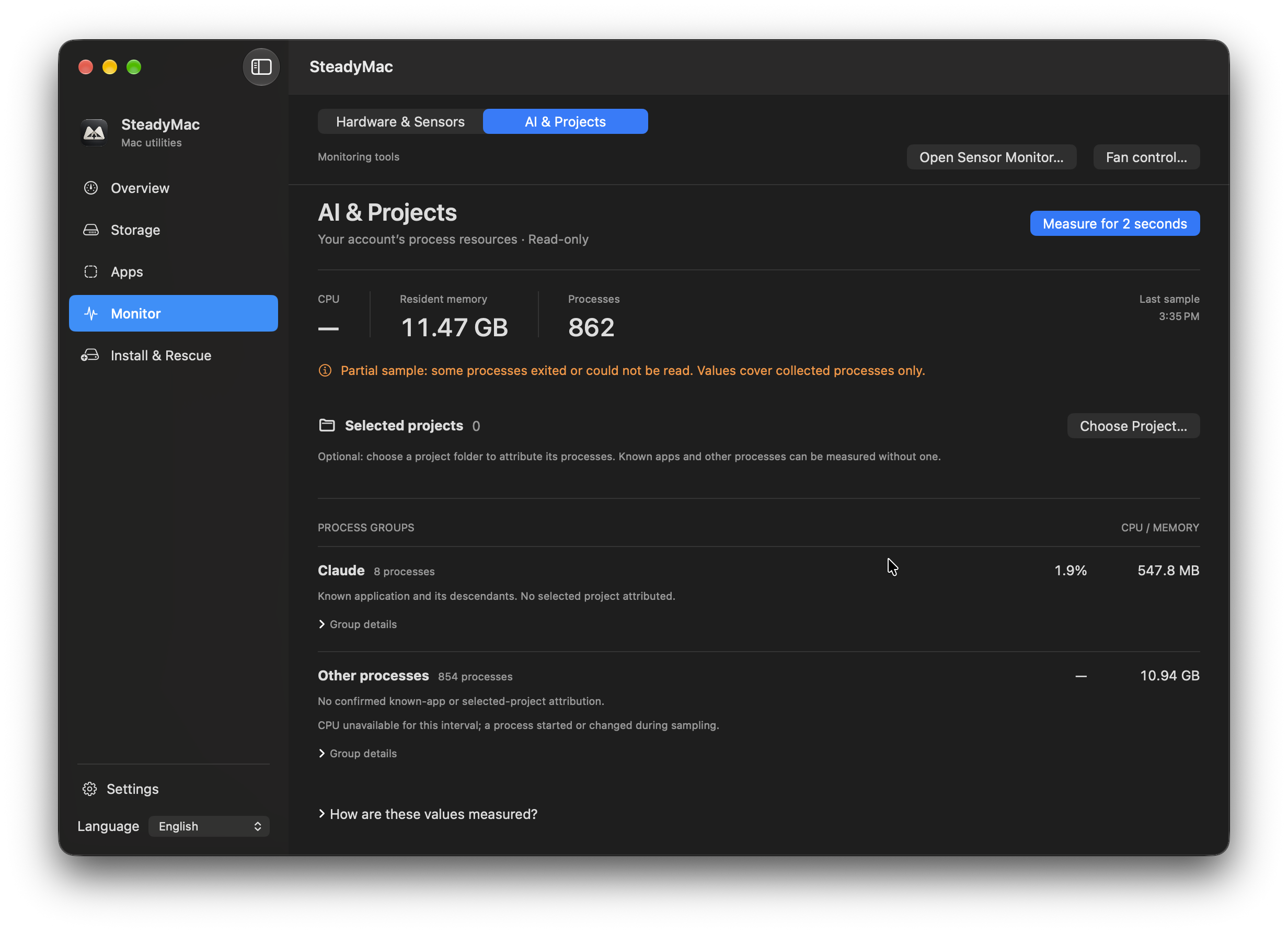
A read-only resource sample, with its partial-measurement notice visible.
View full size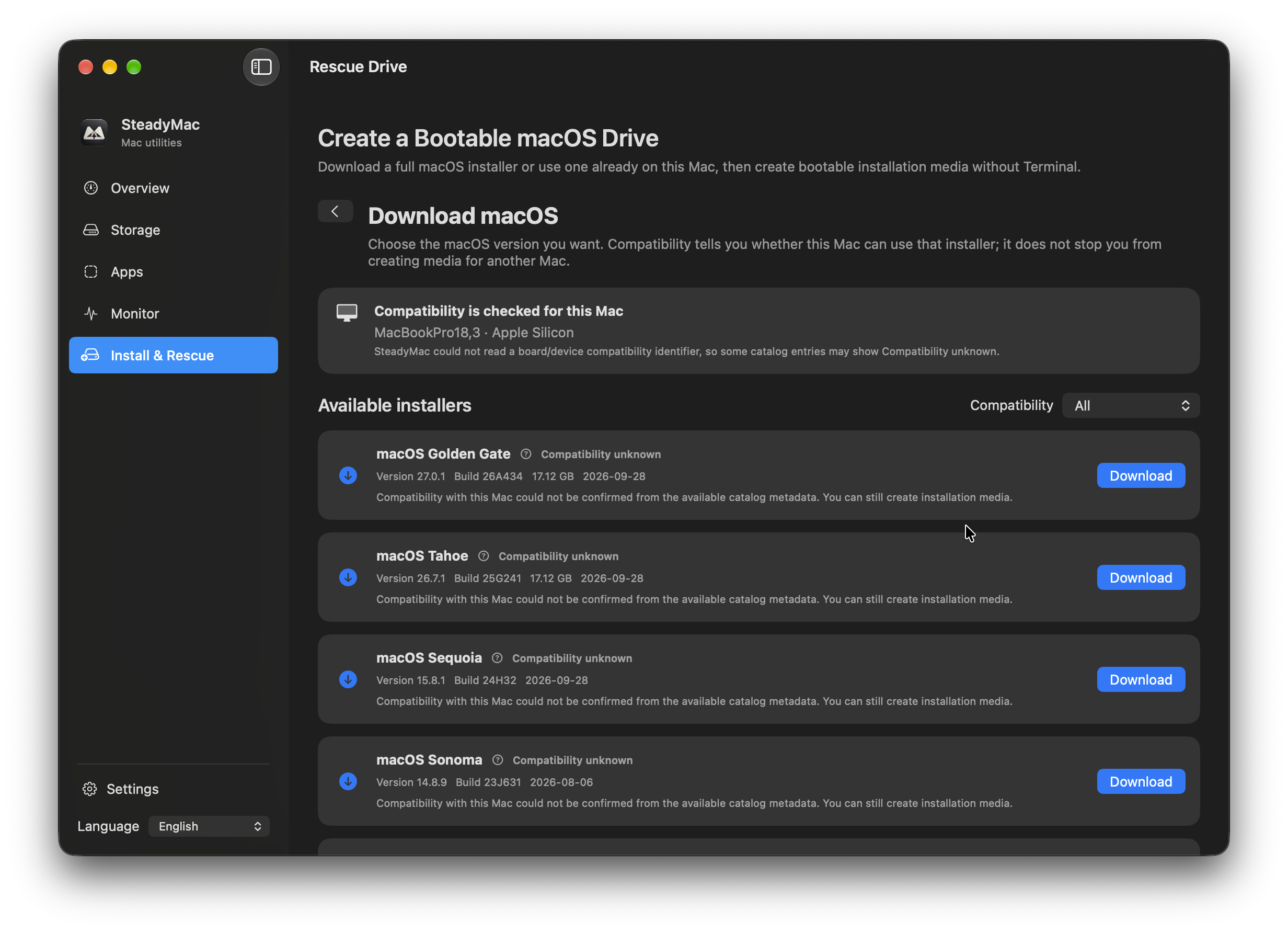
macOS installers and compatibility information, as shown in the app.
View full sizeSwipe to explore
Close at hand
A little panel. A useful perspective.
03 / Menu-bar panels
Readings, shortcuts and per-app audio, together in the menu bar.
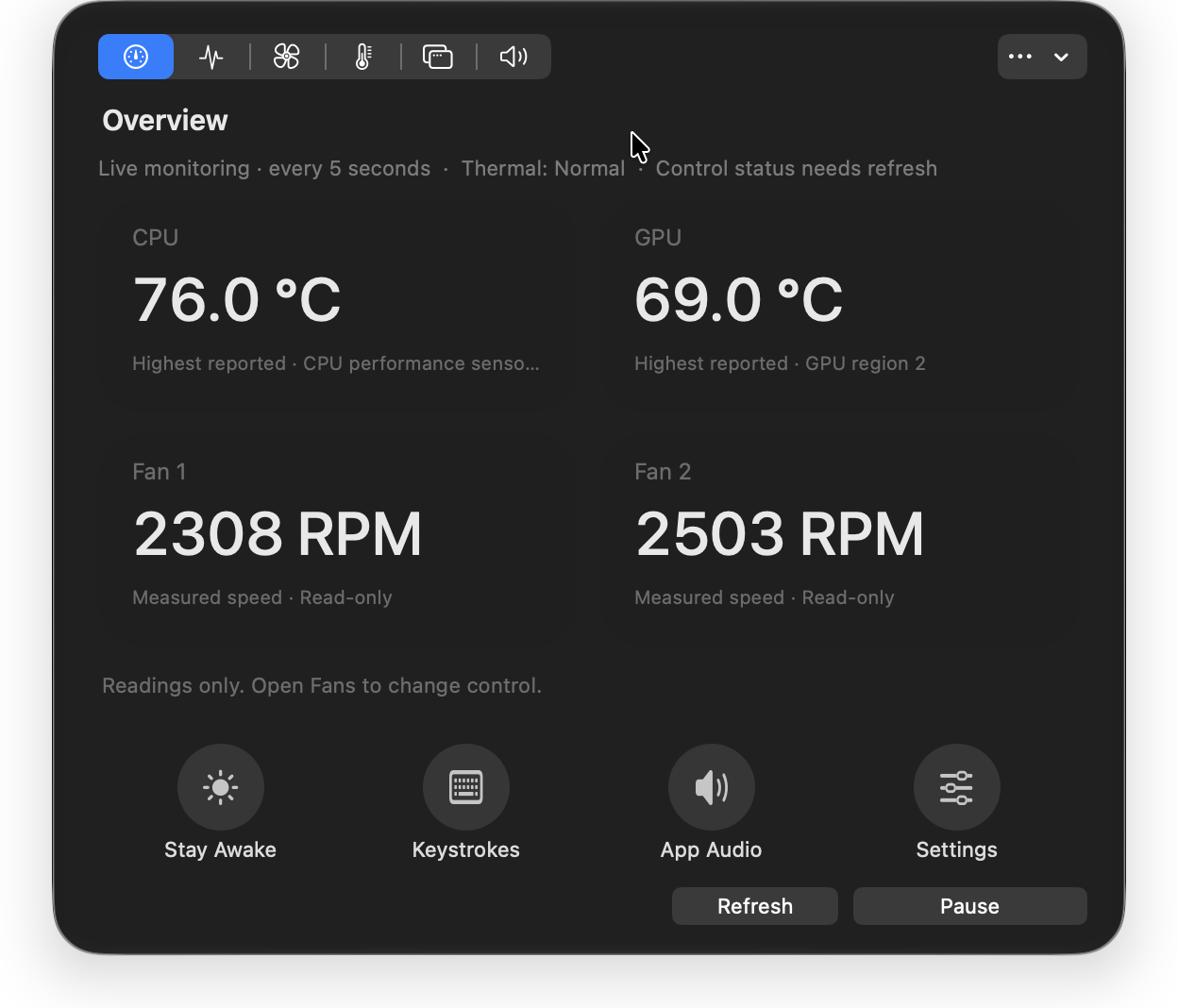
CPU and GPU temperatures, fan readings and quick actions.
View full size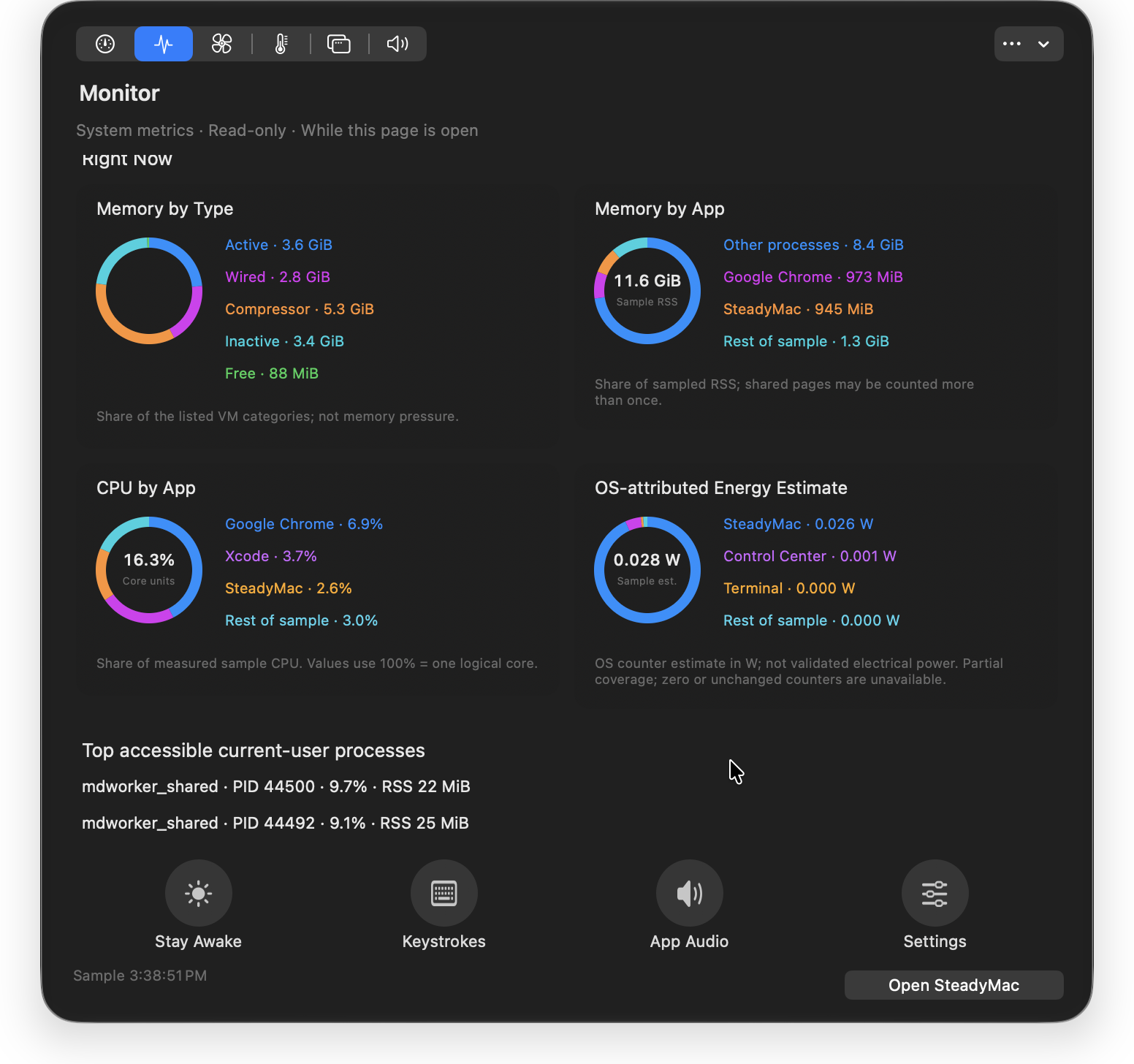
A snapshot of resource use, directly from the menu bar.
View full size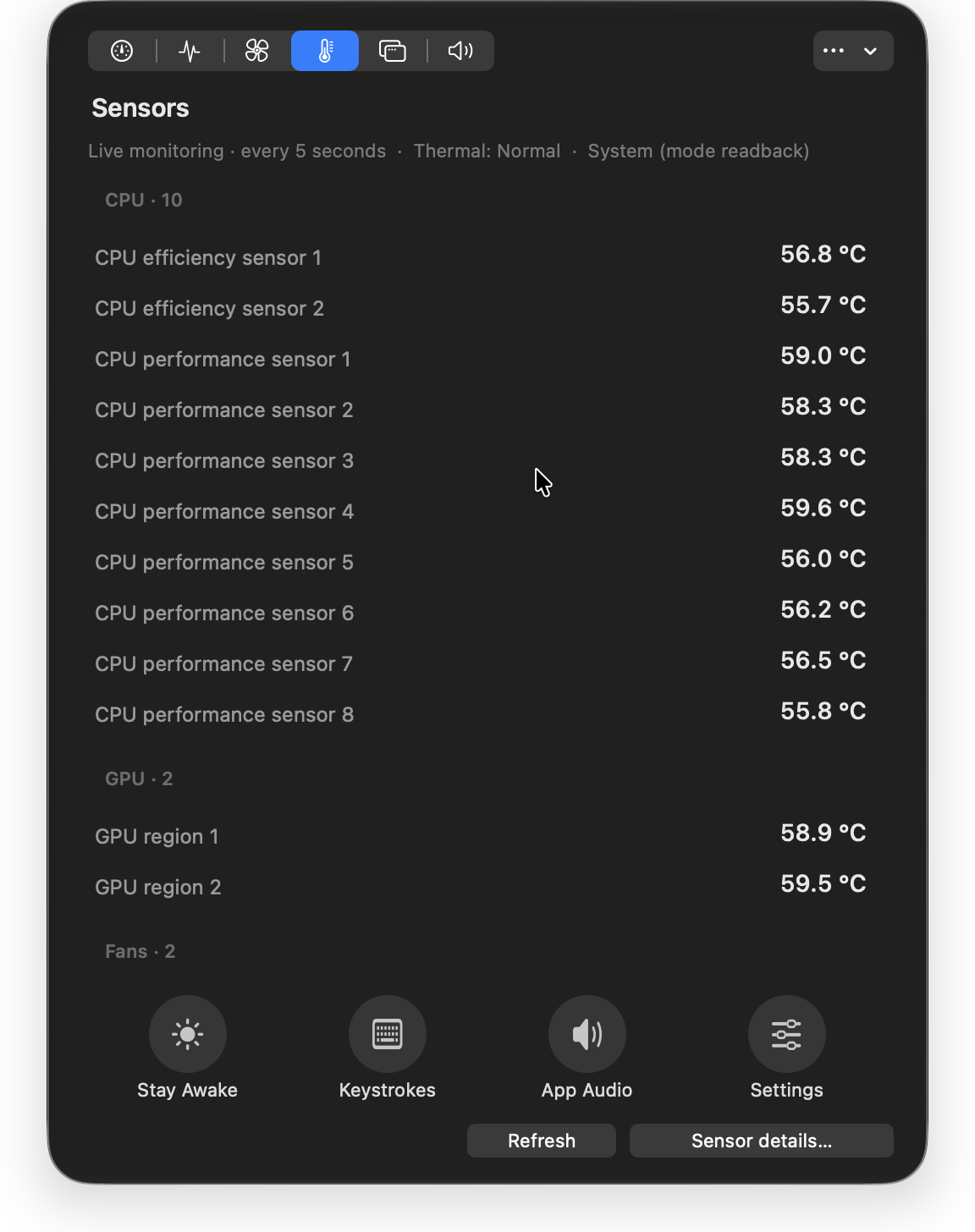
Individual temperature readings in a compact panel.
View full size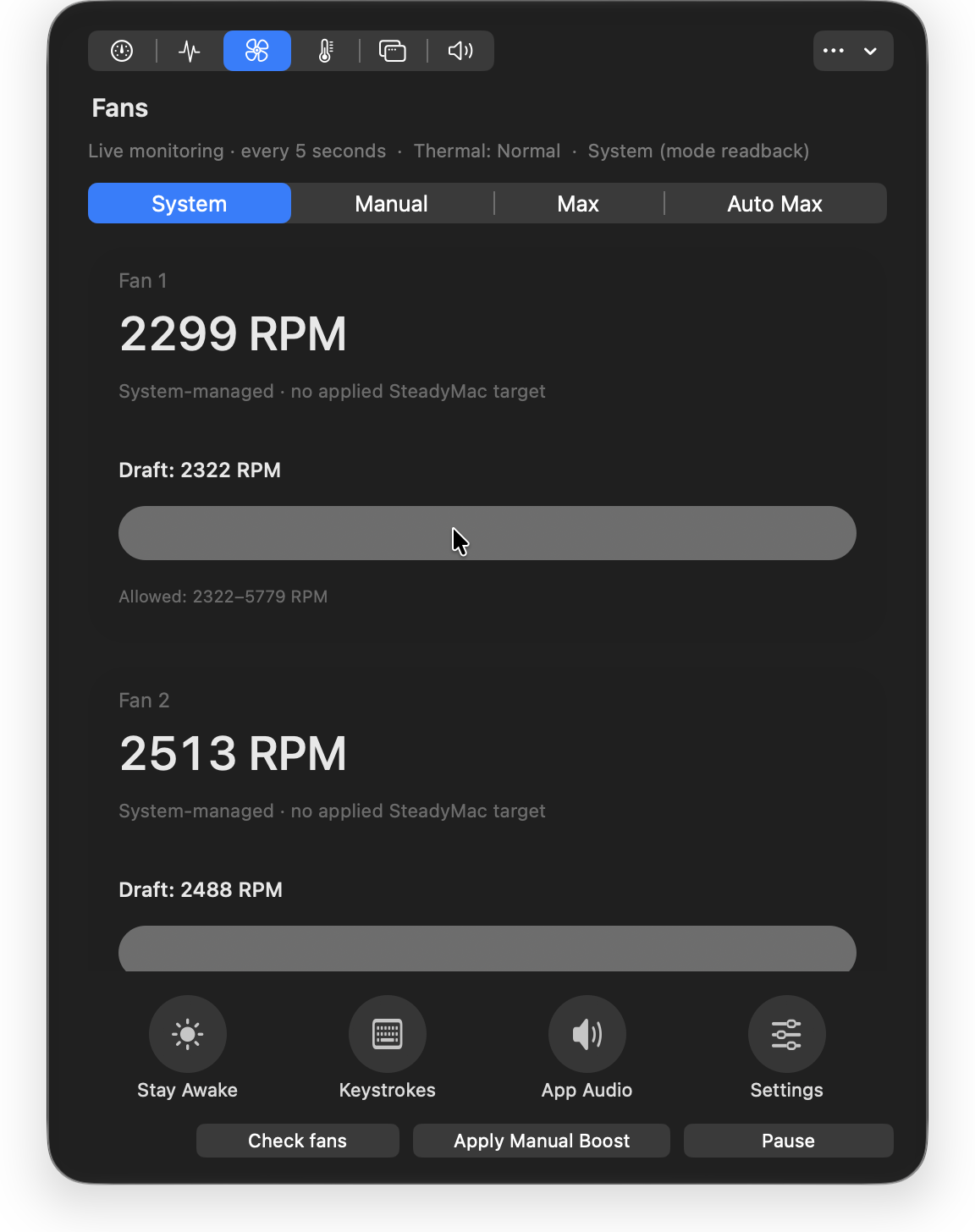
Fan readings and control modes. System-managed mode is selected in this capture.
View full size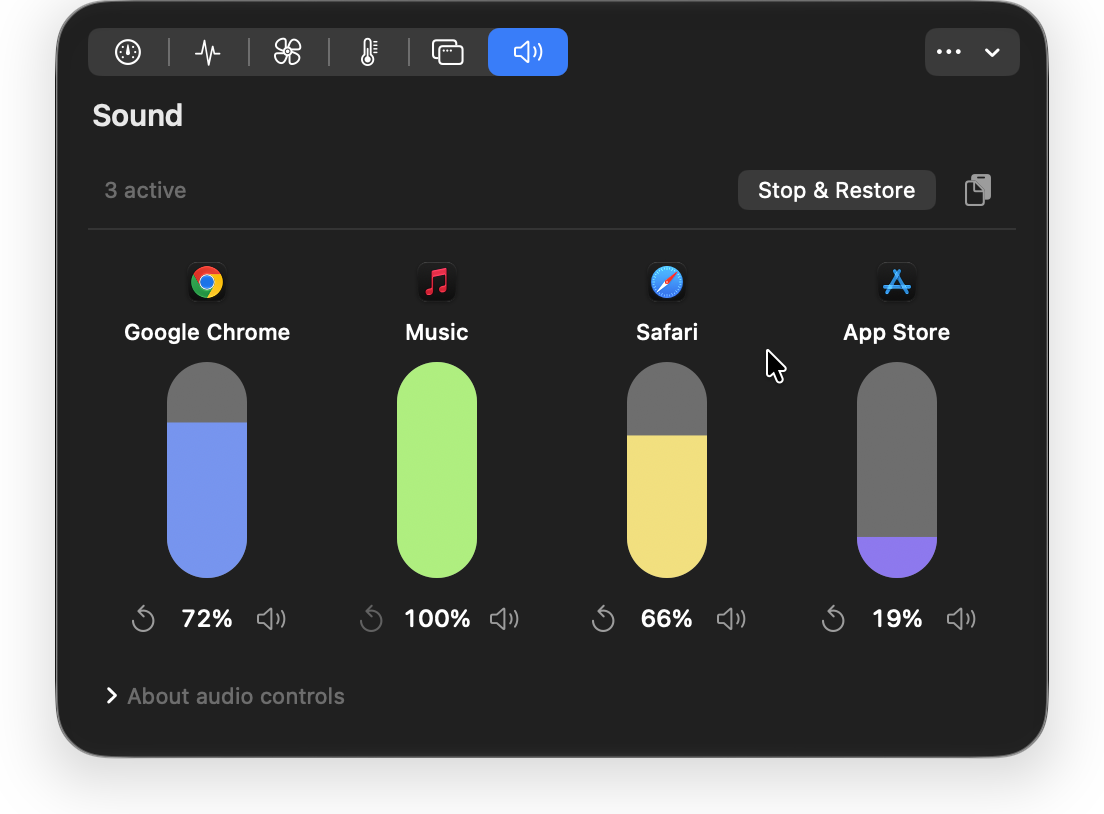
Separate volume controls for the apps playing audio. Requires macOS 14.2 or later.
View full size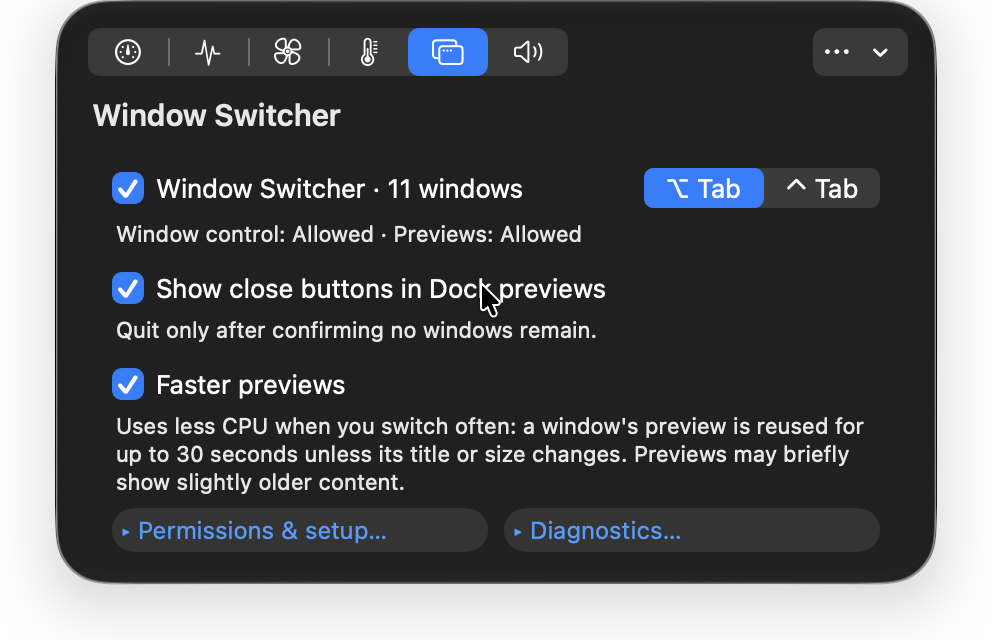
Window-switcher shortcuts, Dock-preview options and permission status.
View full sizeSwipe to explore
04 / Window switching & Dock previews
Switch between individual windows. Or take a peek from the Dock before you choose.
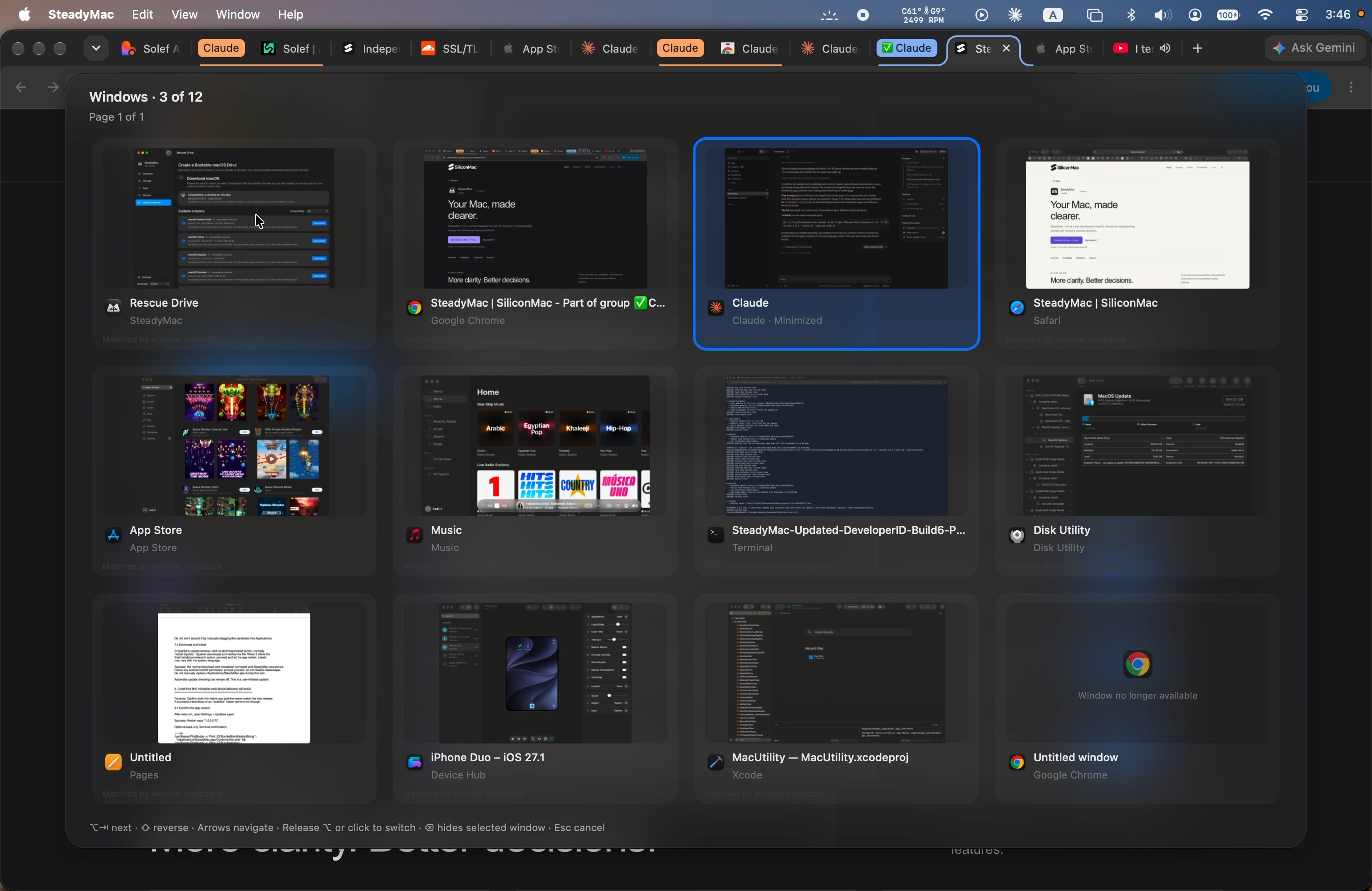
The selection moves between individual window previews in SteadyMac’s window switcher.
One download. Entirely free.
Check for signed updates from the app menu or Settings. You choose when to download and install.
These are planned capabilities, separate from the current release.
The planned storage view explains large and less obvious files, their owners and their purpose.
In developmentThe intended workflow puts explanations and a review step before a cleanup decision.
In developmentPlanned app inspection brings the app and its associated storage into one view.
In developmentAvailability
macOS 14.0 or later · Apple silicon / Intel
Version 1.0.9 is free. No purchase required.
Reviews
No reviews yet. Tried SteadyMac? Be the first to share what you think.
Good to know
Use the free DMG download on this page, or Check for Updates in SteadyMac 1.0 build 14 or later. Older builds require manual installation.
SteadyMac 1.0.9 supports macOS 14.0 or later on Apple silicon and Intel Macs. Per-app audio requires macOS 14.2 or later.
SteadyMac 1.0.9 is free. No purchase is required for this release.