

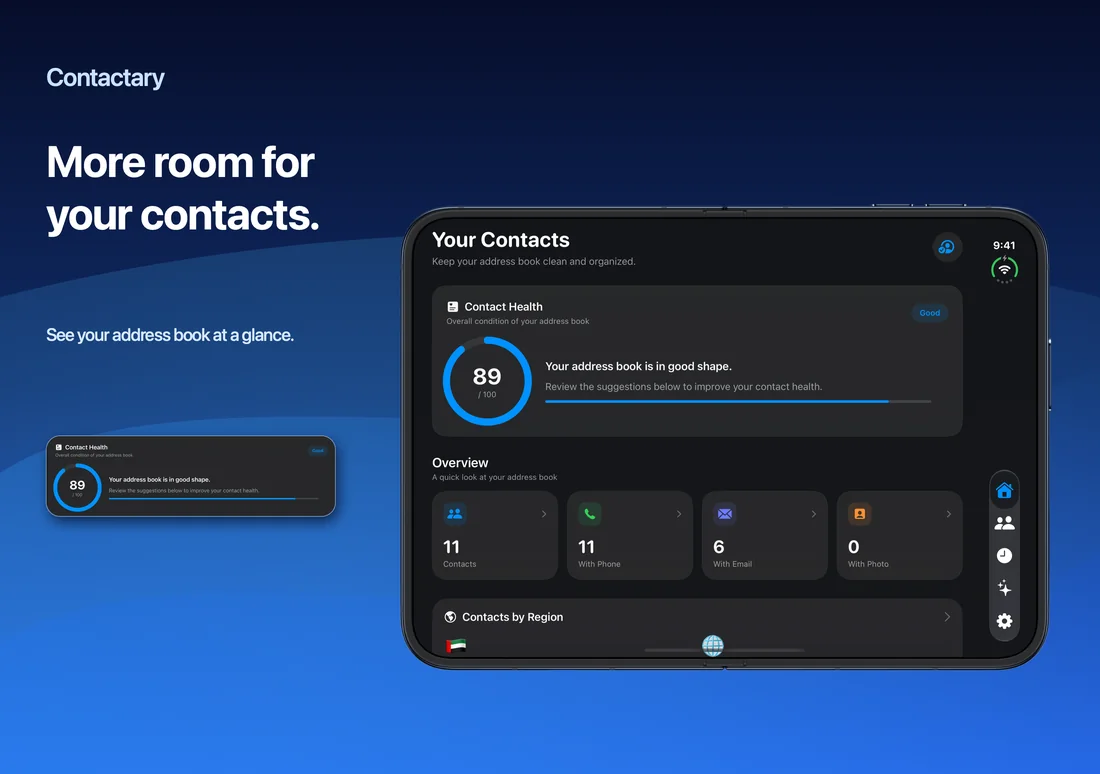
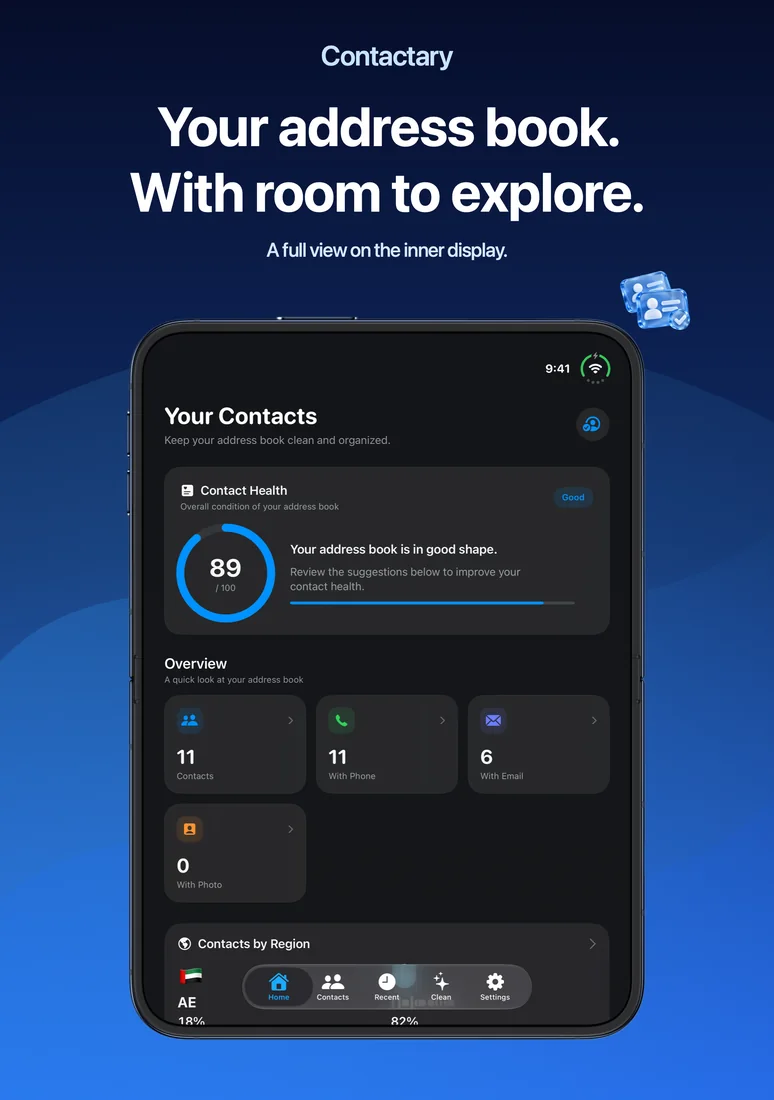
Bring your address book into focus. Contactary helps you understand your contacts, review what needs attention and make changes with confidence. It works with Apple Contacts on iPhone, iPad and Apple Vision Pro, with English and Arabic interfaces.
See your address book clearly
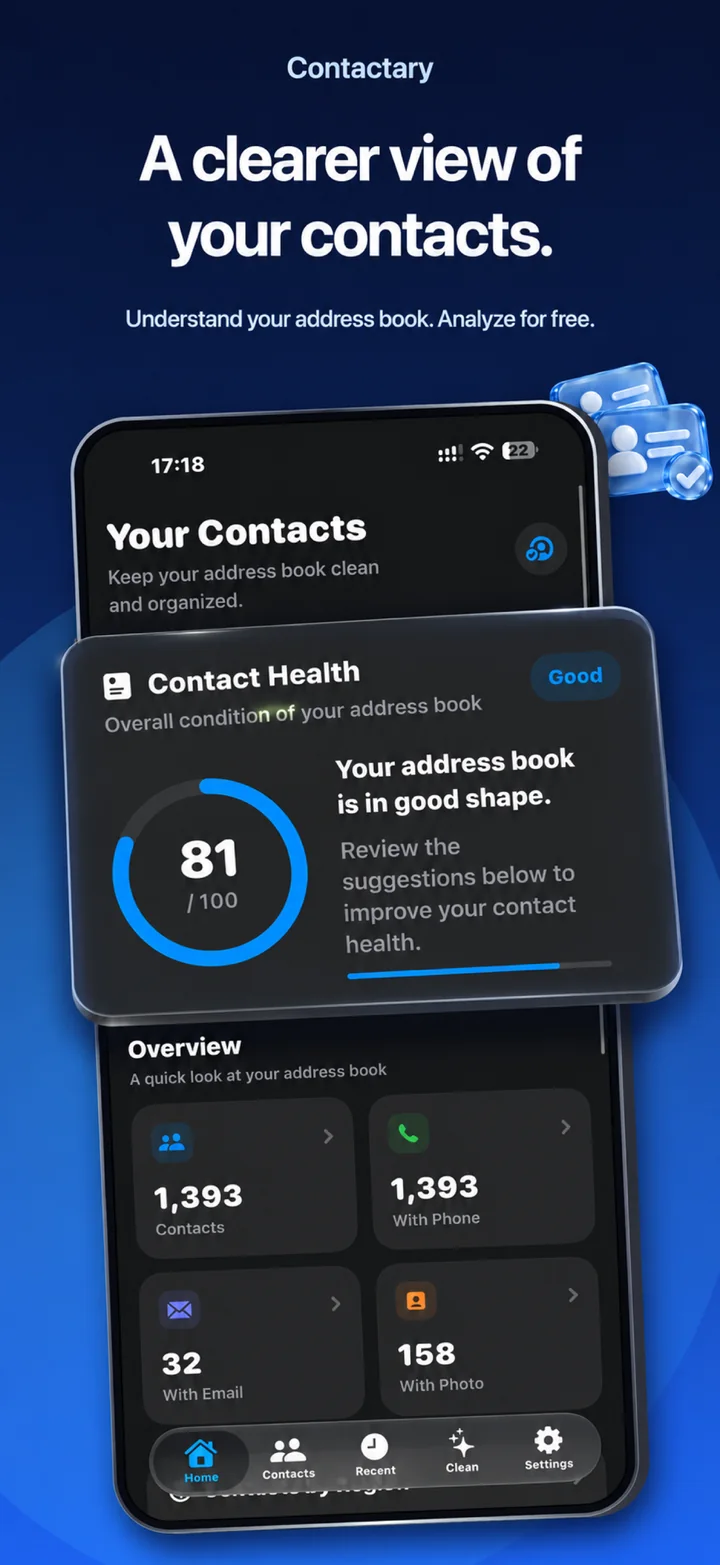
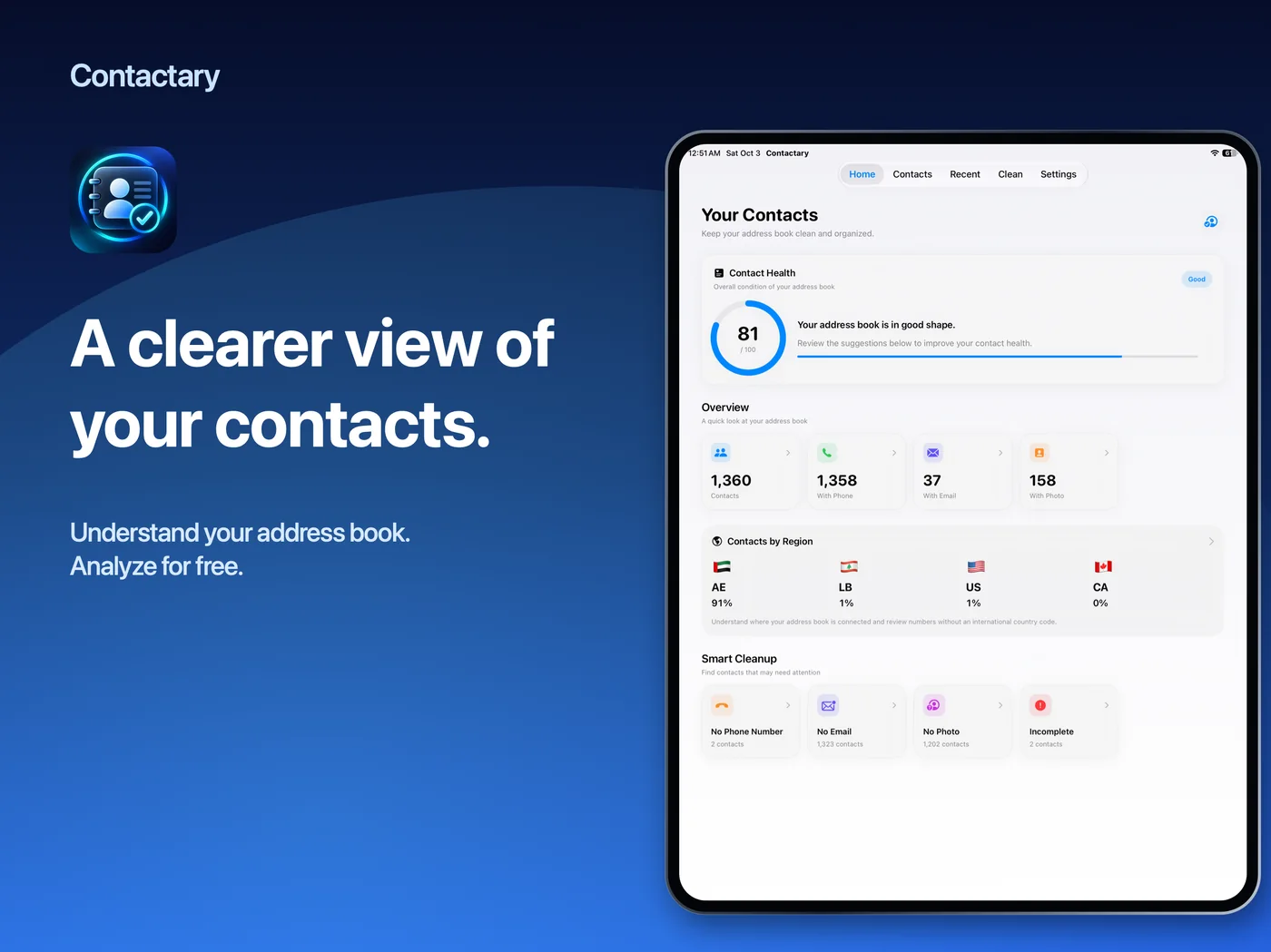
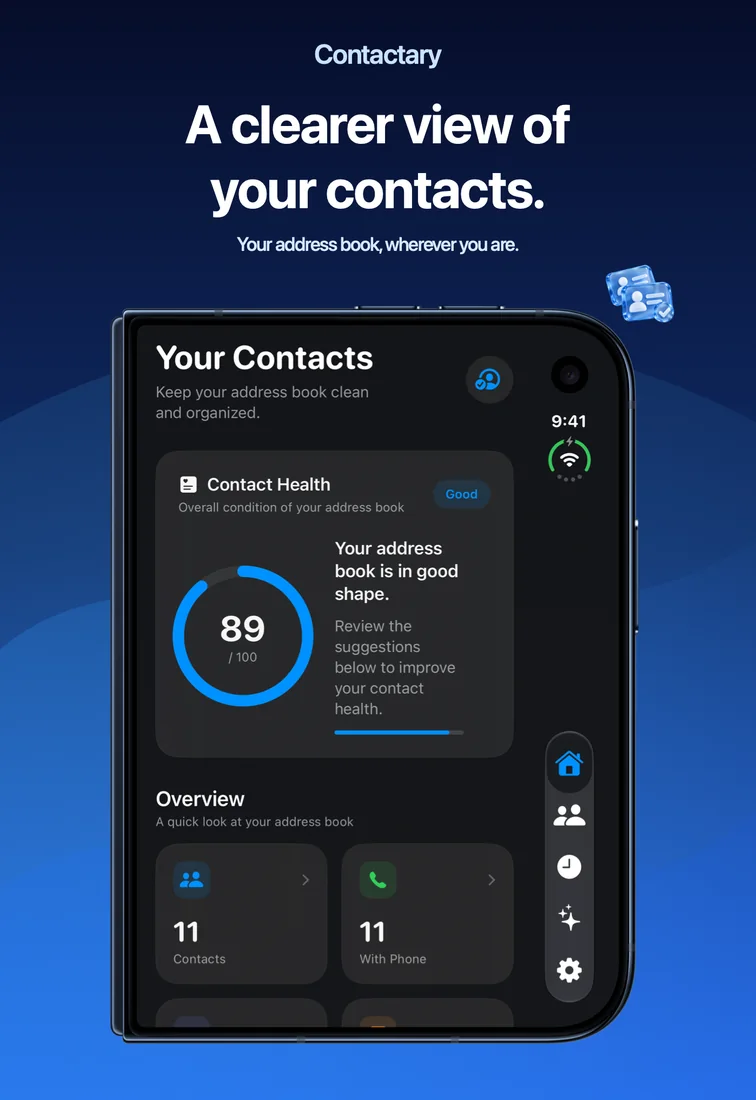
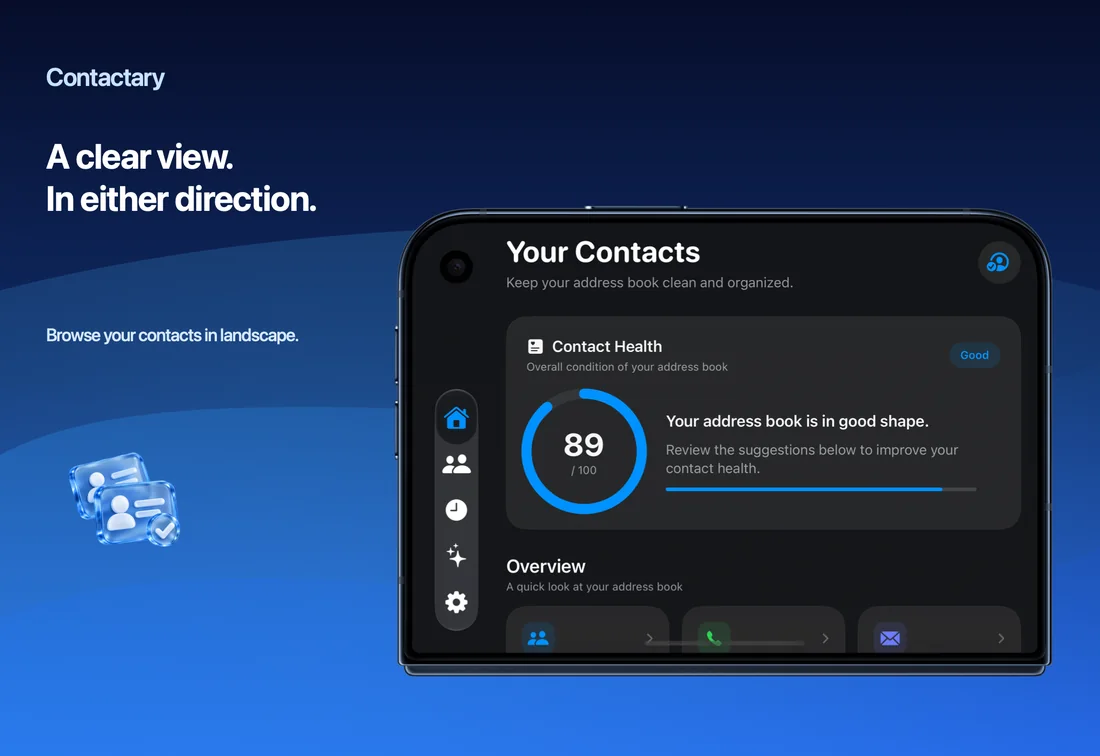
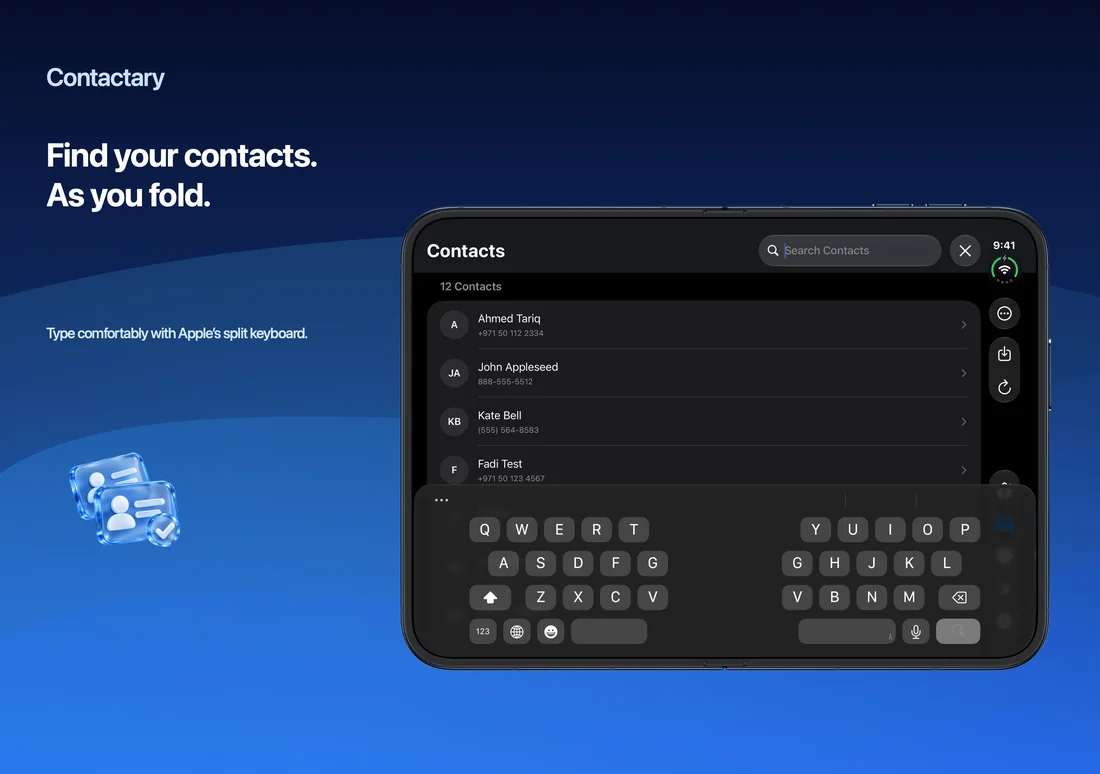
Start with a contact-health overview and useful counts: contacts with phone numbers, email addresses and photos. Browse, search and filter your contacts, then open a contact to see its available details. Contactary turns a long list into a clearer picture without requiring a separate Contactary account.
Find the records worth reviewing
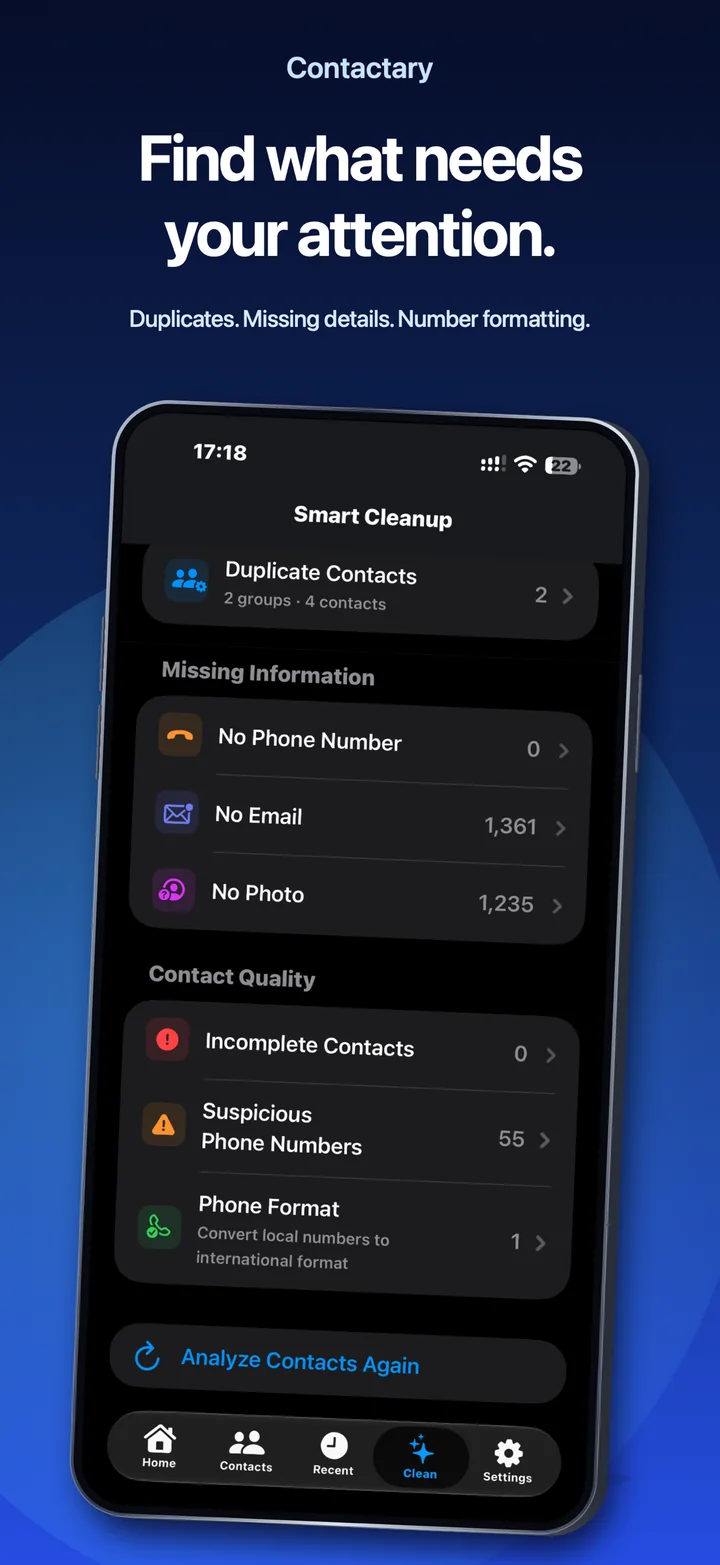
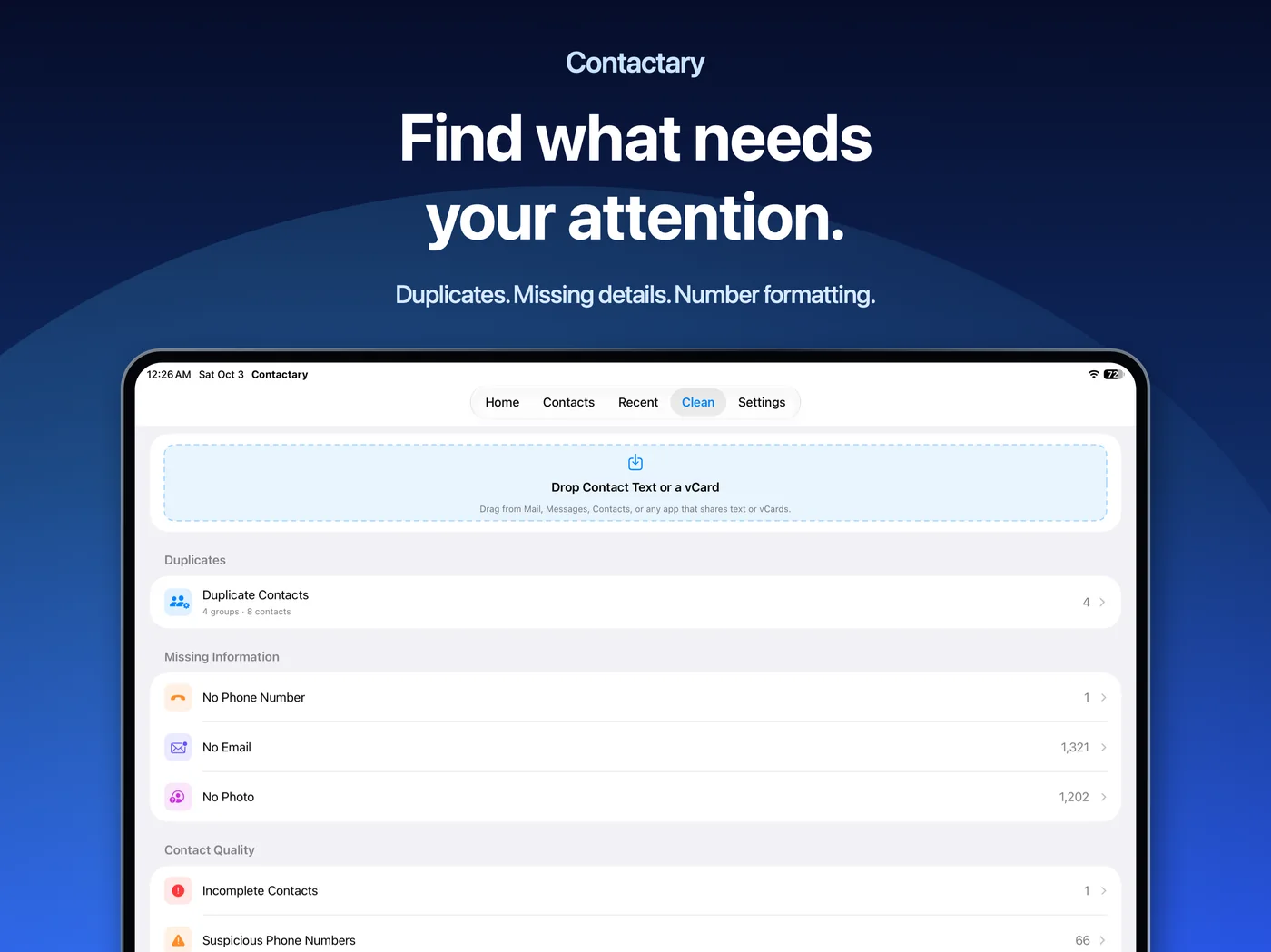
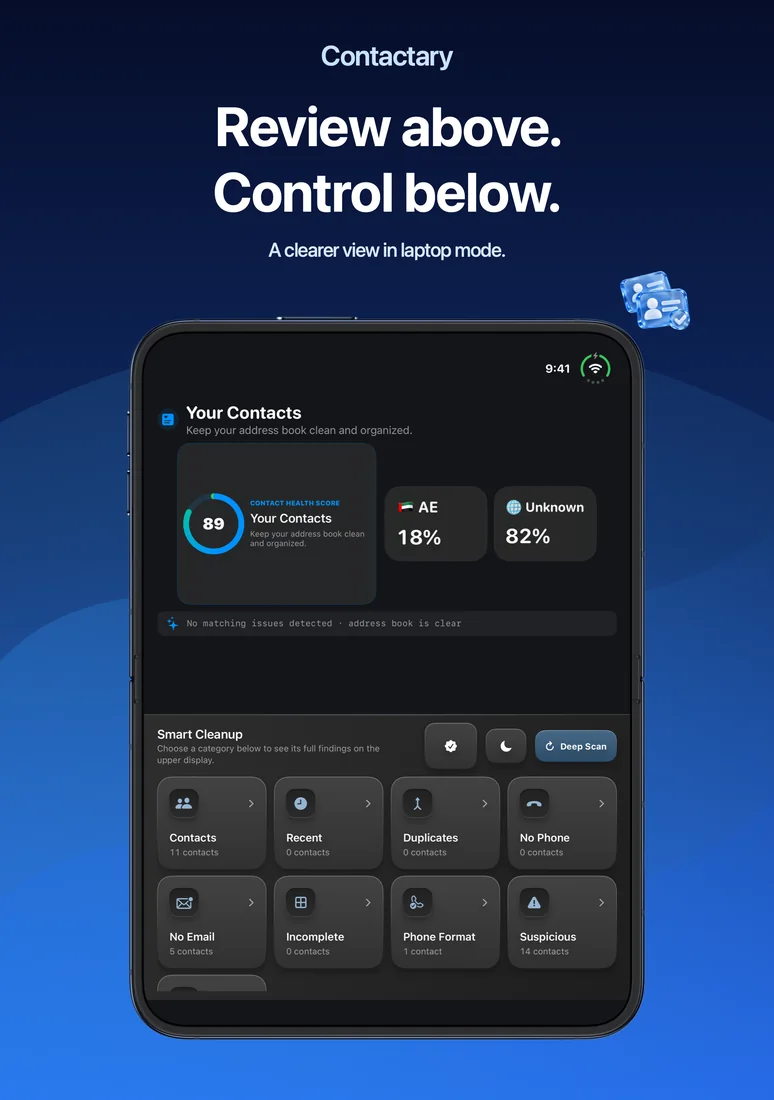
Review possible duplicate contacts, repeated phone numbers or email addresses, incomplete records and entries that may need attention. Keep meaningful information, merge reviewed duplicates and remove selected records when you choose. Suggestions help you decide; they are not proof of identity or accuracy.
Make phone numbers easier to use
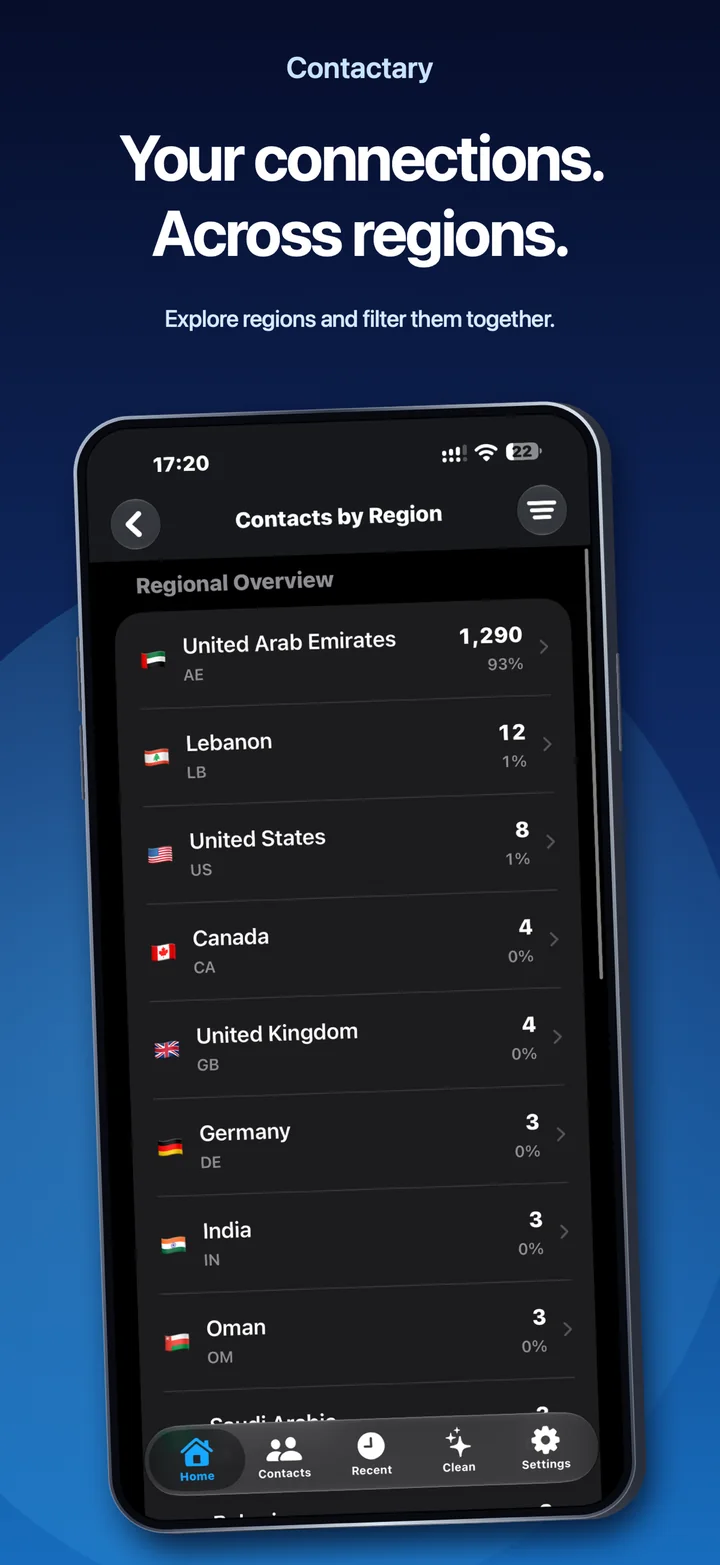
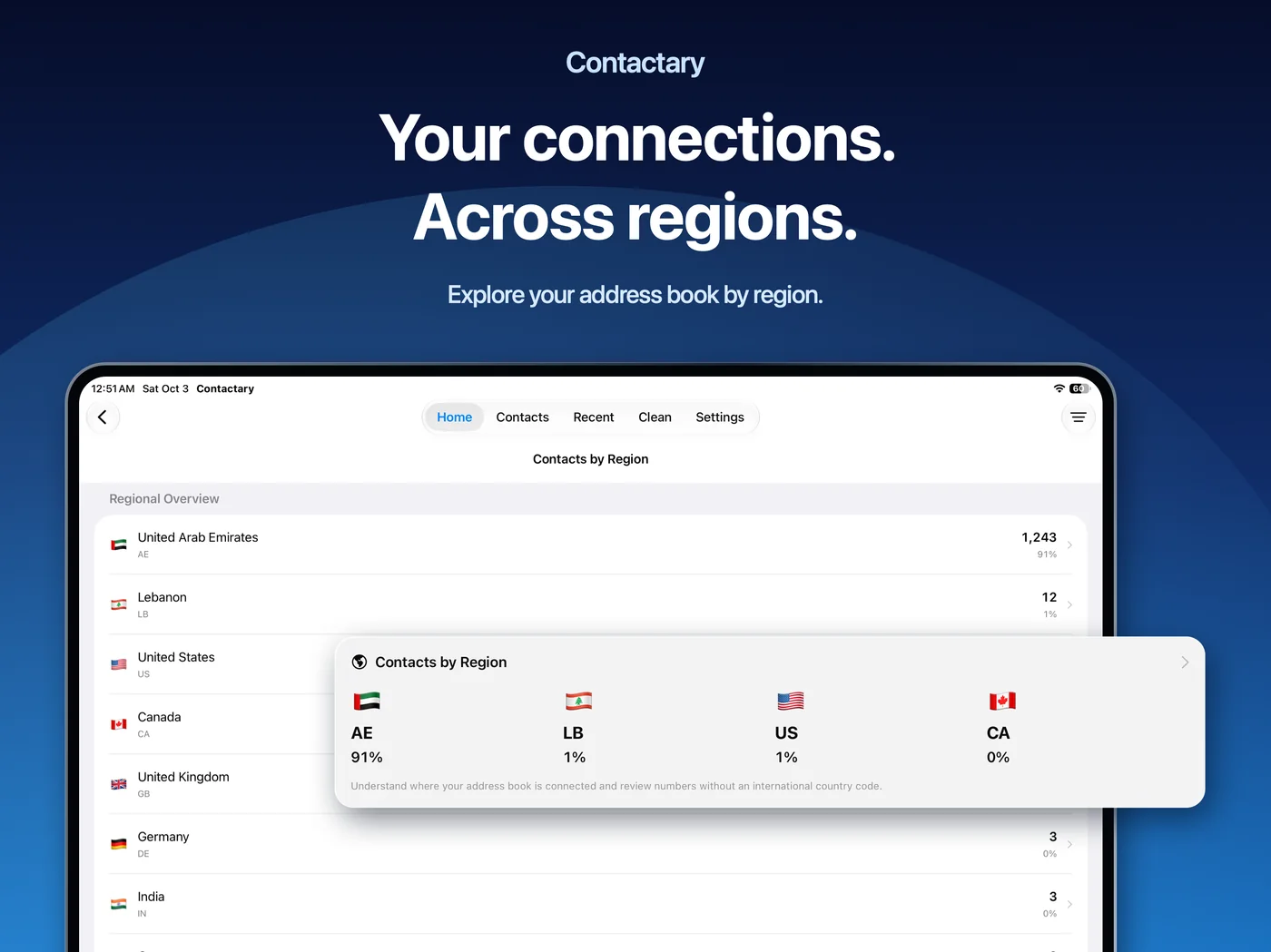
Review international-format suggestions and country-code repairs. Set the default phone-number region to interpret local numbers more appropriately. Contacts by Region shows how your address book is distributed by dialing region, including numbers whose region cannot be confidently identified. It does not track people’s physical locations.
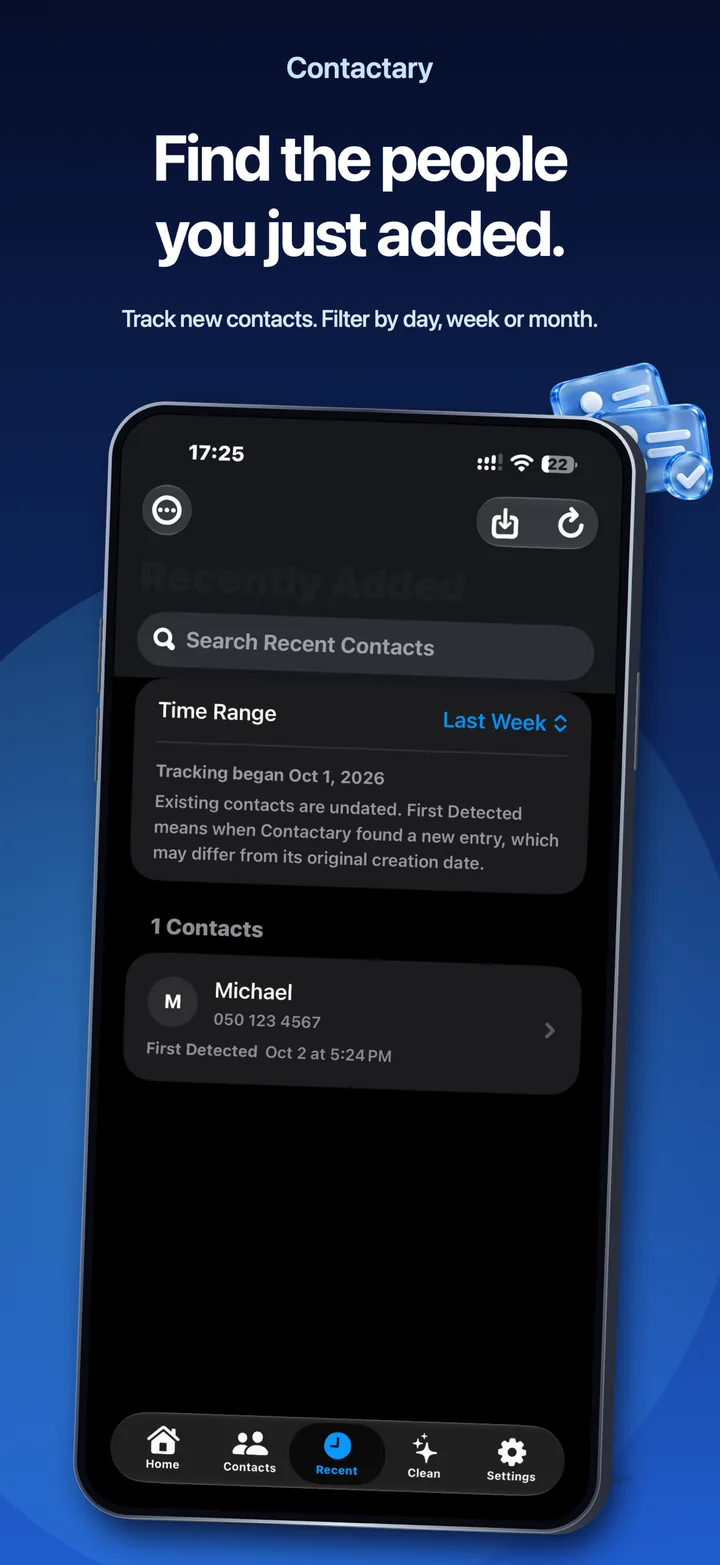
Keep track of newly detected contacts
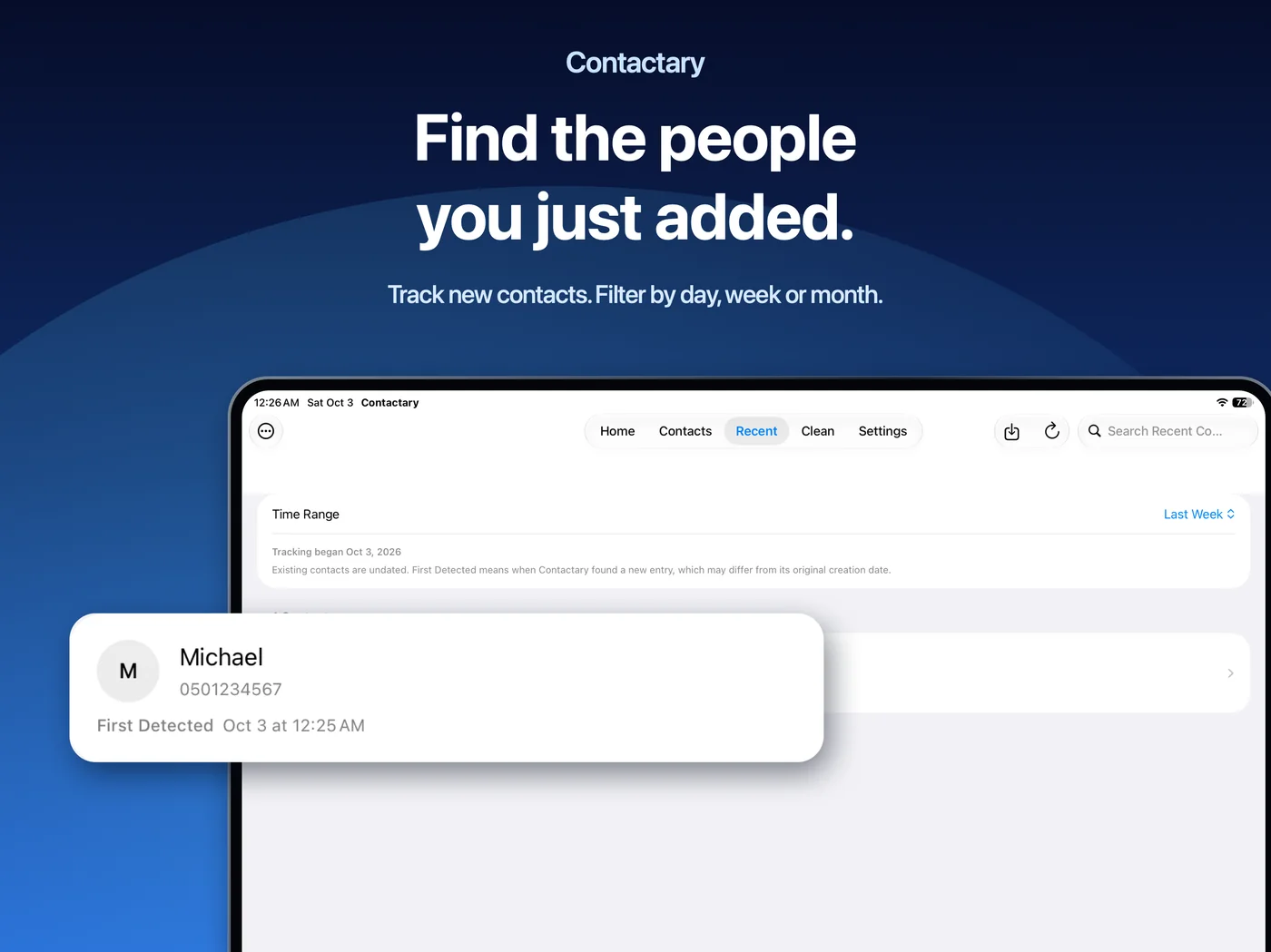
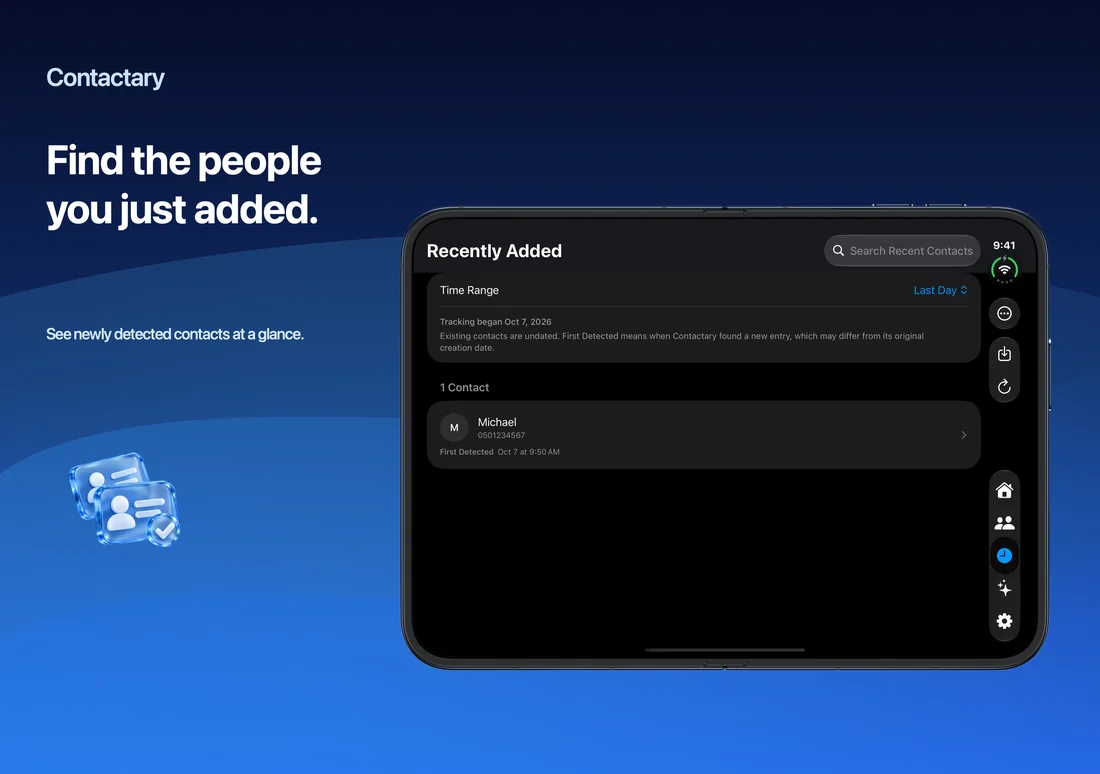
Use Recently Added to find additions recorded by Contactary and choose a useful time range. First Detected tells you when Contactary noticed an entry after tracking began; it does not claim to reveal a contact’s original creation date. Existing contacts remain undated unless Contactary has a recorded addition event.
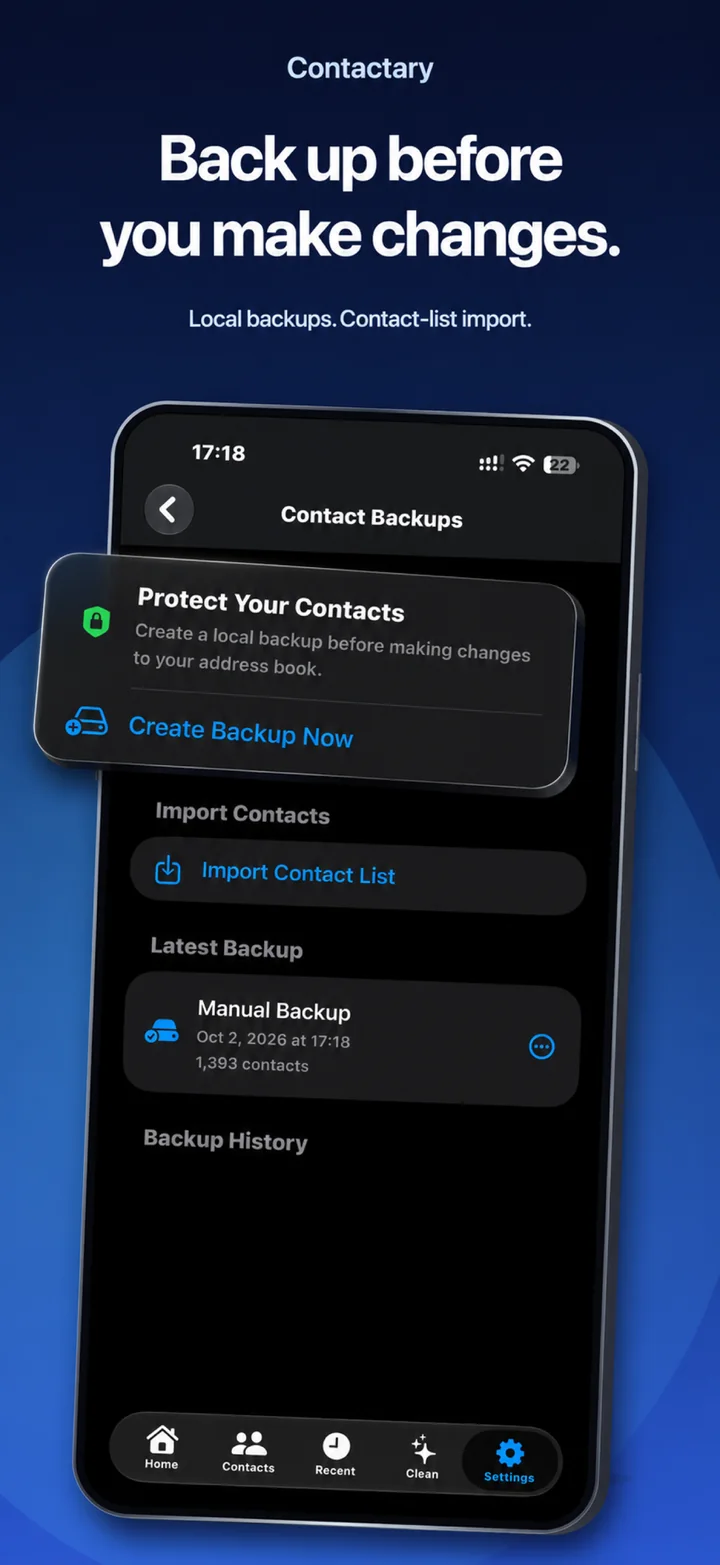
Back up before making changes
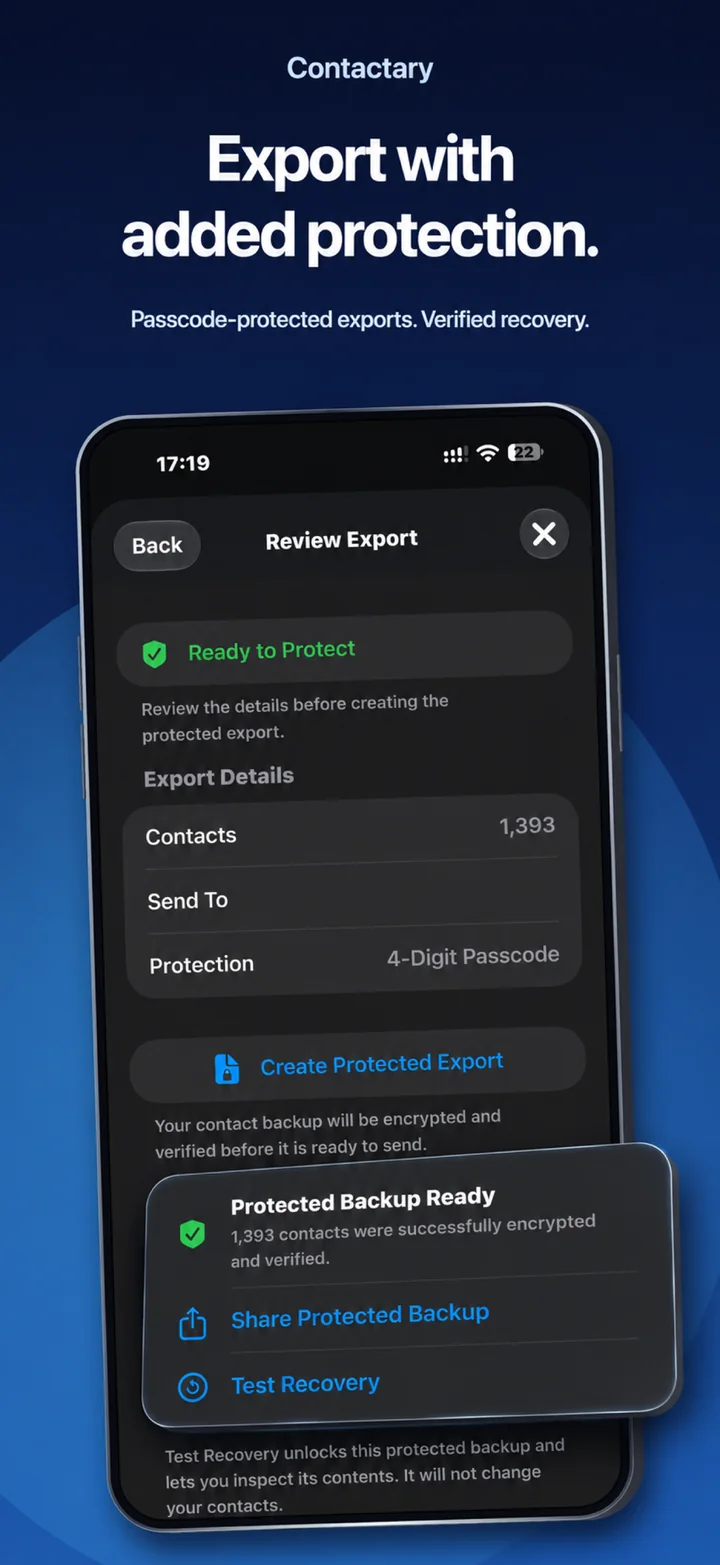
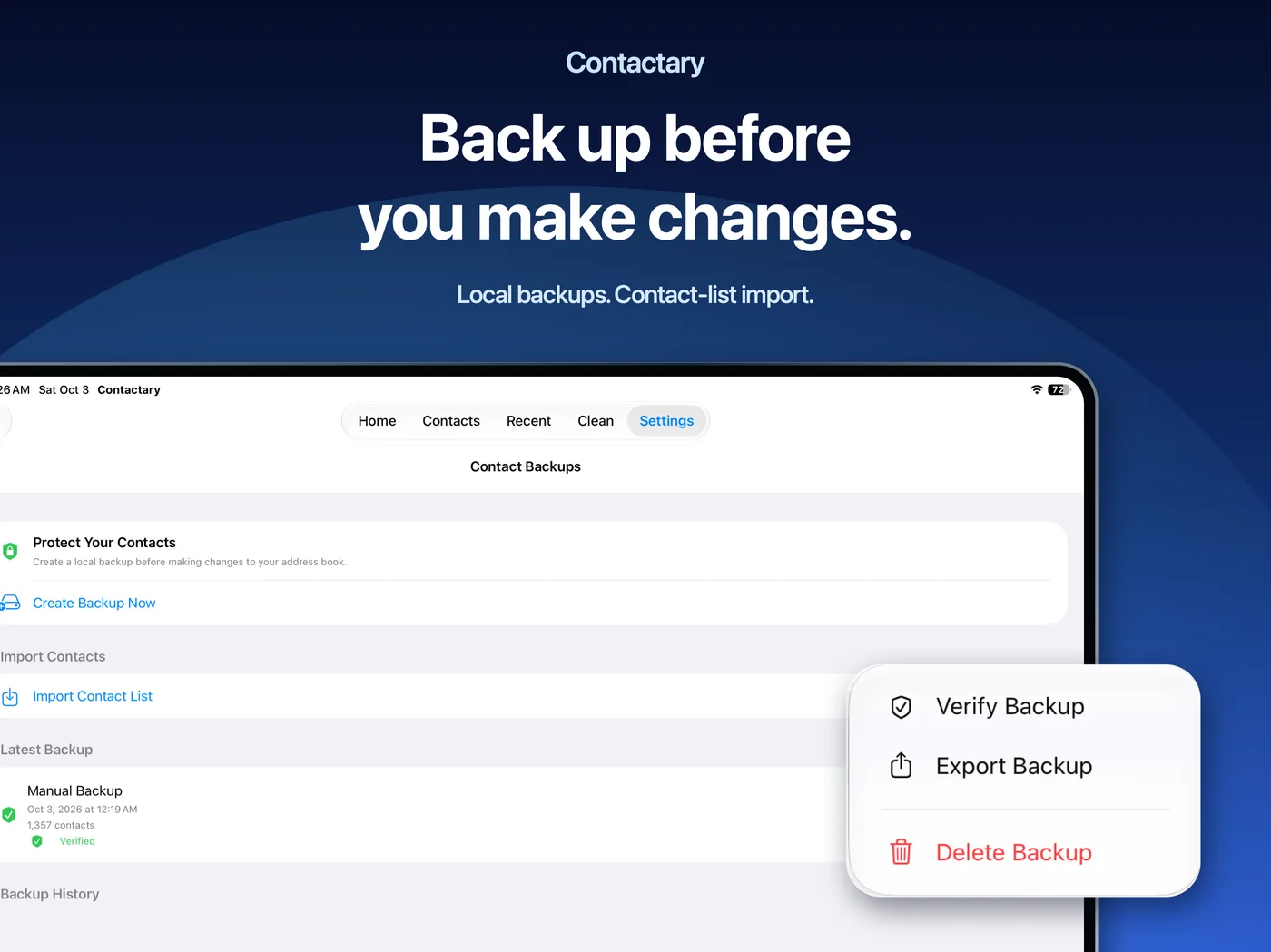
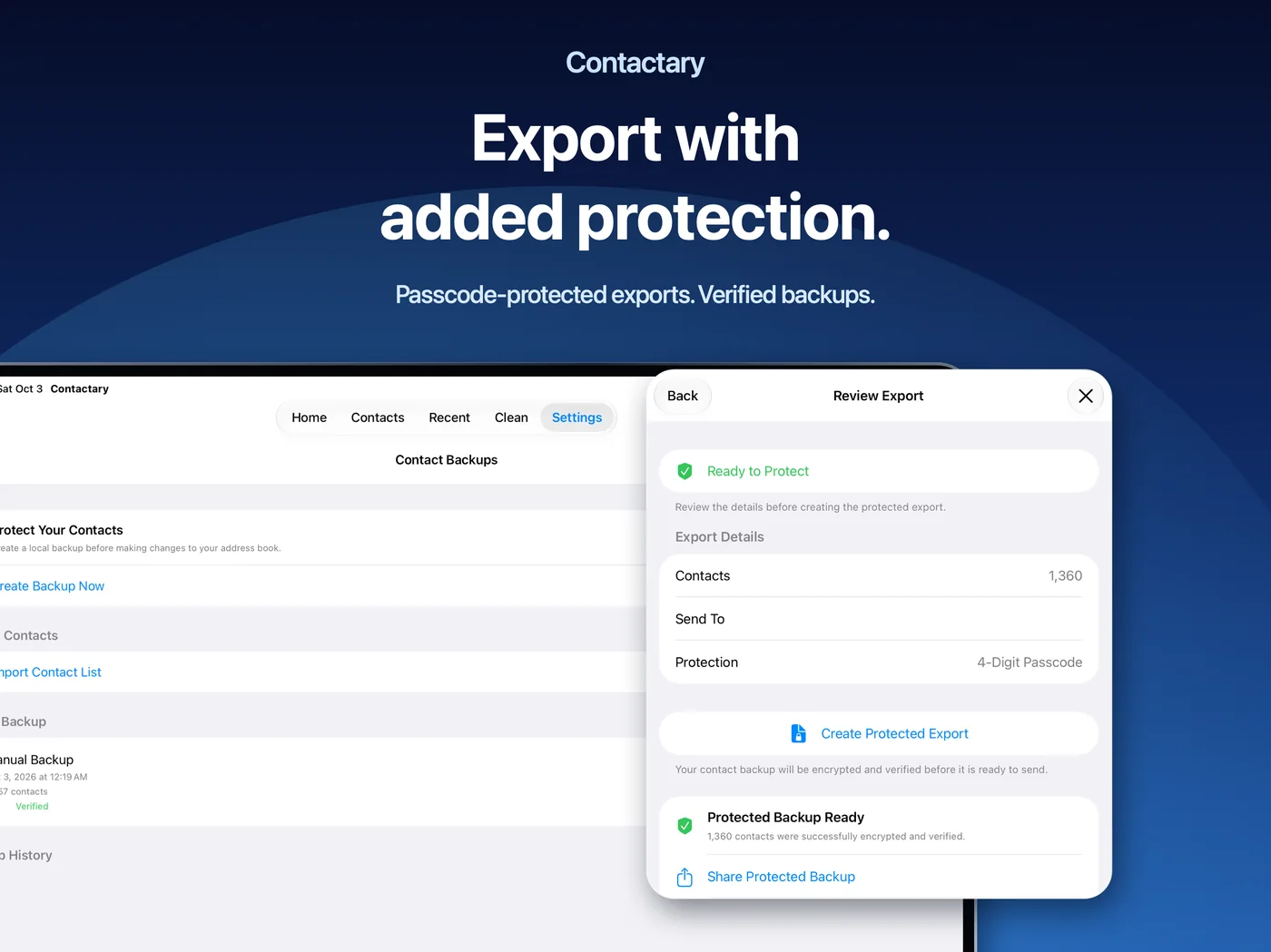
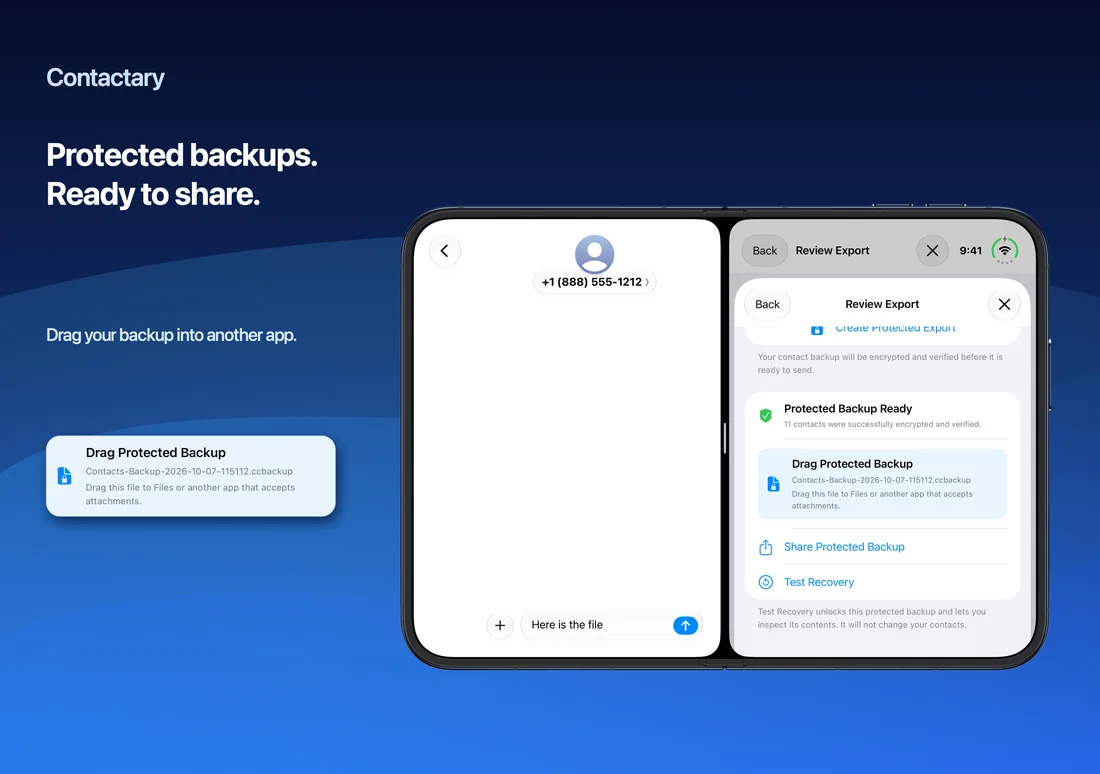
Create local vCard snapshots, review backup history and verify saved files. Create a protected export when you want to save or share an encrypted backup, with a four-digit passcode and an optional email recipient. Test recovery to preview the exported contacts without changing your address book.
Local vCard backups are unencrypted. Protected exports are separate encrypted files, and their four-digit passcodes offer limited protection against guessing. Keep backup files private and store the passcode separately.
Bring contacts into your address book
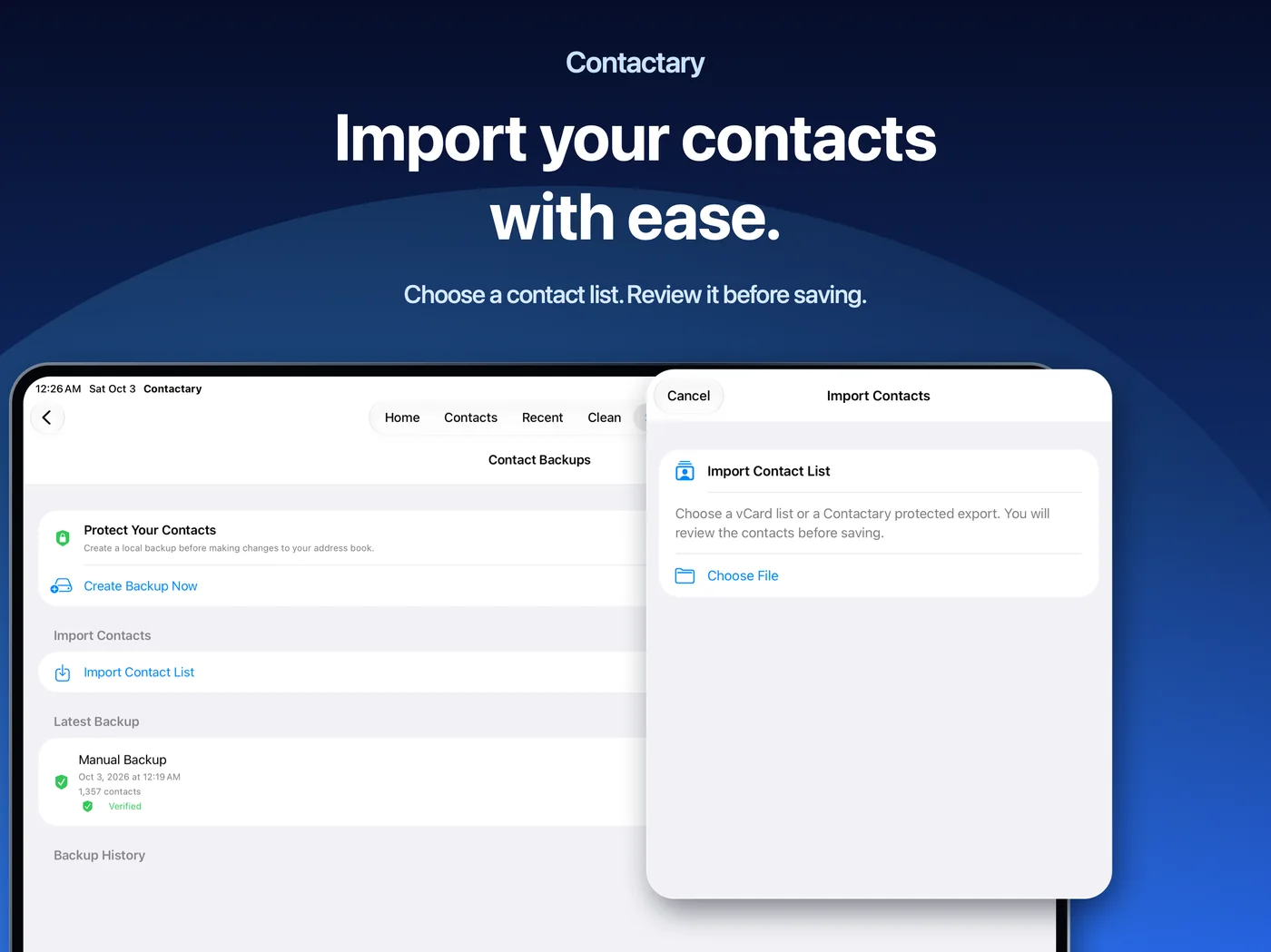
Import a vCard contact list or a Contactary protected export, review the records and confirm before saving them to Apple Contacts. Import adds contacts rather than replacing your current address book. On supported devices, you can also drag compatible contact text or vCards from another app for review.
Privacy built into the workflow
Contact analysis runs on your device. Contactary does not upload your address book to the developer, sell contact data, display advertising or include an app analytics service. You choose when to grant Contacts access and which files to import or share. Apple Contacts sync, device backups and services you choose for sharing follow their own settings and privacy practices.
Free to explore, one purchase to take action
Browsing, searching, filtering and contact analysis are free. A single in-app purchase unlocks merging, deletion, number corrections, importing, exporting and backup actions. There is no recurring subscription. See the current price in the app before purchase; Apple processes payment and verifies access. Restore Purchases helps recover an eligible unlock using the Apple Account that purchased it.
Designed for your Apple devices
Use an interface suited to iPhone and iPad, and native Apple navigation and selection controls on Apple Vision Pro. English and Arabic support includes right-to-left layouts. Choose a light, dark or system appearance, and explore a smooth welcome tour that respects Reduce Motion. The App Store listing shows device compatibility and operating-system requirements.
Stay in control
Review before merging, deleting or changing phone numbers. Make a backup before bulk changes. Contactary writes confirmed changes to Apple Contacts, where your account settings may sync them to other devices. No health score can guarantee that every contact is correct or that every suggested change is suitable.
Get Contactary and get help
Find Contactary in the App Store on your supported device. The listing shows current availability and compatibility, and the in-app purchase screen shows the unlock price for your region.
Contactary is developed and operated by Fadi Halik. For help or feedback in English or Arabic, email support@siliconmac.com.